Caseware Extractly
Solution de vérification intelligente et de rapprochement dans Excel pour l'extraction et la mise en correspondance automatisées des données.

Avantages clés

Extraction automatisée
Téléverser en lot les factures et les relevés bancaires, puis extraire automatiquement les champs dans des classeurs Excel prêts pour les tests.
Examen rationalisé
Donner aux gestionnaires des liens clairs entre les détails des échantillonnages et les documents justificatifs, afin d'accélérer la fermeture des notes close et de réduire les allers-retours.
Classeurs stables
Déchargez votre ordinateur portable du traitement intensif de documents afin que les classeurs restent réactifs même pendant la période de pointe.
Extensiond e la couverture de tests
Augmentez la couverture de l'échantillon sans heures supplémentaires afin de renforcer vos conclusions sans dépasser votre budget.
Aperçu du produit
Transformez les éléments probants au format PDF et image en données de test prêtes à être utilisées dans Excel. Extrayez des champs, des tableaux propres et vérifiez les échantillons avec les documents justificatifs grâce au traitement et au stockage dans le nuage, en conservant la rapidité d'exécution d'Excel et en éliminant les tâches manuelles fastidieuses pour les équipes d'audit.
Fonctionnalités
Glissez-déposez et organisez des documents à partir d'une barre latérale dans Excel. Téléversez des fichiers vers un espace de stockage dans le nuage et utilisez la recherche par mot-clé pour trouver des factures ou des relevés dans des dossiers volumineux.
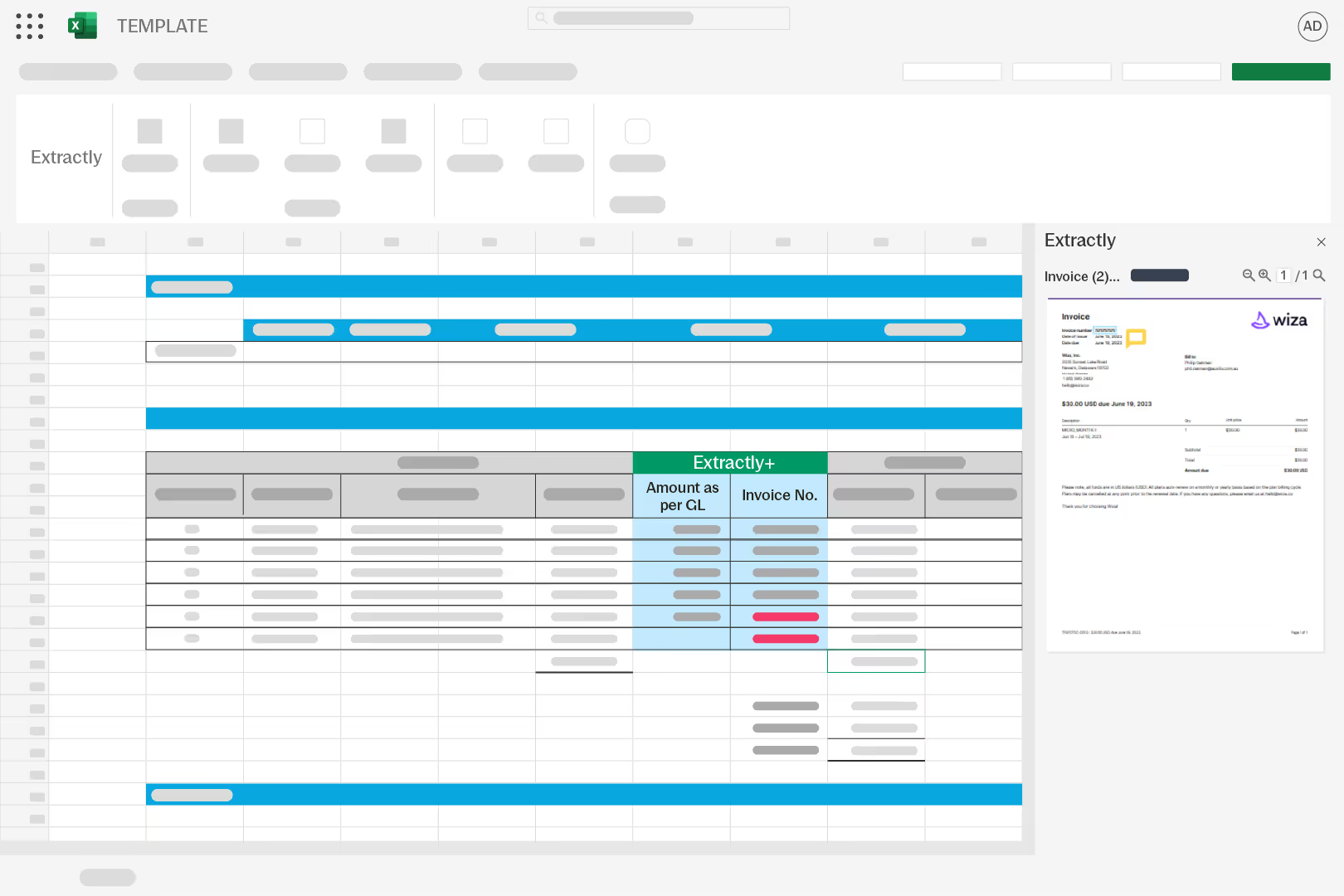
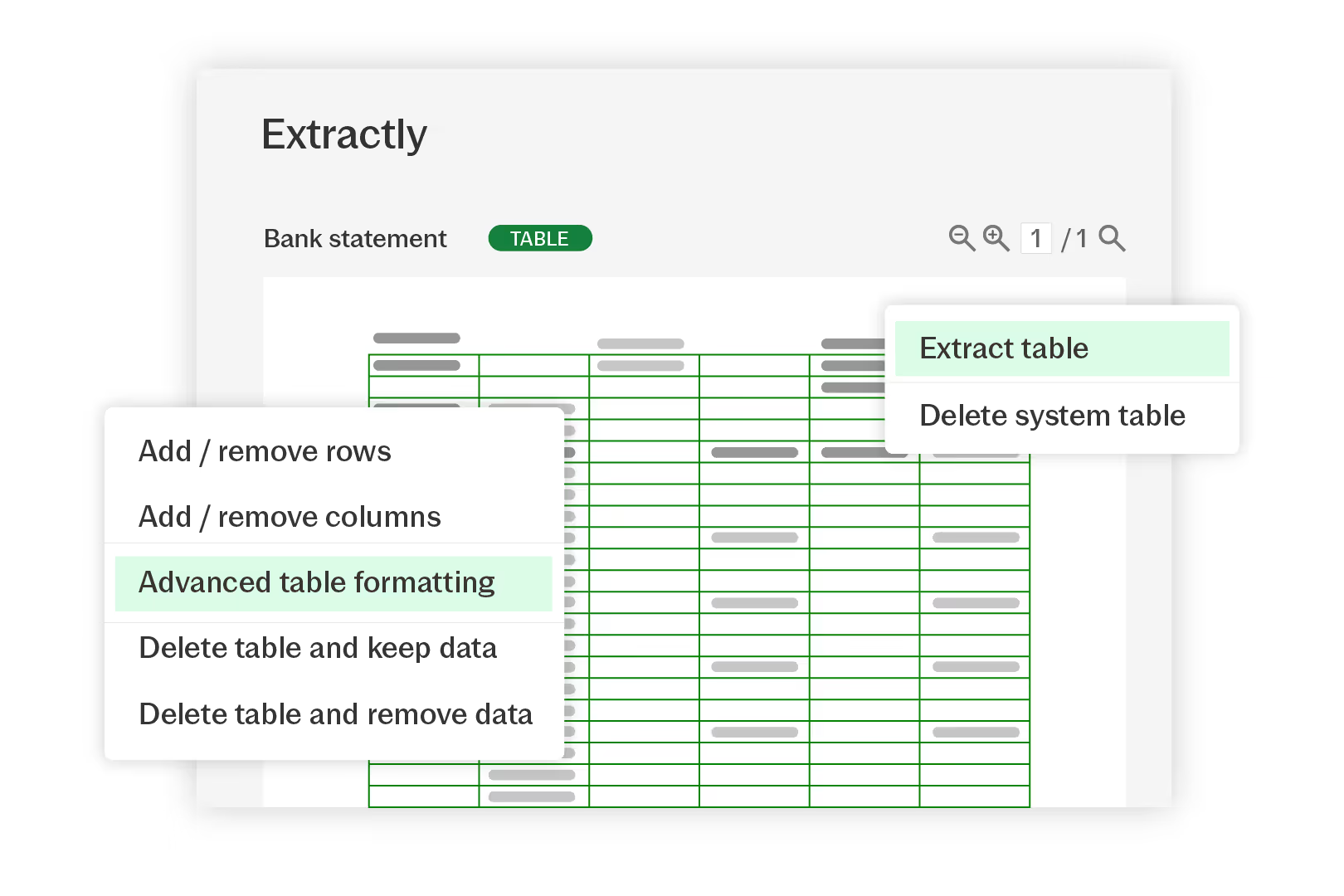
Utilisez la technologie OCR pour capturer des valeurs imprimées ou manuscrites, puis insérez des champs ou des tableaux dans votre feuille de calcul. Corrigez le texte encapsulé, ajoutez des lignes ou des colonnes et réutilisez les mises en page enregistrées.
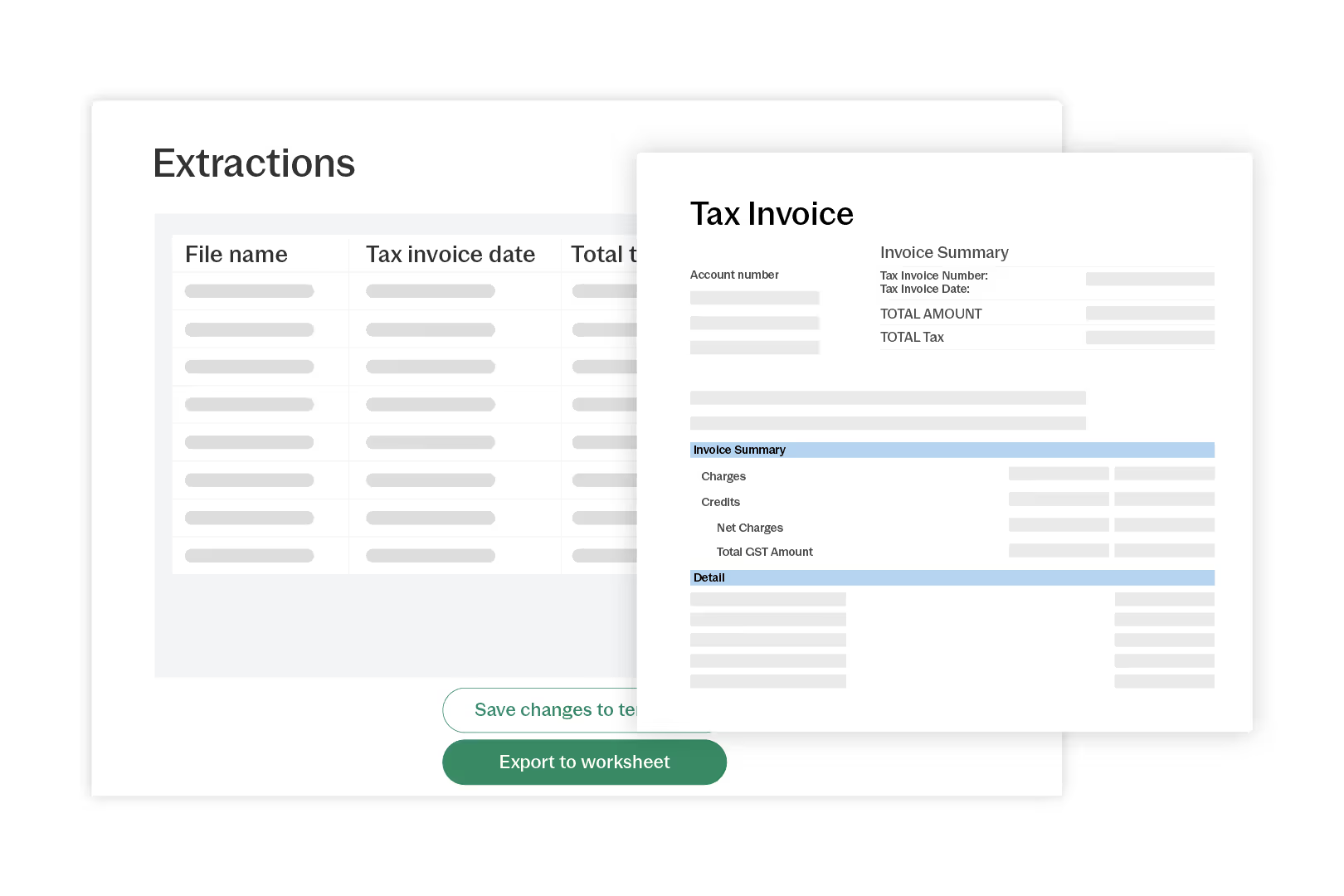
Sélectionnez les champs de votre échantillon, choisissez les dossiers à rechercher, puis Extractly vérifie chaque transaction dans un document. Examinez rapidement les écarts et accédez à la source en un seul clic.
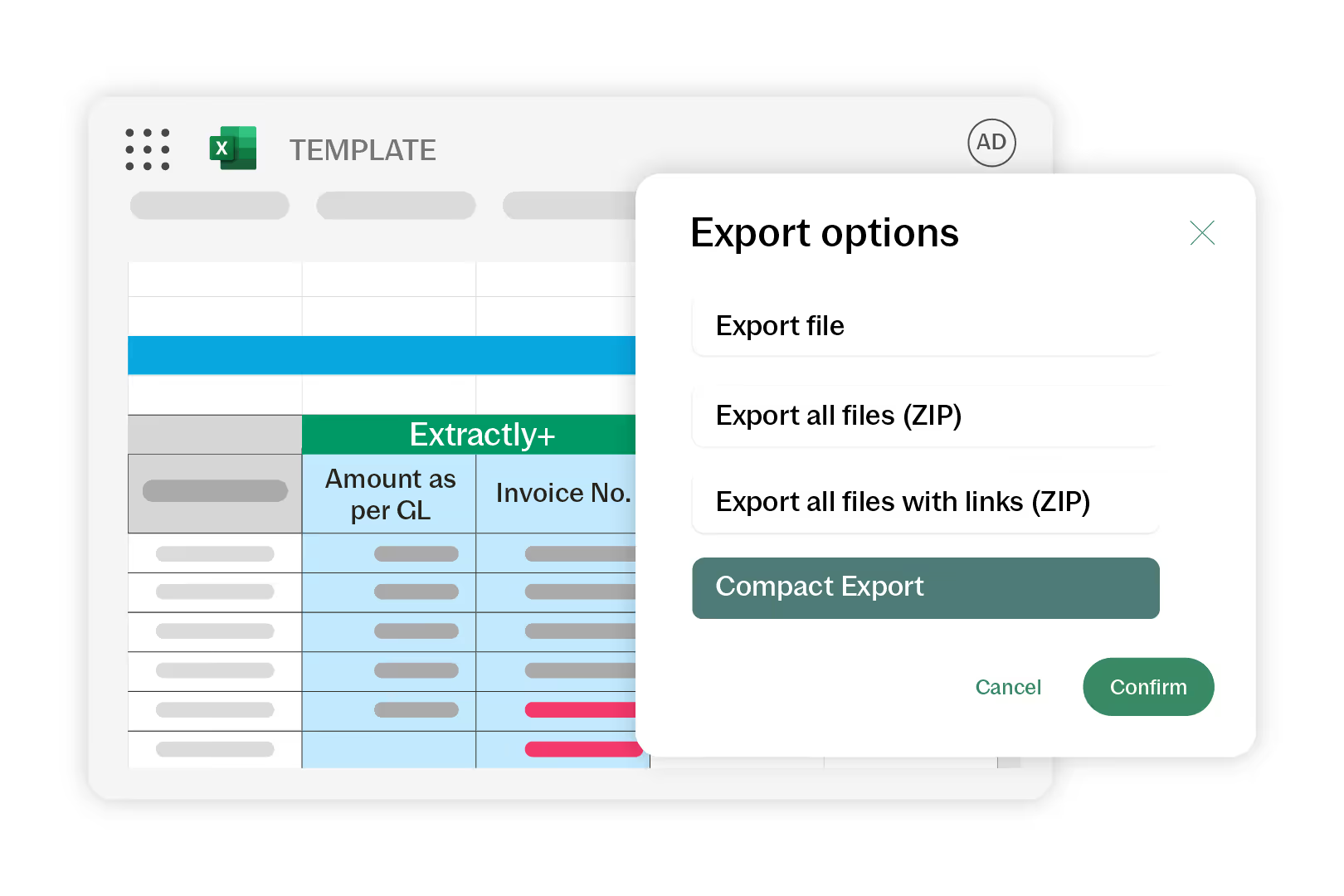
Ajoutez des commentaires et des indicateurs de divergence aux éléments probants, puis exportez un seul fichier PDF contenant des liens vers chaque source afin que les réviseurs puissent retrouver les justificatifs en quelques secondes et conserver une trace claire.
Comment commencer
- Upload
Téléversez les documents dans les dossiers en nuage. - Extraire
Extrayez les champs ou les tableaux dans des classeurs. - Vérifier
Vérifiez rapidement les échantillons et signalez les incohérences. - Réviser
Révisez en collaboration avec des documents liés. - Exporter
Exportez les éléments probants liés aux fins d'approbation.
Ressources supplémentaires