Get hours back on every engagement with Caseware Verity
Built in, not bolted on. Caseware Verity cuts audit data prep and reconciliation time by 74%, so your team can focus on judgment and review.

Key Benefits

Find Answers Faster
Stop leaving the engagement to search for standards. Caseware Verity surfaces answers in context, so work keeps moving forward.
Free Senior Capacity
Junior staff get answers without pinging a manager. Senior hours stay focused on reviews and decisions that need real judgment.
Quality at Scale
Every team draws on the same standards and guidance. Fewer interpretation gaps, more reliable work across all engagements.
Faster Staff Onboarding
New staff get methodology answers in context, without waiting on a manager. Ramp faster with guidance grounded in the engagement.
Product Overview
Caseware Verity Engagement Intelligence is built directly into Caseware Cloud, giving your team on-demand guidance grounded in professional standards, firm methodology and the full context of the engagement you’re actually working on.
Features
Caseware Verity draws on your client profile, identified risks, uploaded documents and financials to tailor every response to your engagement.

Every response shows which standards, firm guidance, or engagement factors informed it. Click through to verify before acting.
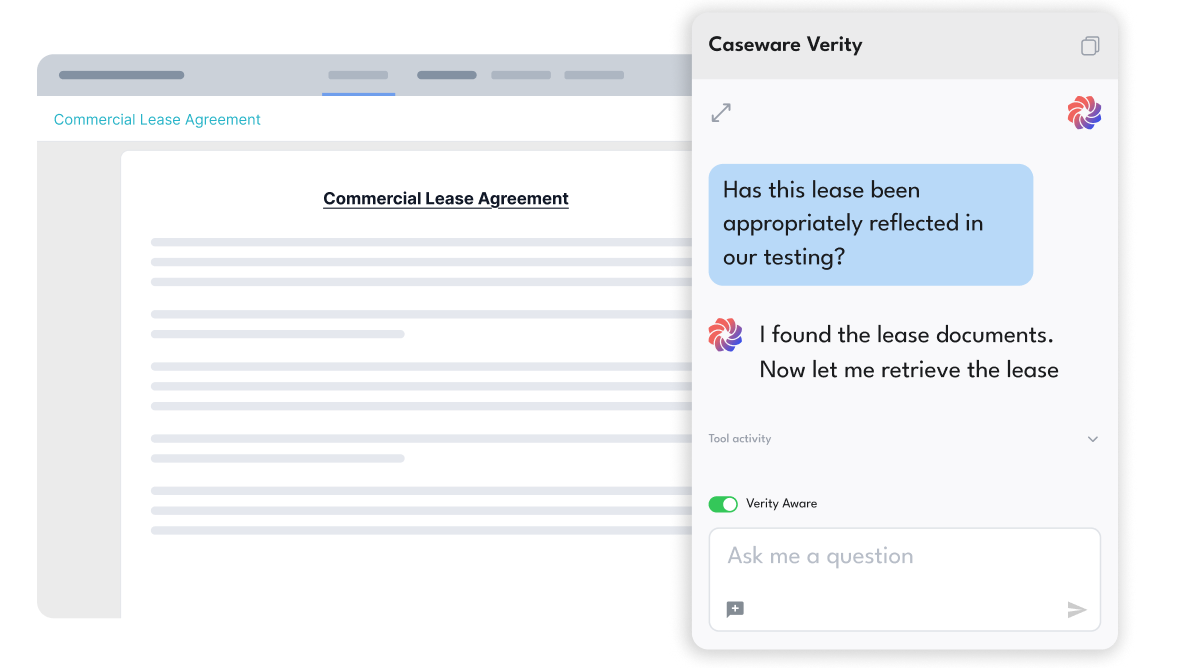
Upload your methodology documents and Caseware Verity applies firm-specific guidance alongside authoritative standards, distinguishing between them.

Caseware Verity operates within firm permissions inside Caseware Cloud. No separate tools, shadow workflows, or governance gaps introduced.
How to Get Started
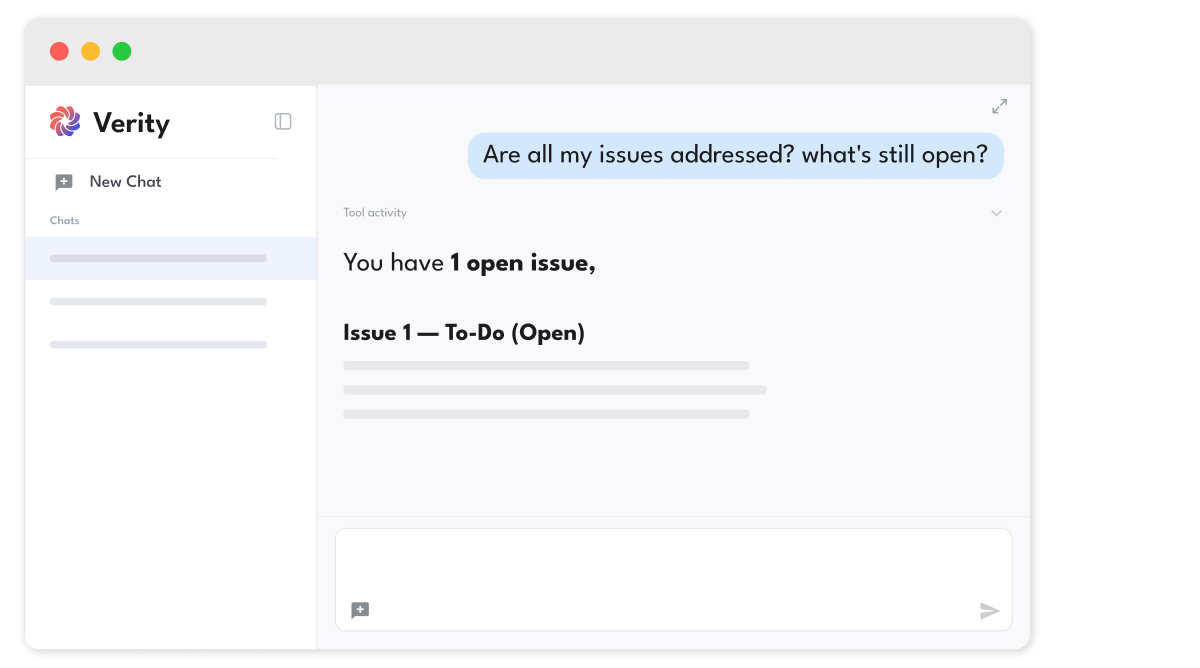
- Ask Caseware Verity
Open Caseware Verity in your Cloud engagement. - Surface Risks
Pull a risk summary from the engagement. - Analyze
Summarize key docs to flag action items. - Check Citations
Check sources before acting on guidance. - Review
Flag binder gaps before sign-off.
Additional Resources