Caseware Validate
AI-powered financial statement validation and review to identify inconsistencies and reduce disclosure risk.

Key Benefits

Zero false positives
See only meaningful exceptions with zero false positives, reducing noise during your review.
Shorter review cycles
Complete first-pass reviews faster by triaging exceptions in seconds, not minutes each.
Reliable error detection
Catch casting errors that slip past manual reviews with reliable and accurate flagging of inconsistencies.
No spreadsheet lag
Review large files in the cloud so you avoid spreadsheet lag, crashes and lost work.
Product Overview
An AI-powered financial statement review tool that runs accuracy checks and tracks review notes through sign-off. Upload current and prior drafts, compare versions in the cloud, flag errors and export an annotated package for your client and audit file.
Features
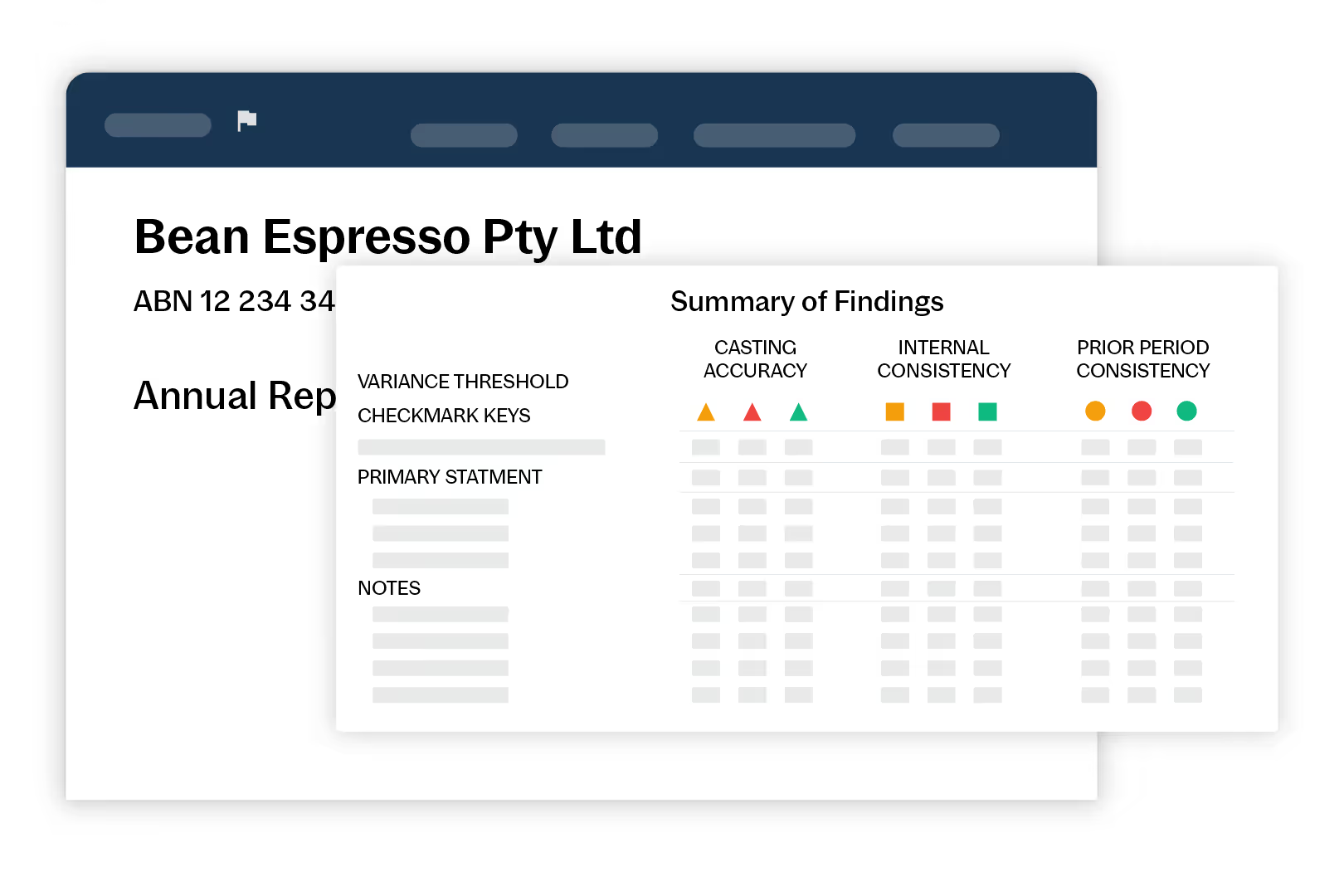
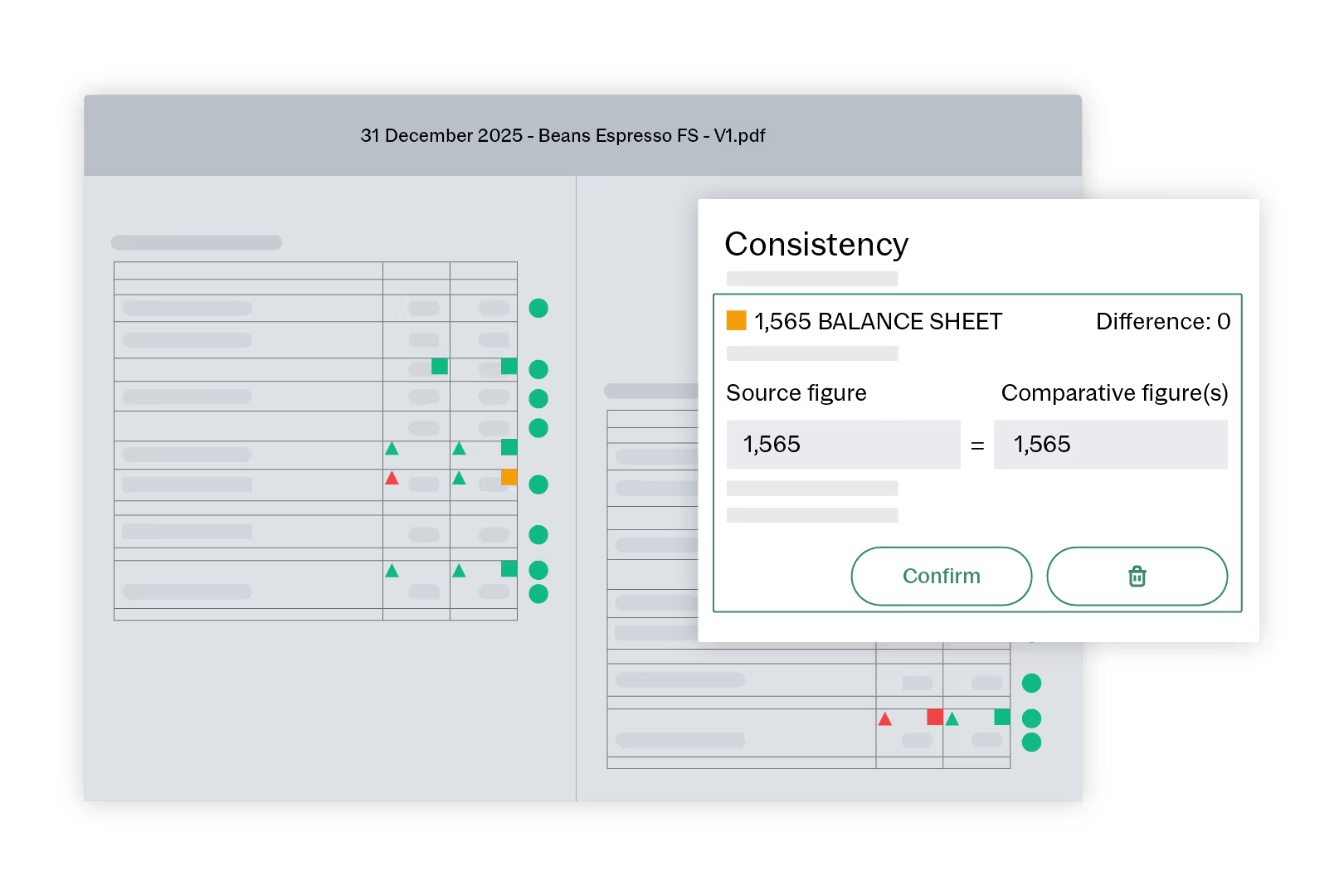
AI auto-detects casting and math errors, checks consistency across tables, notes and narratives and highlights prior period variances with clear status icons.
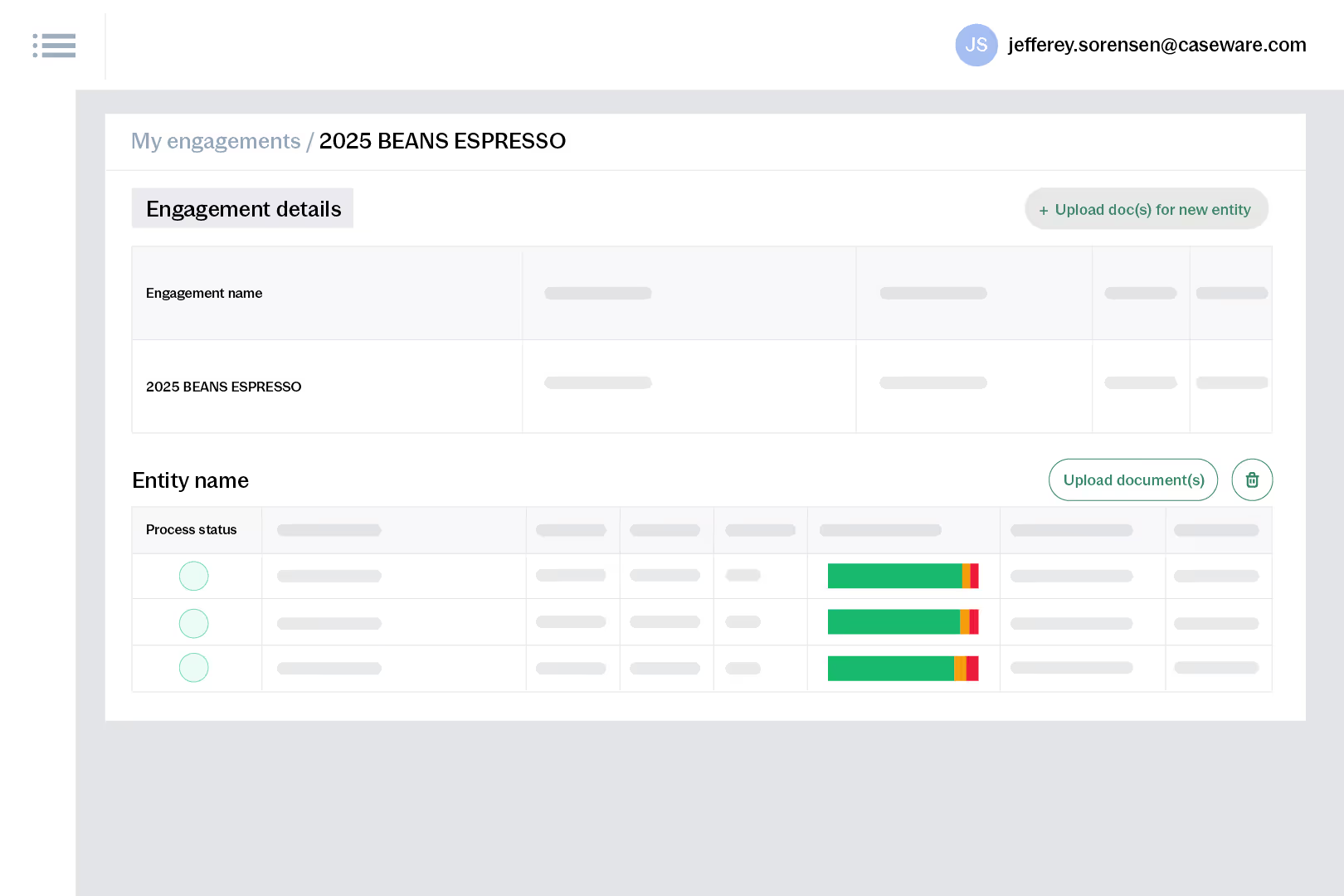
Import a new draft and keep confirmed items and comments linked to their spots. Compare versions side by side, accept changes or raise issues without restarting review.
Drop a comment pin anywhere on the report, tag teammates with @mentions and resolve items in real time. Invite clients into the same workflow when you need quick answers.
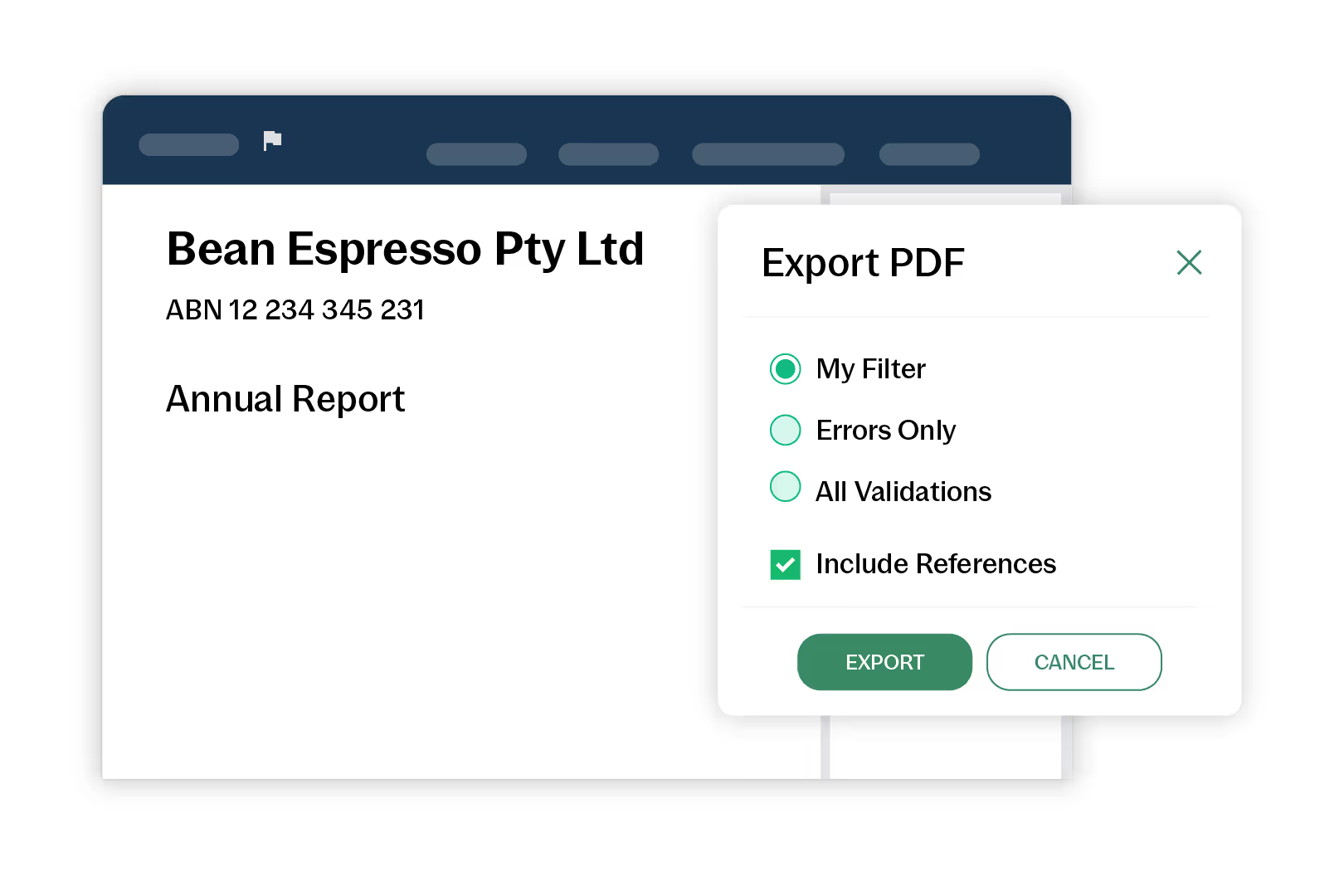
Export marked-up PDFs with a findings summary, links to each issue and a full audit log. Send to clients for fixes or archive the cleared version to your engagement file.
How to get started
- Upload
Drag and drop current year PDF. - Add prior
Upload prior year for comparisons. - Review
Resolve flagged items with your team. - Compare
Compare drafts and accept changes. - Share
Generate review file for sign off.
Additional Resources