Caseware Taxflow
Tax preparation solution that connects audited financial data to structured tax workflows and readies client data for tax filing.

Avantages clés

Engagement Visibility
See groupings and changes in one dashboard so nothing slips through at final filing.
Stay Aligned with Audit
Audit adjustments sync to your tax file, eliminating manual updates and status check-ins with the audit team.
Work Independently
Keep tax prep moving while assurance finalizes, even when the audit file is locked down.
Streamlined Review
Visual progress indicators help managers see status and identify bottlenecks before they affect deadlines.
Aperçu du produit
A dedicated tax engagement that connects to your audit trial balance, reducing back-and-forth between assurance and tax. Map codes automatically, post tax-only adjustments and export a filing-ready CSV for your tax software so teams finish faster.
Fonctionnalités
Use a separate tax file that stays linked to the audit trial balance. Updates and adjustments flow in automatically, with in-app notifications when source numbers change.
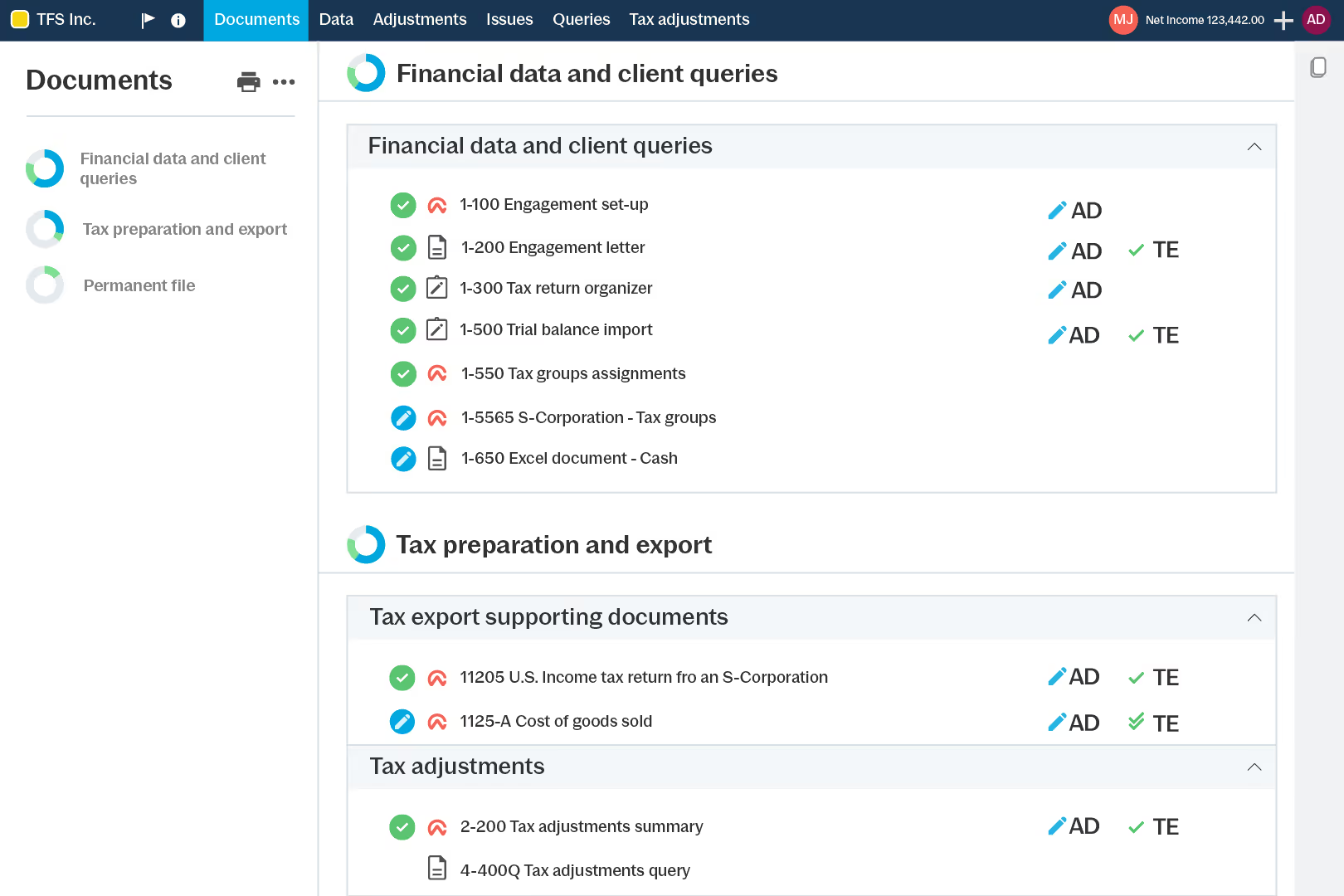
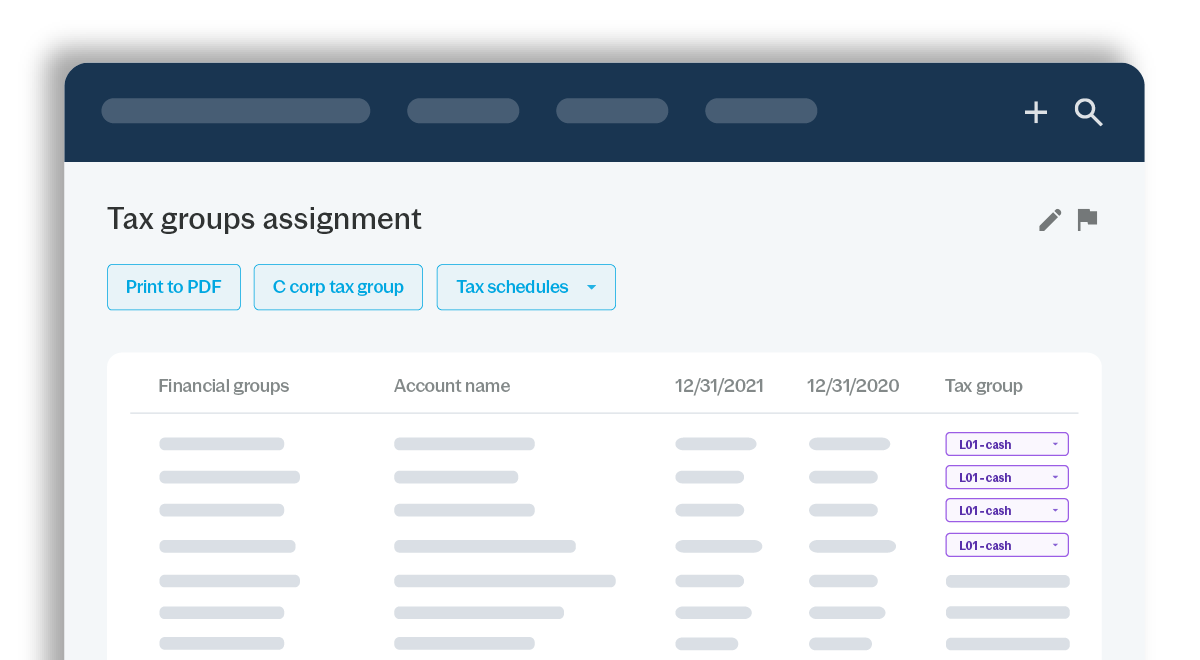
Auto-assign tax codes to financial groups, then override mappings for unique treatments, like multiple rental properties, without rebuilding groupings from scratch.
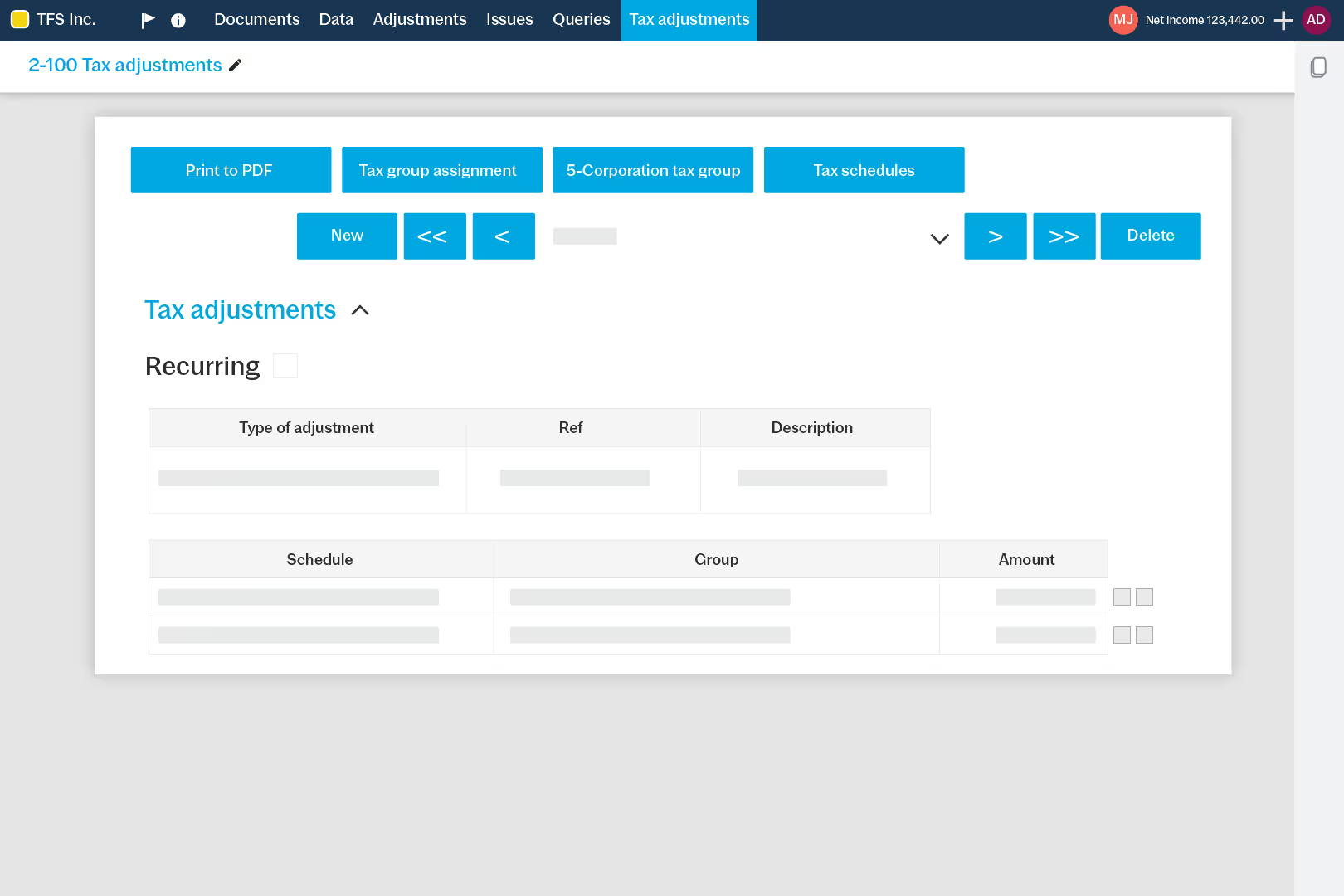
Post tax adjustments and reclasses in the tax file without changing statement balances in the assurance file, keeping numbers intact while you document tax treatments.
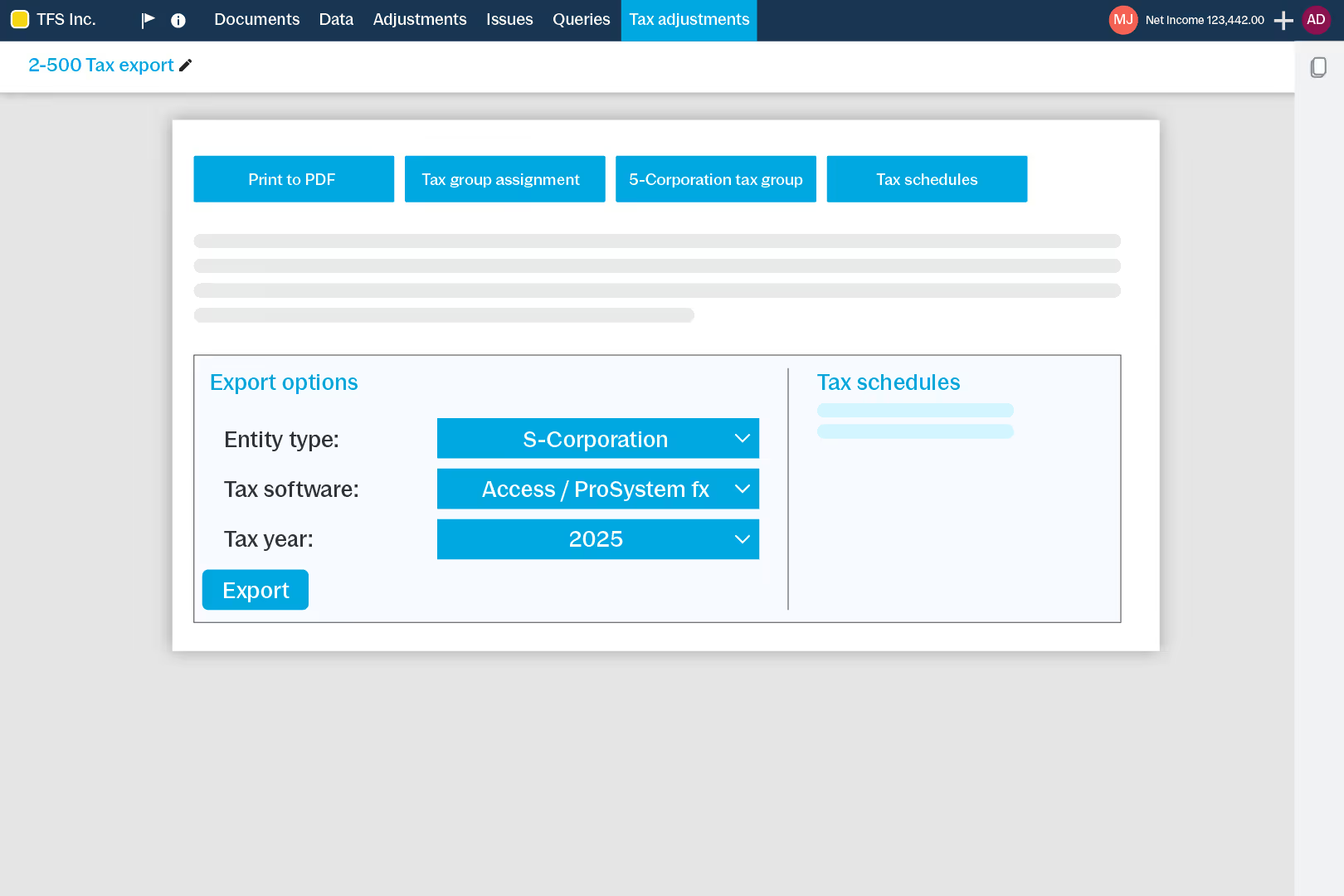
Generate a filing-ready CSV using templates for your preferred tax software. Keep client questions in the file so requests and responses stay documented.
How to Get Started
- Set Up
Create a linked tax file in Cloud. - Map
Automatic tax mapping with customizations. - Adjust
Post tax entries without changing the audit. - Review
Track notes and clear open items. - Export
Export direct tax filing softwares.
Ressources supplémentaires