AiDA
AI-powered digital assistant that provides in-context guidance and support across Caseware workflows.

Key Benefits

Faster Review Cycles
AI pulls and validates key terms, reducing review notes and repeat fixes across files.
More Time for Judgement
Free staff hours as AiDA drafts first-pass narratives so teams focus on judgement calls.
Faster Technical Answers
Spend less time researching standards, so staff apply requirements consistently each day.
Quicker Staff Ramp-Up
Ramp new staff faster with in-file AI guidance that answers methodology questions in context.
Product Overview
Reduce manual review and research across your file with an AI assistant built into your accounting workflows. Caseware AiDA pulls key details from documents, explains analytics and answers technical questions in context with source links for easy verification and private sessions.
Features
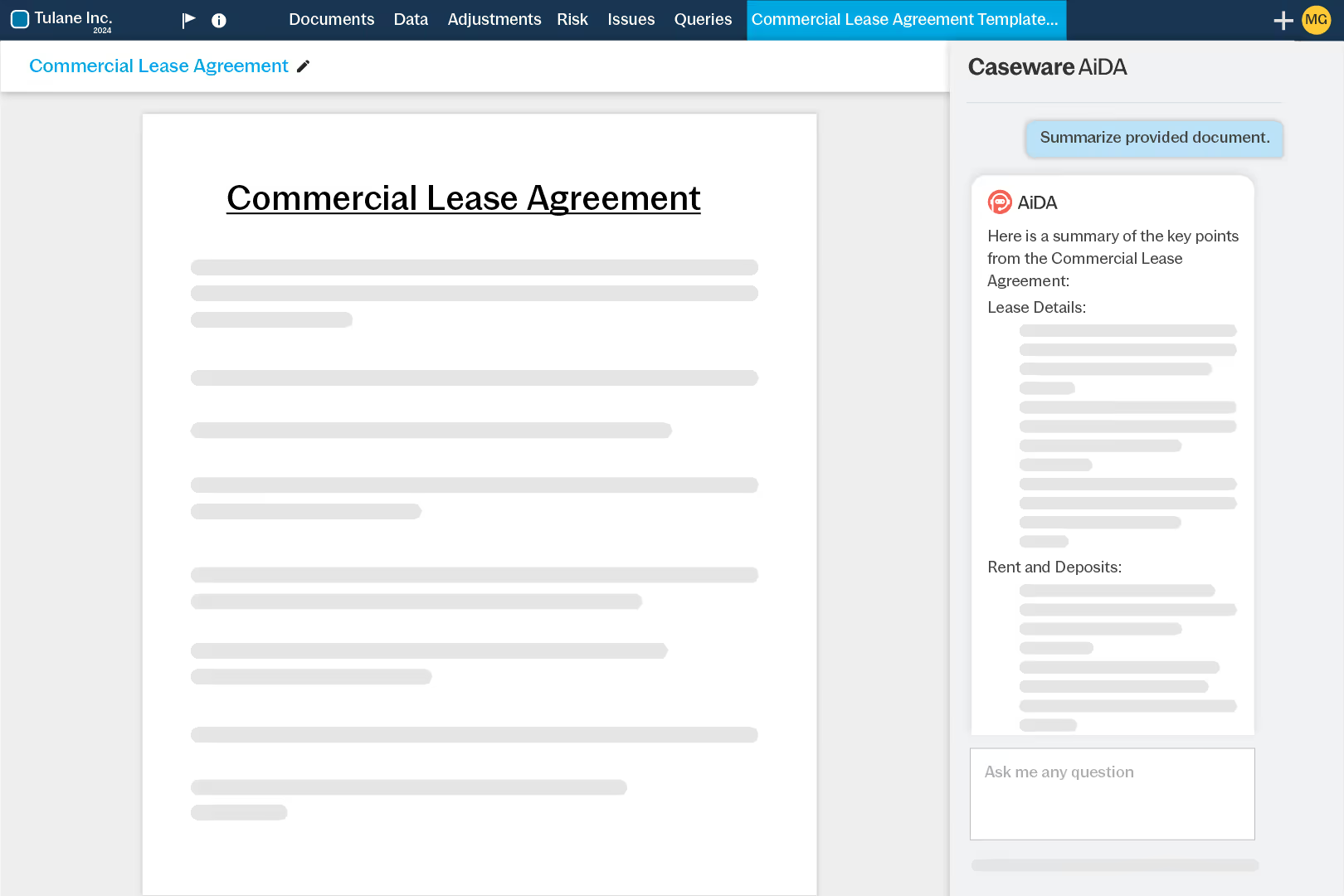
Summarize a PDF or ask AiDA to pull key terms. Each point links to its text in the PDF so staff and reviewers can confirm evidence quickly before writing conclusions.
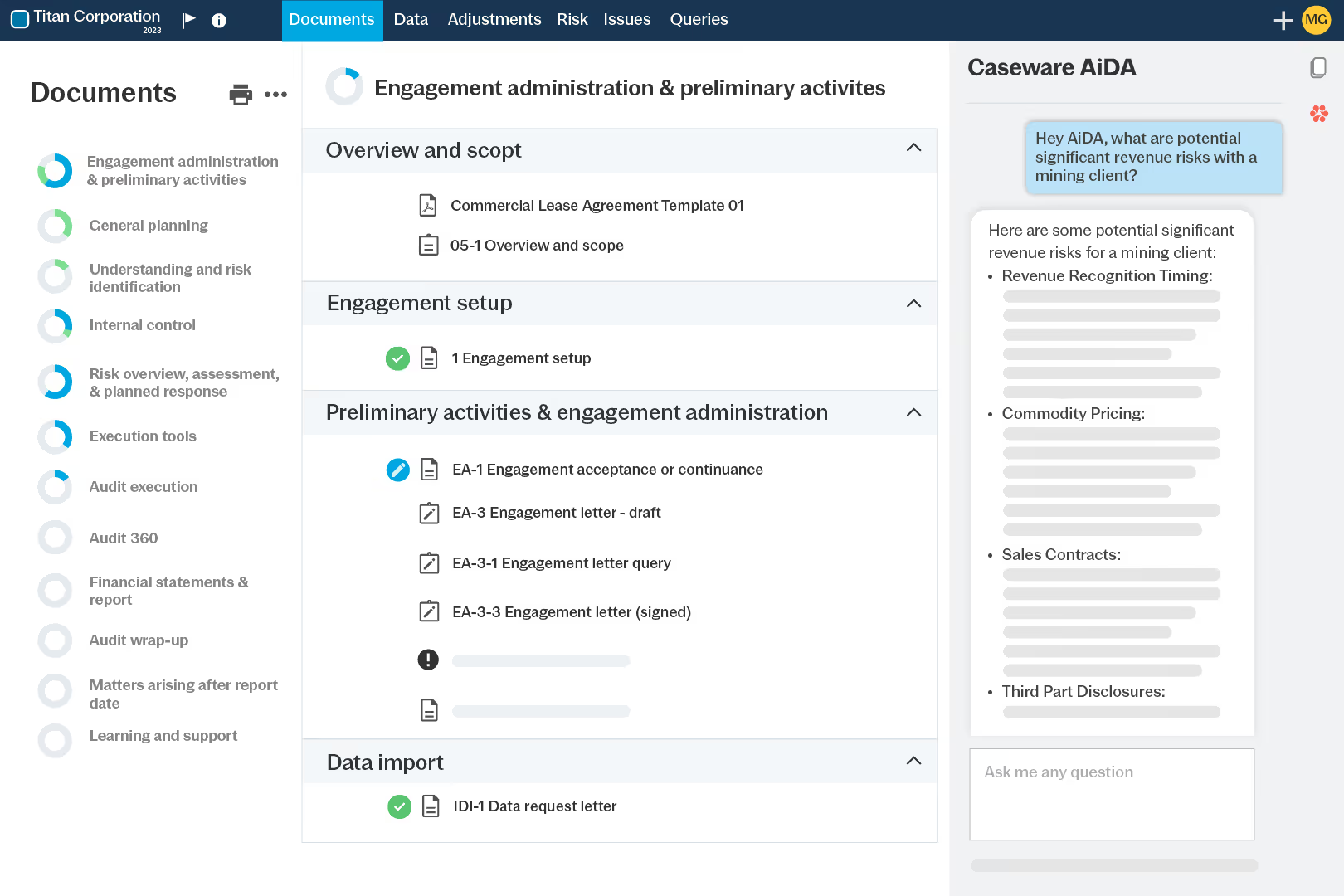
Choose AiDA Fast for quick extraction, like lease terms, or switch to AiDA Enhanced for deeper accounting and auditing questions when you need more reasoning and detail.
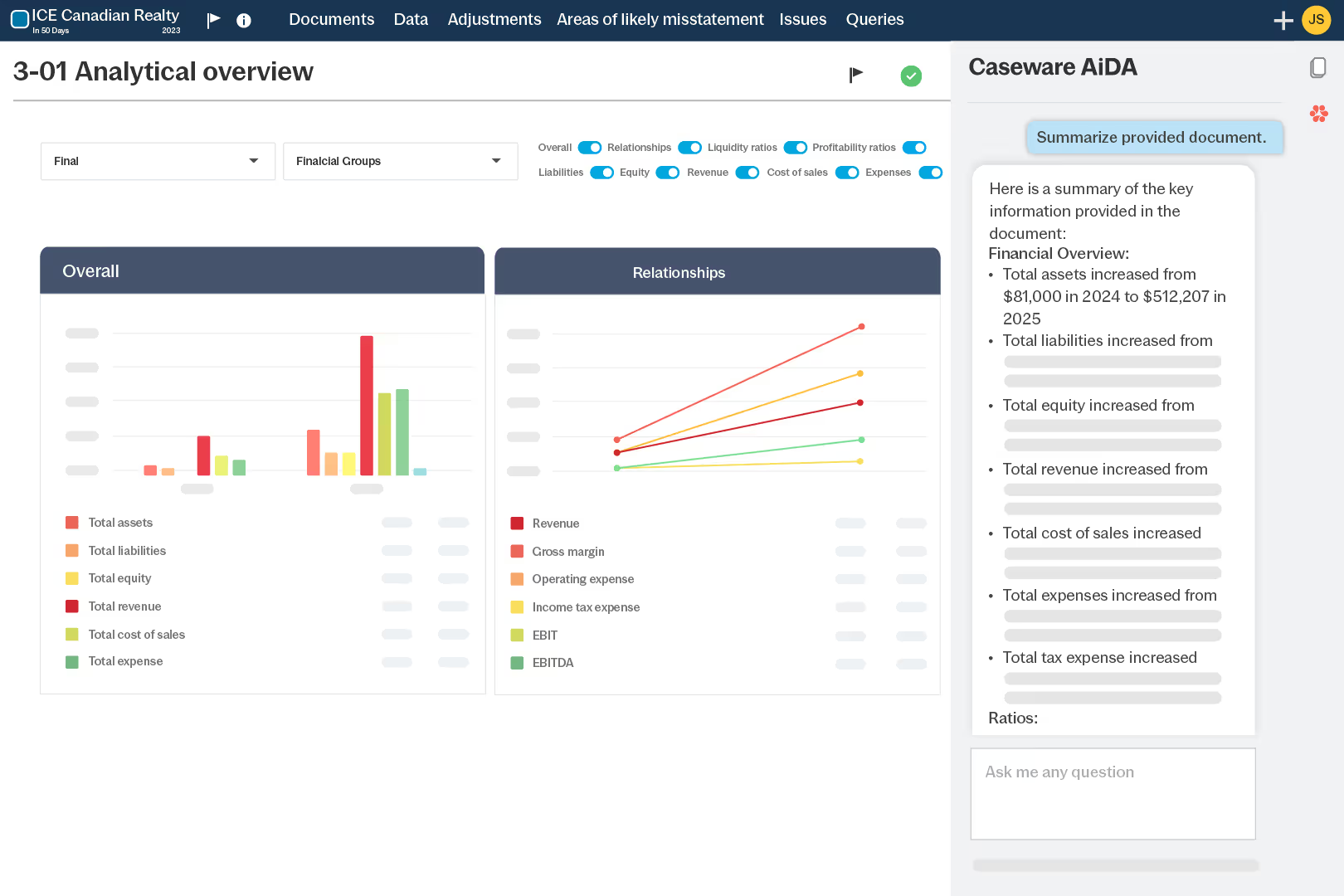
Ask AiDA to explain charts and analytics, flagging trends and anomalies. Copy the narrative into workpapers to support analytical review and risk assessment follow-up.
Ask questions in your checklist or document. AiDA returns standards guidance for the step you are on, helping staff apply your methodology consistently with less research.
How to get started
- Set Up
Turn on AiDA for your firm users.
- Open
Open a checklist, workpaper or doc.
- Ask
Prompt AiDA or click Summarize.
- Verify
Use links to confirm key points.
- Document
Paste AiDA’s response into the file.
Additional Resources