DAS PCR (formerly OnPoint PCR)
Featuring transformative AICPA methodology, DAS PCR streamlines preparation, compilation and review engagements with greater efficiency and confidence.

Key Benefits

Comply with confidence
Help your firm provide accurate information and documentation to comply with professional standards.
Simplify your workflow
Eliminate the time-consuming hassle of editing lengthy checklists by beginning with a simple client acceptance document that personalizes the engagement as you provide the details.
Boost efficiency
DAS PCR concentrates the many components of PCR work into a centralized platform, including engagement management, linked methodology, PBC document management and trial balance tools.
Safeguard information
Leveraging Caseware Cloud, you gain access to an ecosystem built for accounting and assurance services. Built-in analytics run diagnostics within your engagements and alert you to potential issues.
Product Overview
Built on the Caseware Cloud platform, DAS PCR is part of the DAS Suite, which brings a consistent cloud-based experience to preparation, compilation and review.
Features
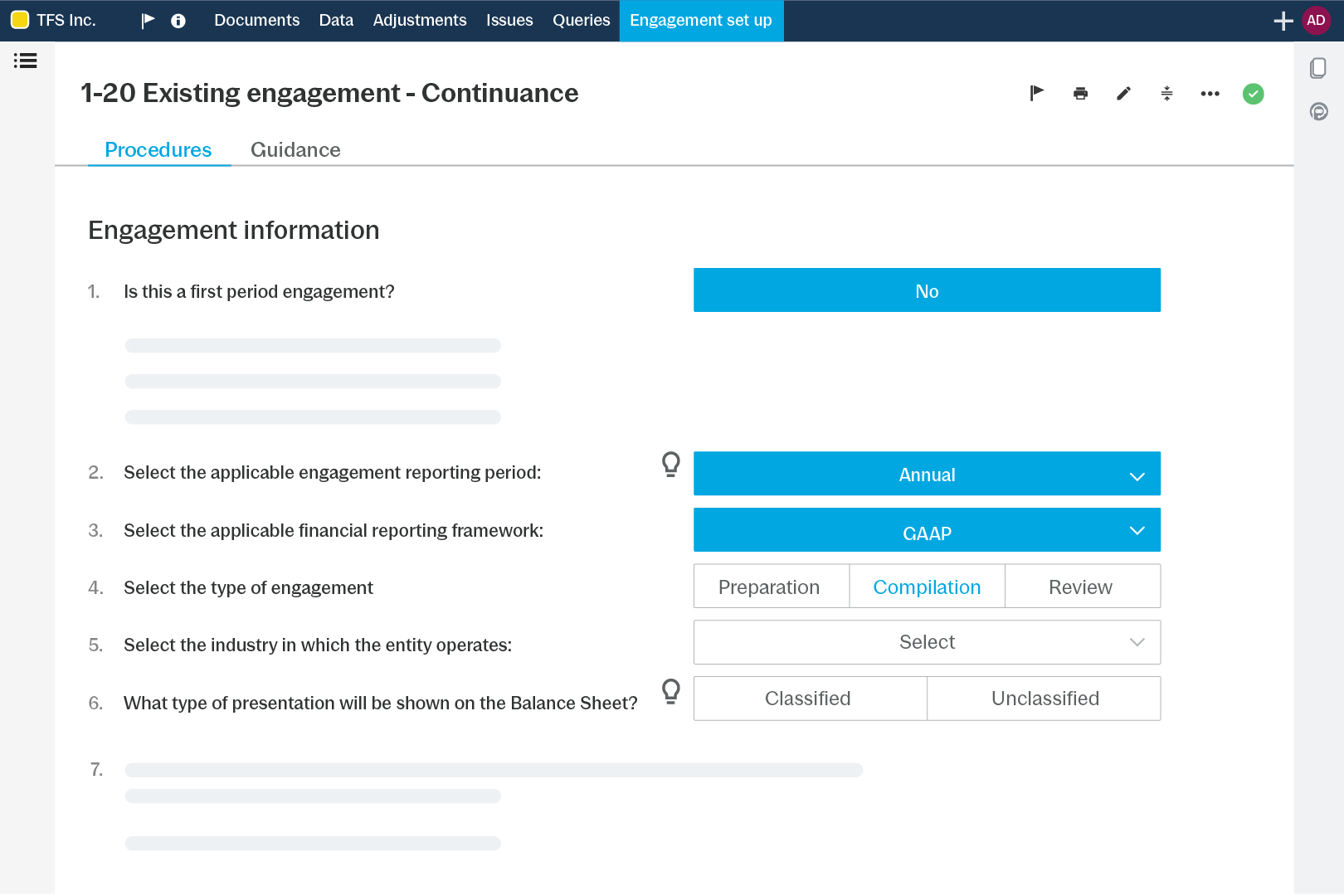
Set up engagements with confidence using smart workflows tailored by engagement type – prep, comp or review. Built-in AICPA guidance means the right steps appear at the right time, keeping your work efficient and streamlined.
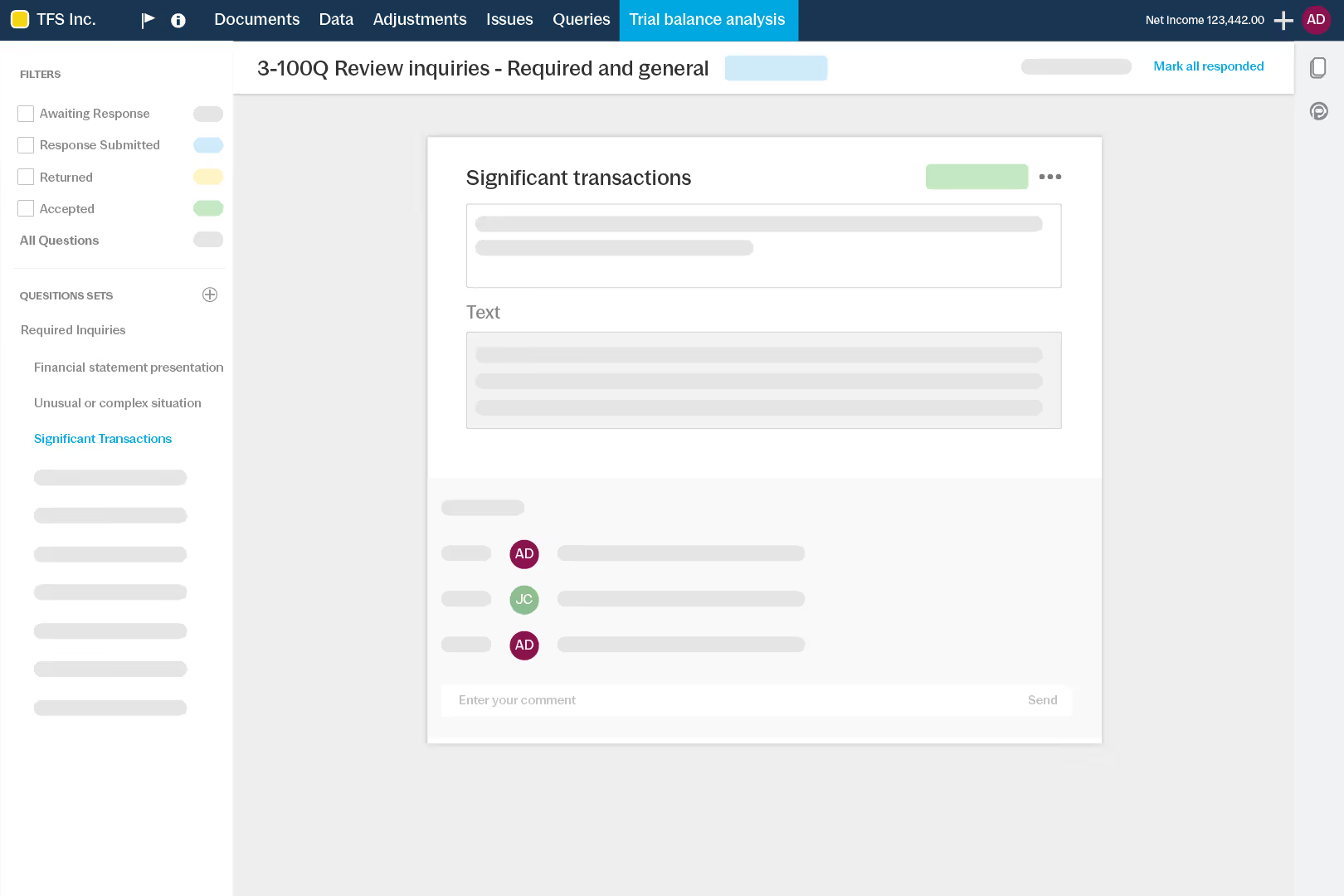
Streamline fieldwork with dynamic checklists that update automatically as your file progresses. Integrated ratio calculations linked to the TB support analytical reviews, while built-in PBC tools make it easy to request and manage client info.
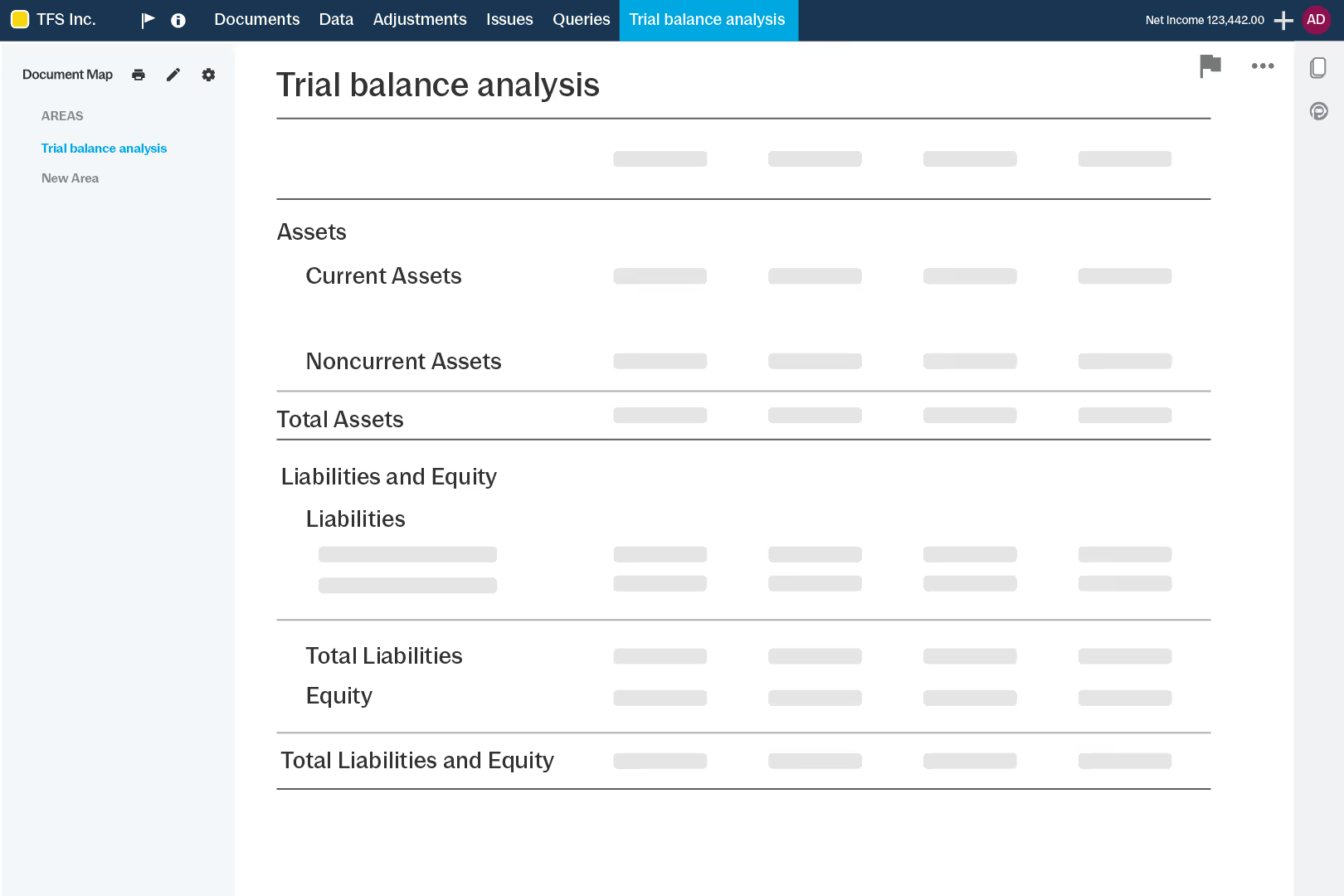
Draft financial statements and note disclosures populate as soon as data is imported, tailored to engagement type. Built-in validations, version control and a full disclosure library help speed up reporting without sacrificing accuracy.
How to Get Started
- Set up
Choose engagement type and industry. - Import
Import TB from system or Excel/CSV. - Collaborate
Send requests and track client responses. - Review
Use reviewer tools to clear issues fast. - Finalize
Generate financials and deliver reports.
Additional Resources