| For smarter, smoother engagements. |
|
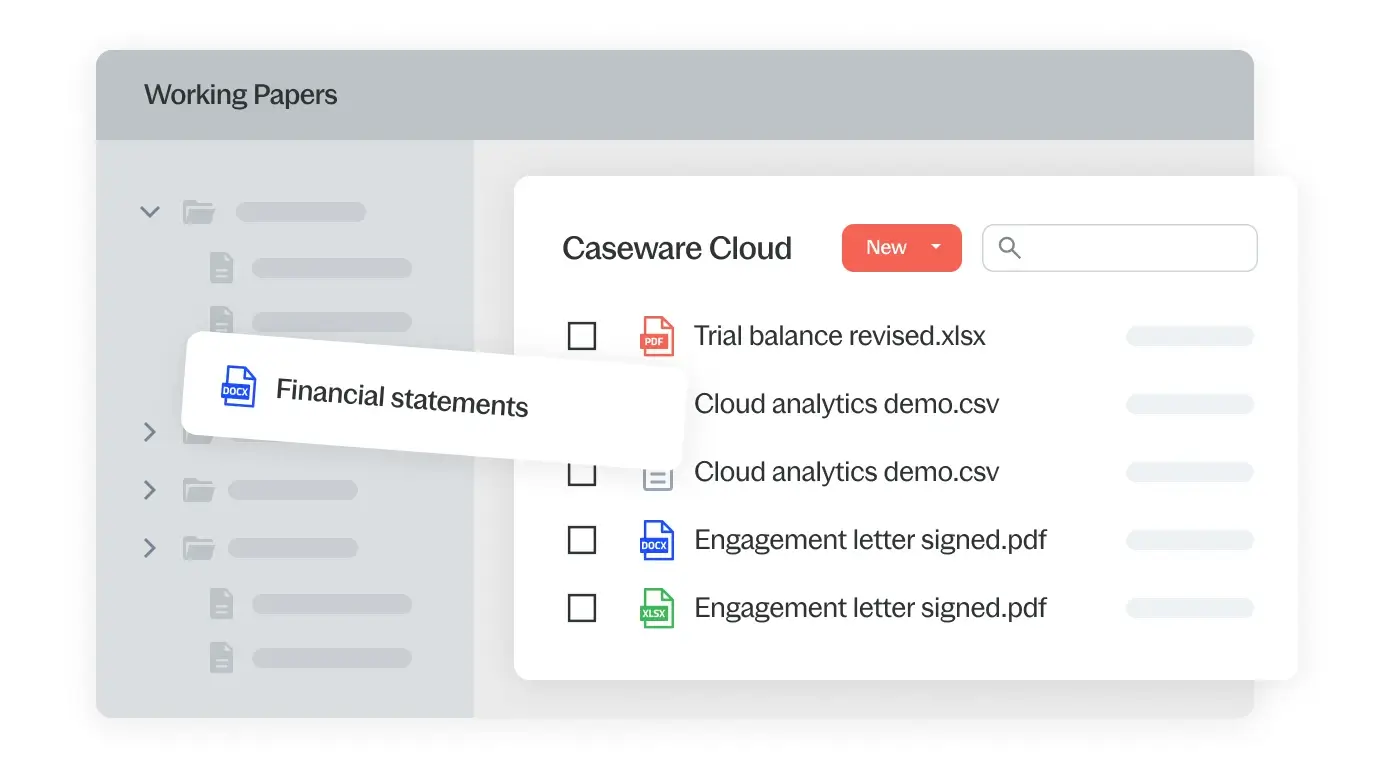
| CaseWare Working Papers is highly flexible engagement software that provides you with everything you would expect from an assurance and reporting tool plus much, much more! Engagements are planned, performed and reviewed entirely on screen, completely eliminating paper. |
Overview
Work more efficiently and effectively
With powerful document management, real-time collaboration, direct scanning, online review, efficient clean-up, sophisticated lockdown and advanced roll-forward, Working Papers lets you work smarter and faster than ever before.Ensure firm standardization
Working Papers' built-in drag and drop mapping system allows you to assign your clients' accounts to standard map numbers quickly. As the map numbers are common to all clients and independent of the client's chart of accounts, firm standardization is facilitated and the speed and accuracy with which you can complete the engagement is significantly increased.Produce next-generation financial reports
Turn any document, including financial statements, into a cost-effective, client-ready report that automatically links to your client data using either the built-in report writer or by linking information to Microsoft Word and Excel. With a single click, create PDF versions of these documents to share with your clients.Optimize review and audit process
With history tracking, milestone creation, issue/review notes, diagnostics, a full annotation system and online sign-offs, the review and audit process is achieved entirely on-screen, with no need for paper.Easily integrate with other software
With imports from over 60 accounting packages, exports to major tax packages and the capability of linking with document management systems such as OpenEngagement, Working Papers allows you to work seamlessly with other "best of breed" software.Features
| Below are the features for Working Papers version 2008. To view all enhancements, press the Open All button on the right hand side. Or press the heading to see enhancements for that subject. | Open All Close All |
- Central Document Management
-
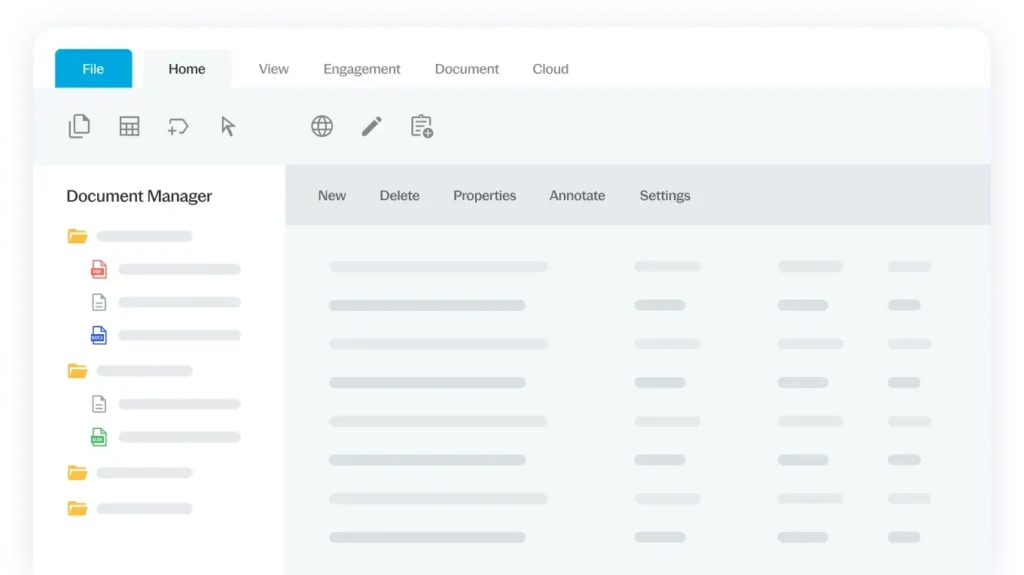
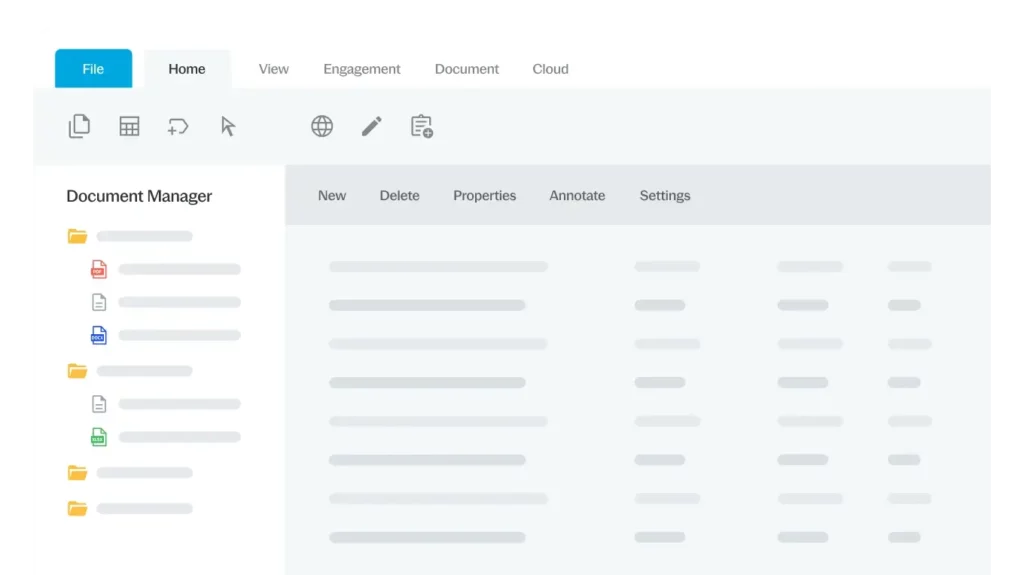
Organize all documents related to each engagement in one controlled area, regardless of whether they are Working Papers, Word, Excel, PDF or scanned documents using Working Papers’ built-in Document Manager.
- Optimized Collaboration
-
- Working Papers’ Check Out/Check In feature allows a user to lock access or "check out" engagement documents.
- The Sign Out feature enables a user to lock access or "sign out" an entire client file.
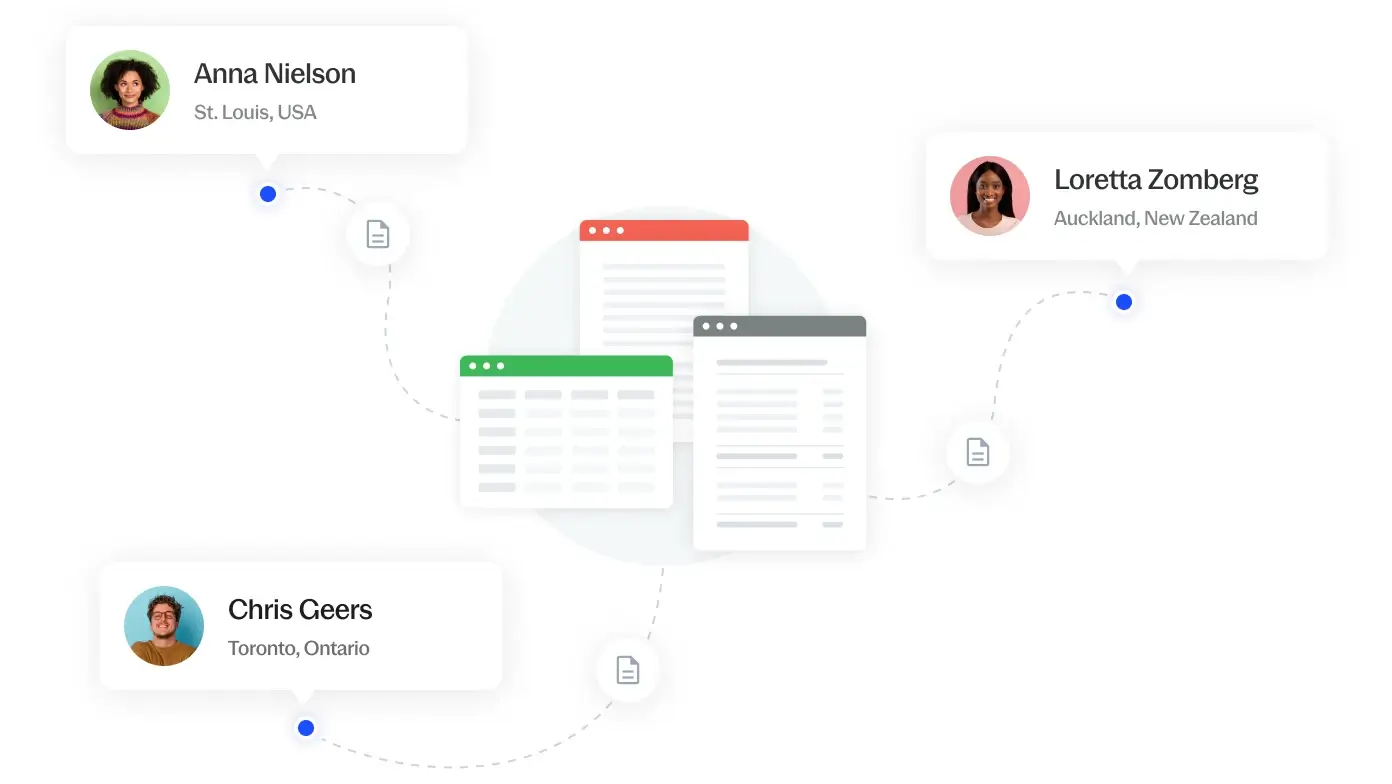
- Working Papers can be installed over a local area network, centrally in your office or at a client location, with many users sharing one engagement file.
- Robust document and record locking ensures file integrity when more than one person is working on a file.
- Revolutionary Report Writer
-
Turn any type of document, including financial statements, into top-notch, client-ready documents that directly link to your account properties and amounts. Our sophisticated report writer uses “smart technology” to automate formatting, rounding, diagnostics, account amounts, text, account balances and even financial notes based on your preference.
- Easy Standard Compliance
-
-
Lockdown allows easy compliance with the established standards governing the documentation an auditor should prepare, change and retain. Changes from that point forward are tracked and recorded.
-
The sophisticated protection system can be enabled to ensure the integrity of all client files and to determine the roles of users in completing the engagement.
-
Globally track the status of all client files using Tracker. With a customizable interface, Tracker can identify engagements with pending lockdown dates to ensure engagement teams have sufficient notice to perform any file clean up work.
-
- Automation of Time-Consuming Tasks
-
-
Speed up the file set-up process for first year engagements using custom templates.
-
Scan documents directly to the Document Manager.
-
Maintain clean client files by automatically purging unwanted documents, issues, history, milestones and annotation.
-
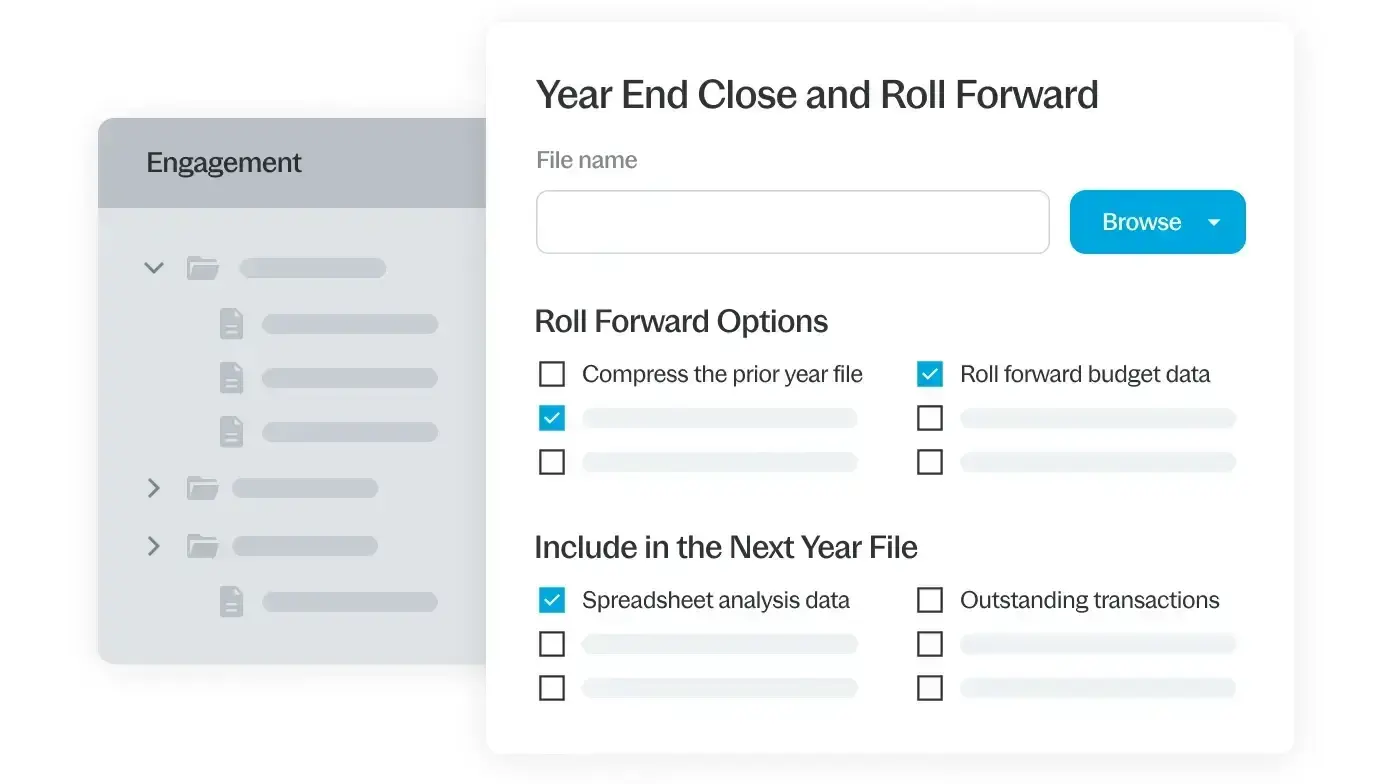
Working Papers offers a wide range of options to automate customized roll-forwards.
-
- Robust Trial Balance
-
-
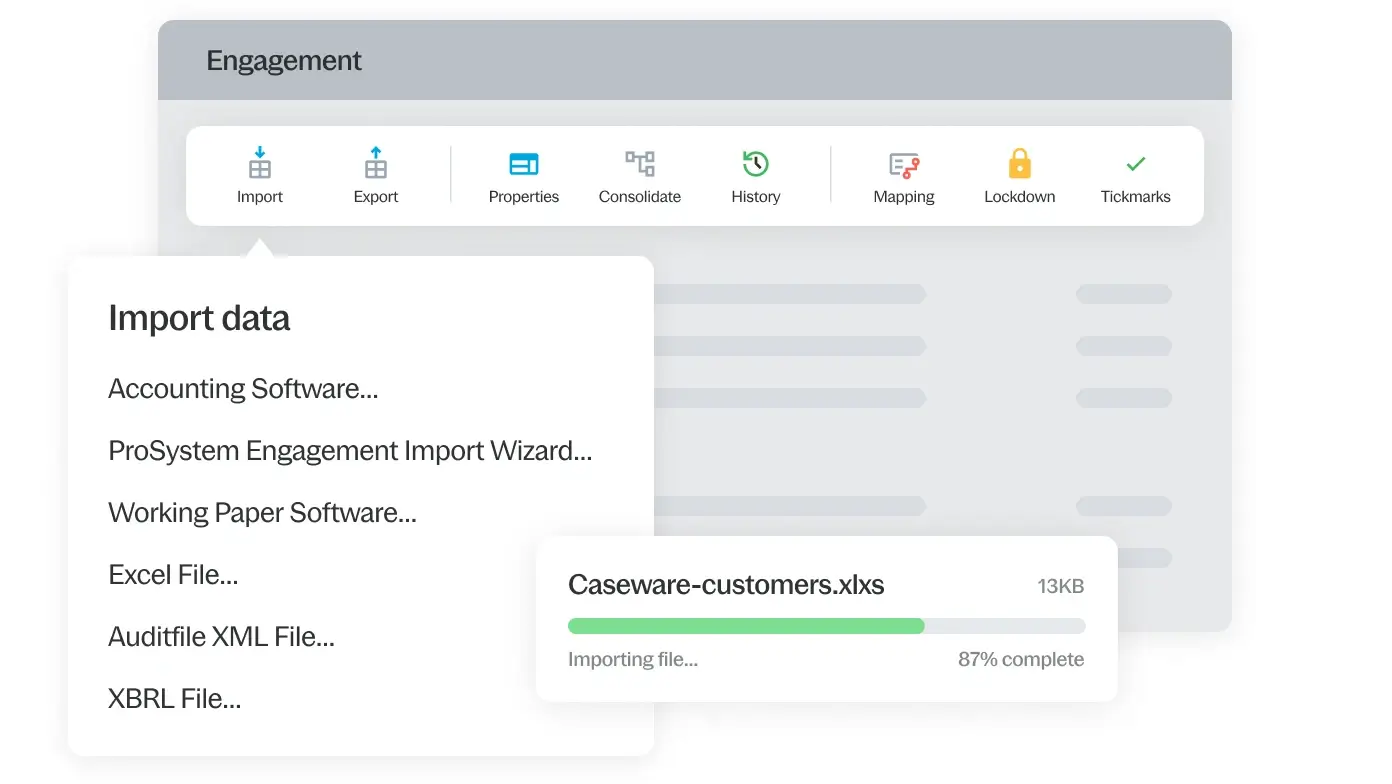
With point and click reading of native files from most accounting software packages, data can be directly imported into the trial balance. You can also choose to import general ledger data for detailed analysis.
-
Highly flexible trial balance provides full reporting period flexibility to meet the needs of your firm’s engagements.
-
Trial balance columns can be easily resized, sorted and hidden to give you total control over your view.
-
- Powerful Mapping and Grouping
-
-
Working Papers’ drag and drop mapping system allows you to quickly assign your clients’ accounts to your firm’s standard map numbers.
-
Because map numbers are common to all clients, engagements can be standardized and completed more quickly and accurately.
-
All other properties of an account, such as lead sheet, ratio class, tax codes etc, are automatically completed.
-
Assign accounts to different groups for reporting, lead sheet and work paper preparation.
-
- Streamlined Journal Entries
-
-
When you post an adjusting journal entry, any affected accounts or documents update immediately.
-
Working Papers lets you change a journal entry from any one type to another (e.g. proposed to normal) without having to recreate the entry.
-
- Reliable Consolidation
-
Using a simple tree structure similar to that of Windows Explorer and Working Papers' own Document Manager, you can
- combine several client files into a single client file by consolidating data from separate entities into a parent file using map numbers; or
- maintain separate entities in one file allowing you real-time consolidation
Working Papers' consolidation function is ideal for joint-venture accounting, fund accounting, product and life-cycle analysis, and any type of multi-entity performance-monitoring documents.
- Built-In Workpapers
-
Built-in automatic documents provide fast and efficient access to supporting work papers that can be easily added to the Document Manager.
- Automatic Annotations
-
-
Annotations can be easily added in the form of notes, tickmarks, document or manual references.
-
Custom graphical tickmarks can be easily integrated into Working Papers.
-
- Electronic Review and Monitoring
-
-
Working Papers lets you track and monitor specific history events so you are always up to speed. To easily go back in time, a copy of the file can be saved automatically at specific milestones.
-
Interactive issues/review notes can be created, assigned, tracked and controlled for any document in the engagement file.
-
Sign-offs accommodate up to 8 signatures and utilize a color-coding to quickly assess the status of the review process.
-
The Document Manager provides filters allowing for quick review of the completion status of documents and issues.
-
- Integration with Other Software
-
-
Incorporate Microsoft Outlook items directly onto the Document Manager.
-
Easily integrate with 3rd party Audit tools such as PPC ePractice Aides, McGladrey Advanced CPA content and Capital Confirmation’s CONFIRM.
-
Integrate with major Tax Packages.
-
Use CaseWare Connector to link data between the client file and Microsoft Word and Excel documents.
-
Using state-of-the-art object component architecture, Working Papers can easily integrate with other software tools.
-
- Electronic File Archiving
-
Keep PDFs of individual documents or create an indexed PDF of the entire client file.
Latest Reviews
The following are the most recent reviews related to Working Papers:
- True stars of accounting technology: Working Papers, IDEA & Scenarios
- Applications Made for Each Other
- Automating workflow with Working Papers
- Scenarios adds to the value of client engagements
- Five Star overall rating for CaseWare Working Papers
- Trial balance software - quick financials and more
- CaseWare Working Papers, IDEA and Scenarios in Top 100 again
- Workpaper Applications - Some Things to Consider
- Scenarios: a welcome add-on to CaseWare Working Papers
- Tales of a CaseWare Conversion…
Imports
We often add new imports, so please check back from time to time to see the latest additions. Or, take advantage of our free
MyCase E-Mail Information Service,
and we'll keep
you up-to-date.
Step 1: Select the category of the software you wish to import (click here to view all imports):
| Accounting Software | Working Paper Software |
Exports
|
CaseWare® Working Papers' exporting capability allows you to download directly to taxation software to complete the corporate tax
return. As is the case with our accounting imports, we continually update the export formats.
We regularly add new exports, so please check back from time to time to see the latest additions. If you don't see the software you're looking for listed here, please send us a request. We add new exports based on the number of requests we receive. |
Legend
|
| Software | Country | 2003 | 2004 | 2005 | 2006 | 2007 |
| ATX Max | USA | ![]() | ![]() | ![]() | ![]() | ![]() |
| CCH Pro System FX | USA | ![]() | ![]() | ![]() | ![]() | ![]() |
| CLR/Fast Tax (WIN)/GoSystem Tax | USA | ![]() | ![]() | ![]() | ![]() | ![]() |
| CPATax | USA | ![]() | ![]() | ![]() | ![]() | ![]() |
| CSI UltraTax | USA | ![]() | ![]() | ![]() | ![]() | ![]() |
| Lacerte | USA | ![]() | ![]() | ![]() | ![]() | ![]() |
| Pencil Pushers | USA | ![]() | ![]() | ![]() | ![]() | ![]() |
| ProSeries (Turbo Tax) | USA | ![]() | ![]() | ![]() | ![]() | ![]() |
| SCS/Compute | USA | ![]() | ![]() | ![]() | ![]() | ![]() |
| Tax Relief (formerly Micro Vision) | USA | ![]() | ![]() | ![]() | ![]() | ![]() |
| ProFile | Canada | ![]() | ![]() | ![]() | ![]() | ![]() |
| TaxPrep | Canada | ![]() | ![]() | ![]() | ![]() | ![]() |
Add-Ons
Extend the functionality of Working Papers with our specialized add-ons:![]() |
IFRS Financials Set a new standard in IFRS compliance. |
![]() |
GAAP Financials Produce smart, quality GAAP statements. |
![]() |
Connector Connect Working Papers to Word or Excel. |
![]() |
Audit Streamline your audit engagements. |
![]() |
Review Streamline your review engagements. |
![]() |
Scenarios Get a clearer picture of financial performance. |