
“Check Directory access” function button
Use this function button to check the configuration of the logical export file. The authorizations and access to the configured directory are checked.
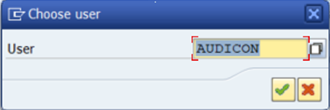
When you click the Check Directory access button, a dialog is launched, where you have to specify for which user the S_DATASET authorizations are checked. By default the user currently logged into the SAP® system is selected. Select a user.
Note:
The user running this check additionally needs the authorizations of the S_DATASET authorization object, that are configured for the users he wants to check.
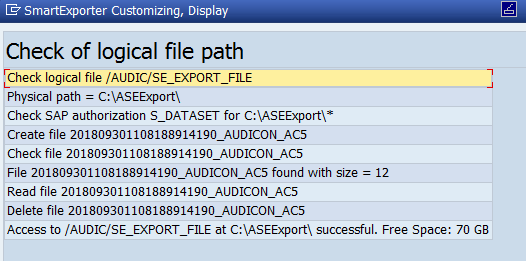
In the check the complete path and the available storage space of the export directory are shown.
If the value "Compressed File" or "File" is configured for the buffer table method, this directory can be checked by placing the cursor in the Logical file field and clicking the Check Directory access function button.
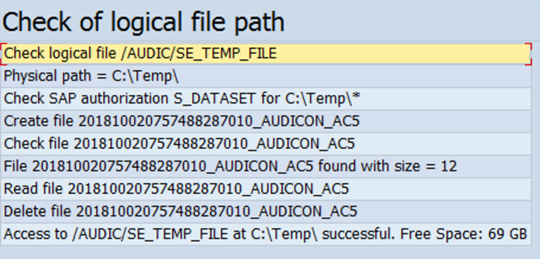
Note:
Depending on the configuration the available disk space, e.g. of network drives, cannot be determined.