
Customizing - Concept
SmartExporter is configured by a set of parameters. You can access the Customizing screen by entering the transaction code /AUDIC/SE_CUST at any time.
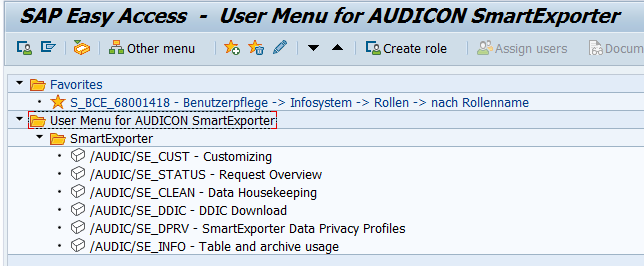
The SmartExporter SAP® components administrator can access the Customizing in the SmartExporter folder in the User Menu.
Select the Customizing entry and open it by double clicking or using the context menu (right-click) and the Execute entry.
The configuration settings are located in the Settings, Plug-Ins and Authorization Profiles folders.
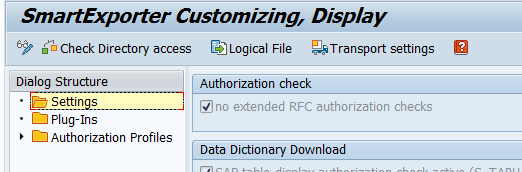
You can switch between the display and change mode by opening the Settings menu and clicking Display/Change or pressing the F6 key.
As an alternative you can also click the Display/Change  icon.
icon.