
Edit Data Request template
Proceed as follows to customize the Data Request template for the generic report call to download any SAP® report (using the RFIBLA00report as an example here):
-
Import the Data Request template "General - Generic report call for RAGITT_ALV01 - Print list (2024-08)" into SmartExporter using the Import button in Run or manage Favorites. (The Data Request is included in the SmartExporter download package.
-
Select the Data Request in the list of favorites and double-click to open it.
-
To define access to RFBILA00, remove all Quick-Filter values in the Quick-Filters step first.
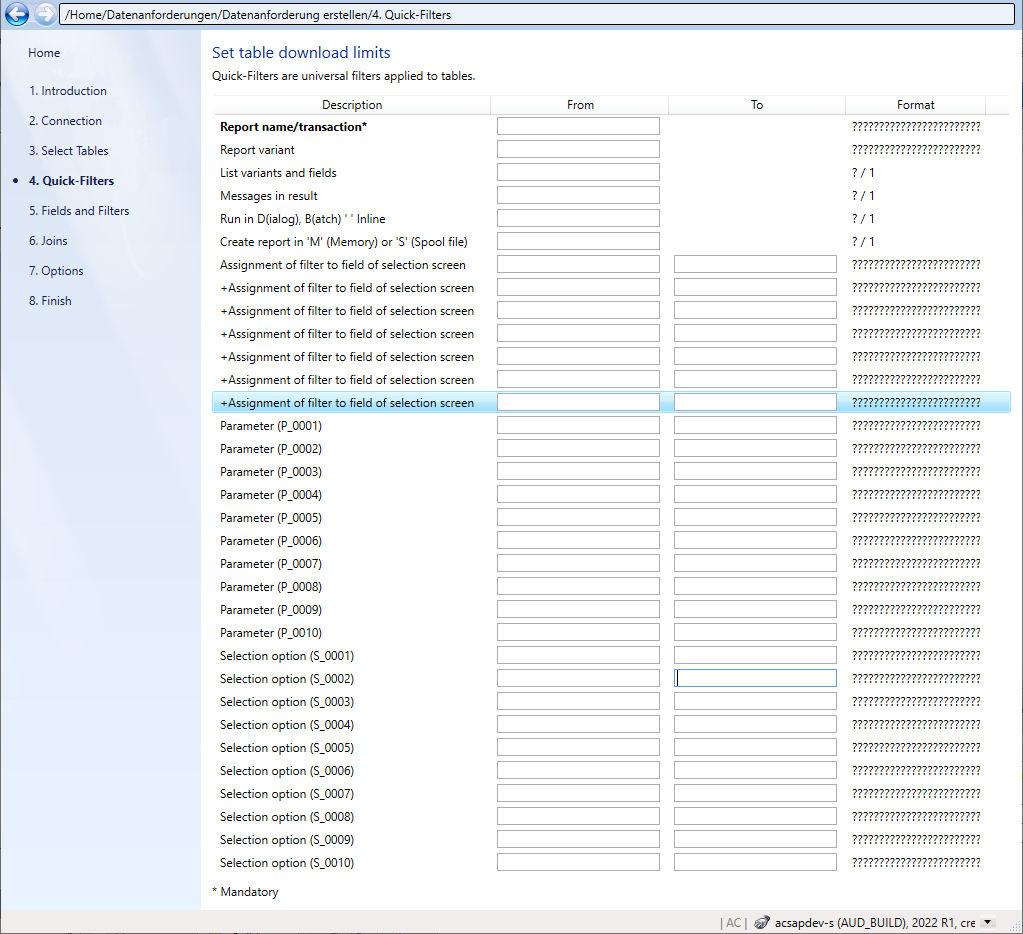
Figure: Remove all entered Quick-Filter values in the Quick-Filters step -
In the Report name/transaction field, enter the name of the report or SAP® transaction you want to access and download. In our example this is the RFBILA00 report.