
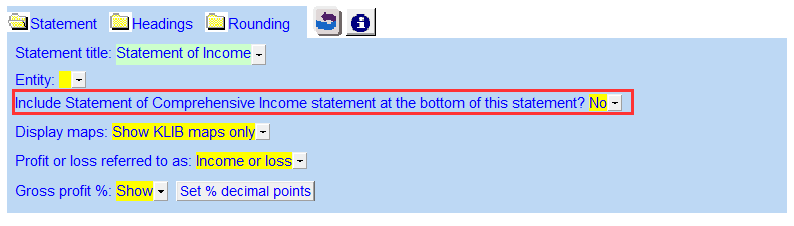
Include Statement of Comprehensive Income statement at the bottom
The Statement of Comprehensive Income can be attached to the bottom of the Income Statement (both 2 and 9 column).
The Statement of Comprehensive Income appears below the Net Income line. There are three existing linked lines in the area.
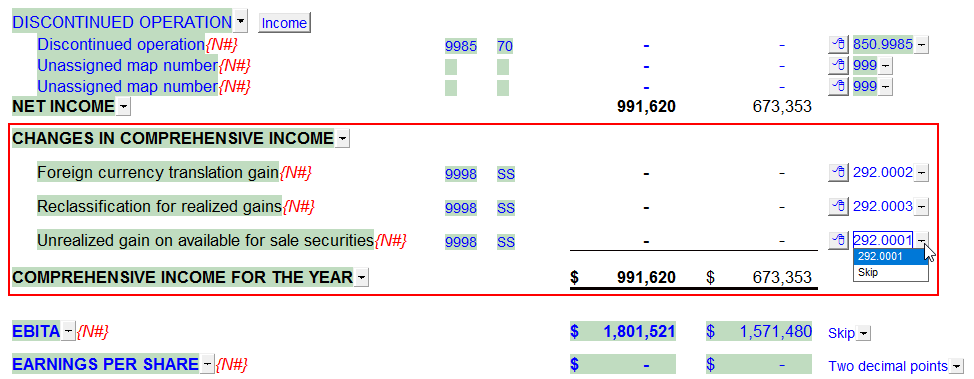
The following features are available:
-
Click on the popup cell to the right of the row to skip the row.
-
Right-click on the Express menu to:
-
Format the section (spacing, indenting, change description to upper or lower case)
-
Sort
-
Insert linked or manual rows
-
Insert a subheading/line space
-
Insert a subtotal
-