
Recording IROs
Open the Overview of Impacts, Risks and Opportunities (IROs) in the Documents Page.
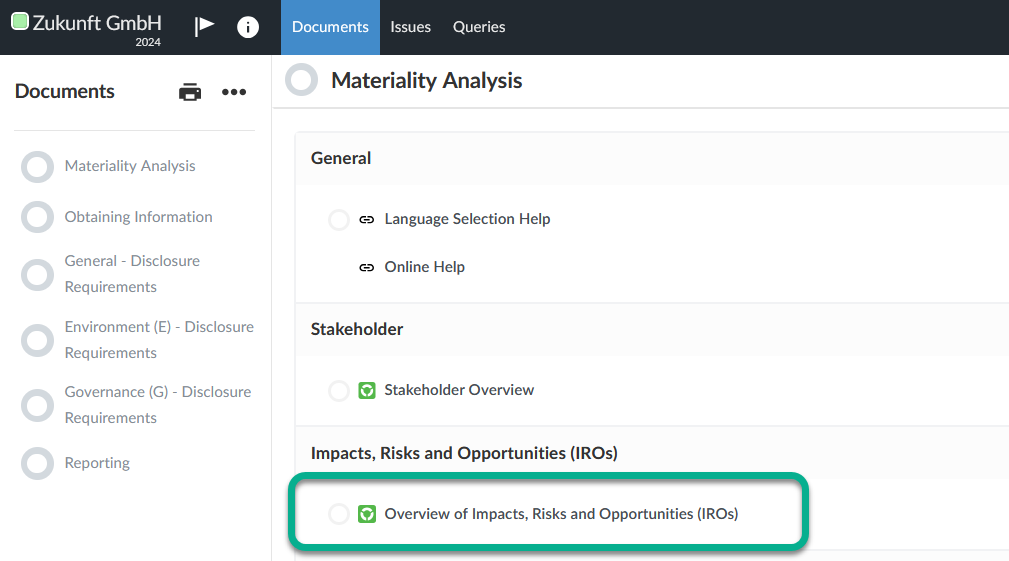
In this overview you can record the Impacts, Risks and Opportunities — IROs with regard to sustainability aspects.
Creating a new IRO
To create a new IRO click the Add IRO button.
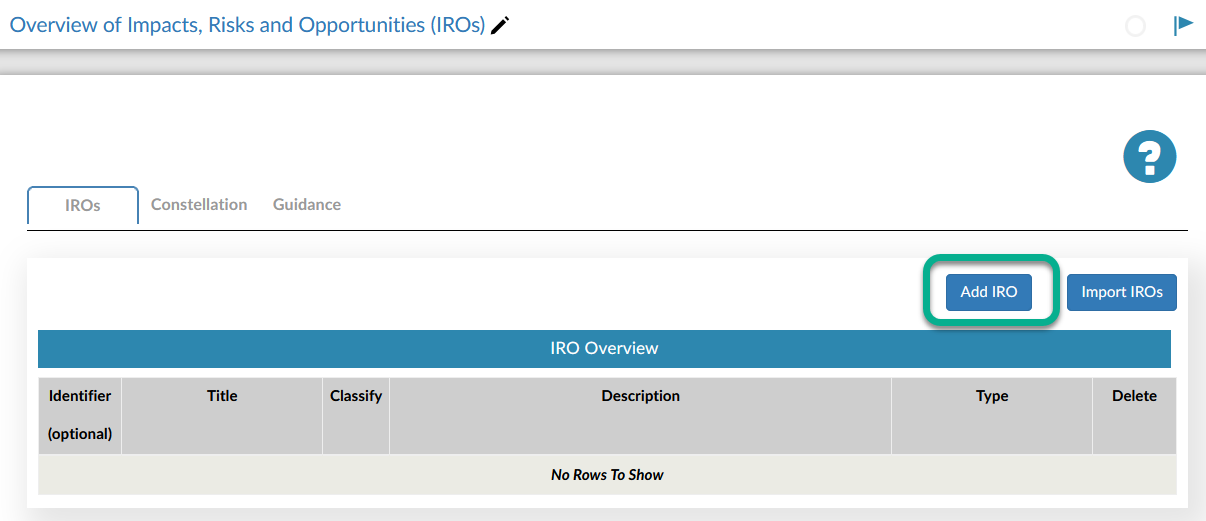
Enter an identifier, a title and a description and select the appropriate IRO type from the Type drop-down list.
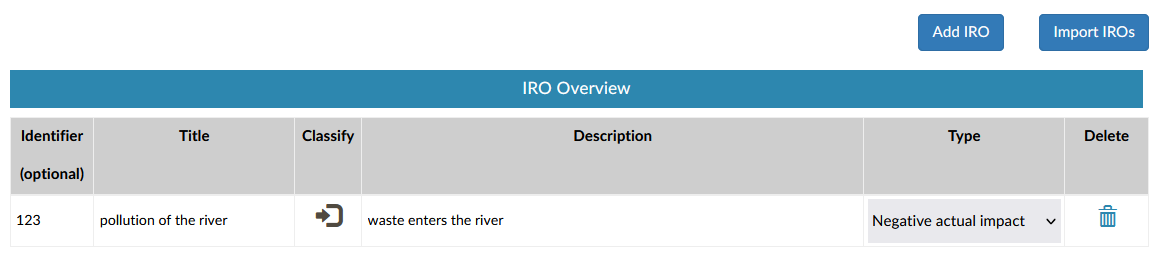
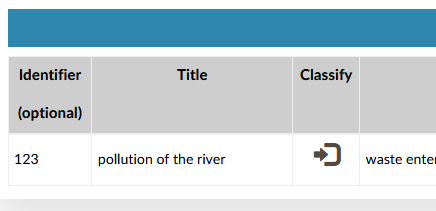
Next, click on the Classify symbol in the Classify column.
Open the Assessment tab and assess the respective IRO in accordance with ESRS 1 3.4 Impact Materiality or ESRS 1 3.5. Financial Materiality.
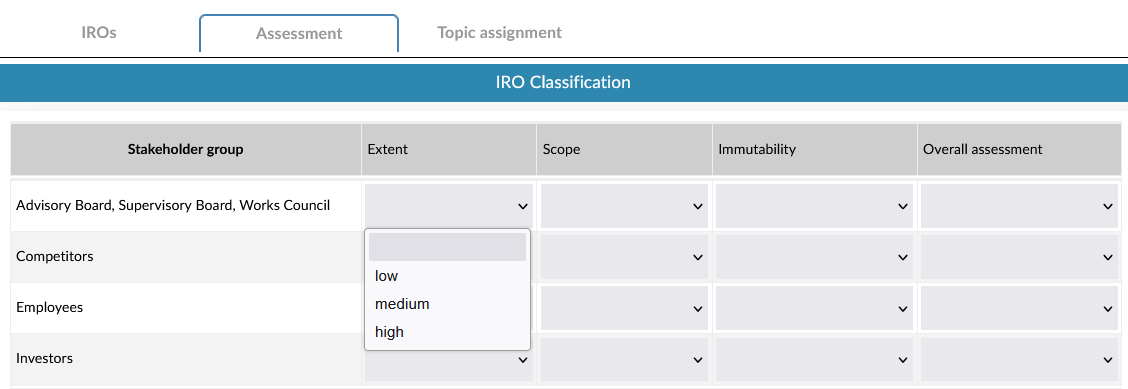
The assessment can - but does not have to - take place at the level of the individual stakeholder groups. If you do not want to use the stakeholder groups for the assessment of the IRO, only use the bottom line Final assessment.

Then switch to the Topic assignment tab and assign the IRO to at least one topic.
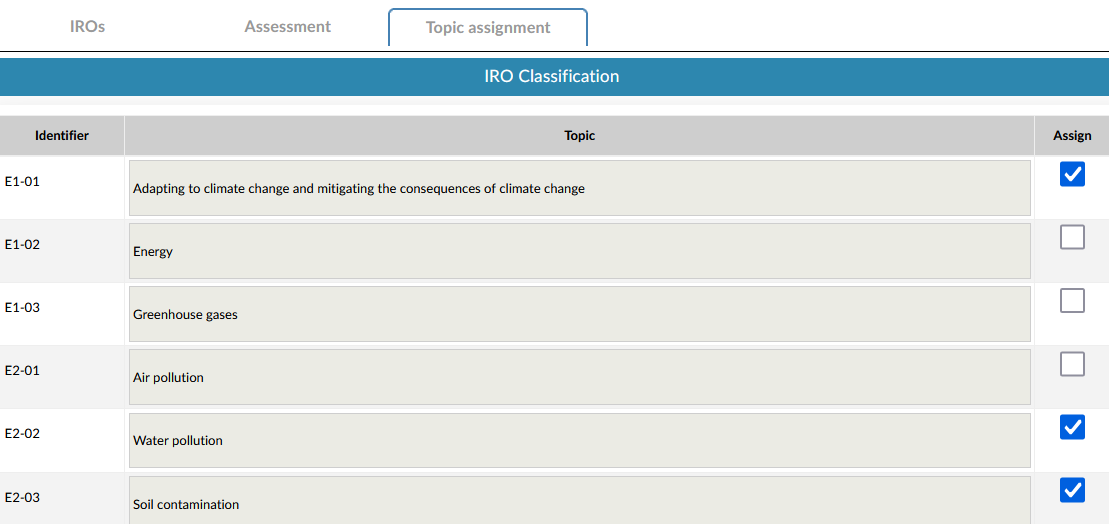
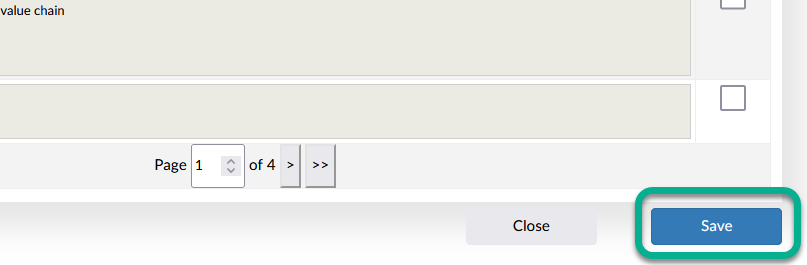
Once you have completed the assignment, click on the Save button.
Once you have recorded the IROs, continue in the Topic Overview.