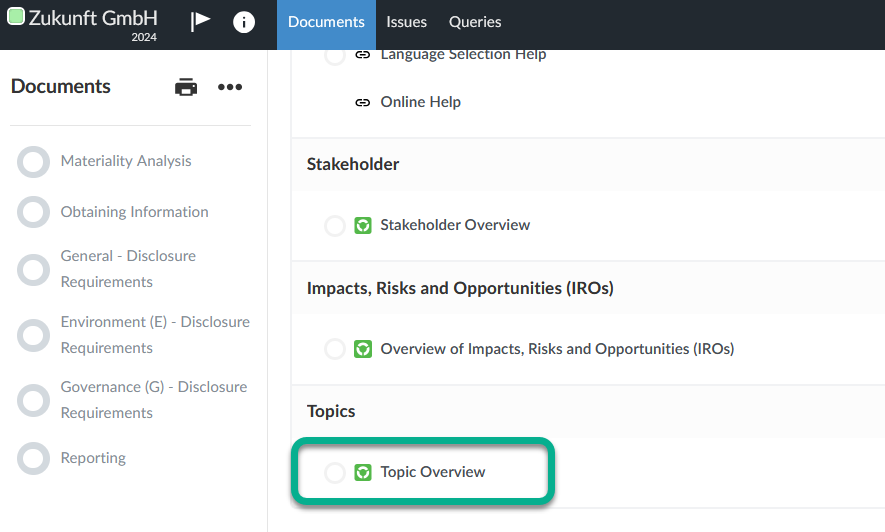
Topic Overview
The Topic Overview lists the sustainability topics in accordance with ESRS 1 AR 16, for which the impact materiality on people and the environment as well as the financial materiality must be determined.
Scale for the assessment of materiality
The assessment is carried out on a scale of 0 to 10 for the entire Topic Overview, where:
-
0 stands for completely irrelevant and
-
10 stands for the highest relevance.
Open the Topic Overview via the Topic Overview link in the Documents page.
Impact Materiality and Financial Materiality tabs
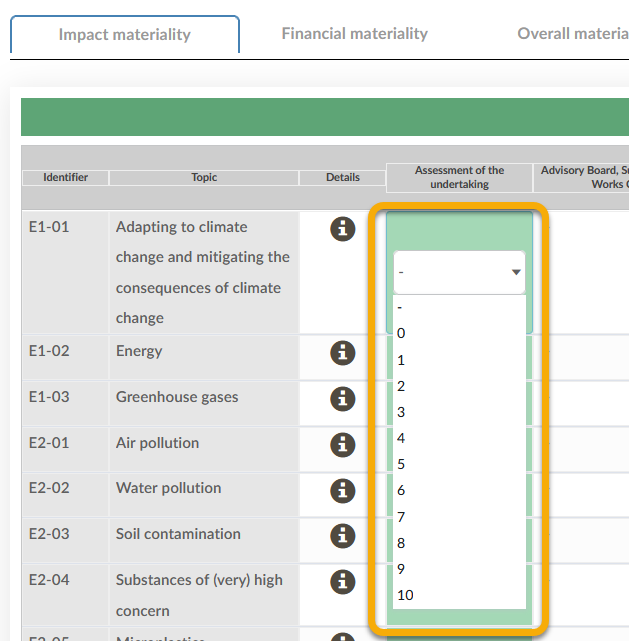
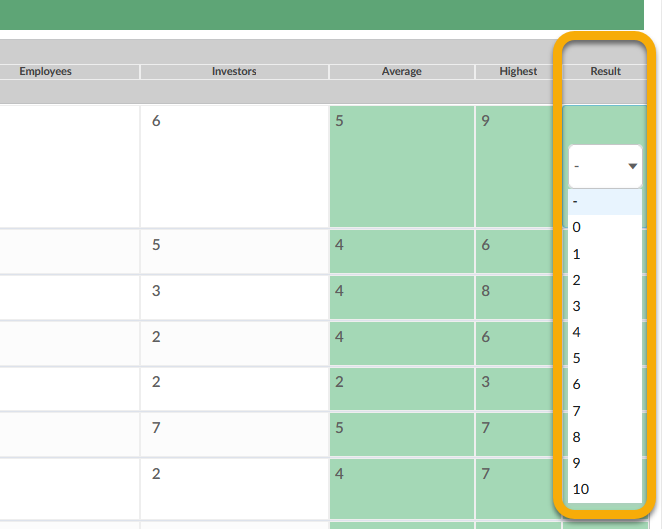
In the Impact materiality and Financial materiality tabs, assess the materiality from the perspective of the individual stakeholders and provide an undertaking-specific assessment in the Assessment of the undertaking column.
To do this, click in a cell and select a value from the drop-down list.
The average rating is displayed in the Average column and the highest rating in the Highest column.
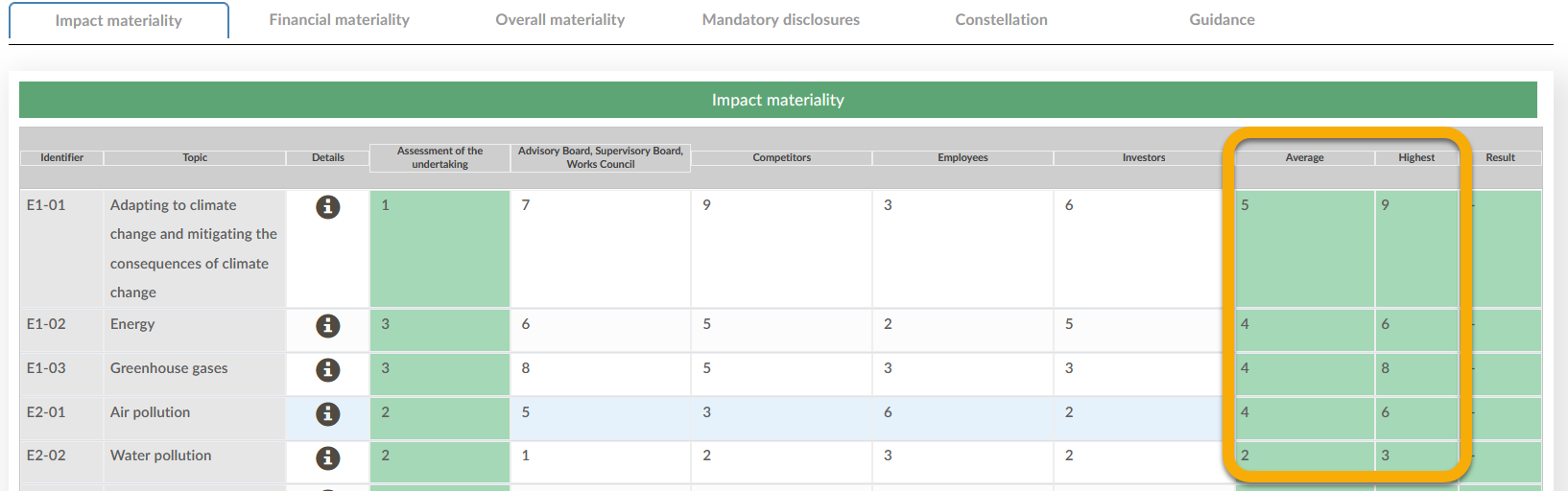
Enter the result of the materiality assessment in the Result column. The columns Average and Highest can be used to make a decision.
Note:
It is advisable to base the result on the highest individual rating. For better clarity, a separate documentation should be created showing how you systematically derived the result from the individual assessments and in which cases you did not follow this system and for what reasons.
The Overall materiality tab
In the Overall materiality tab, carry out the overall assessment of materiality by clicking in the cells in the Overall assessment of materiality column and selecting a value from the drop-down list.
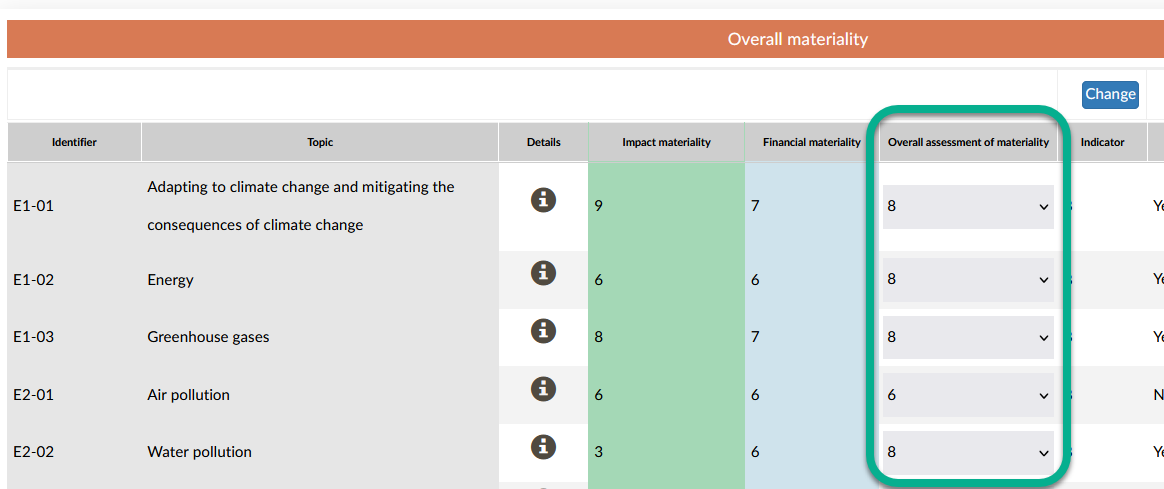
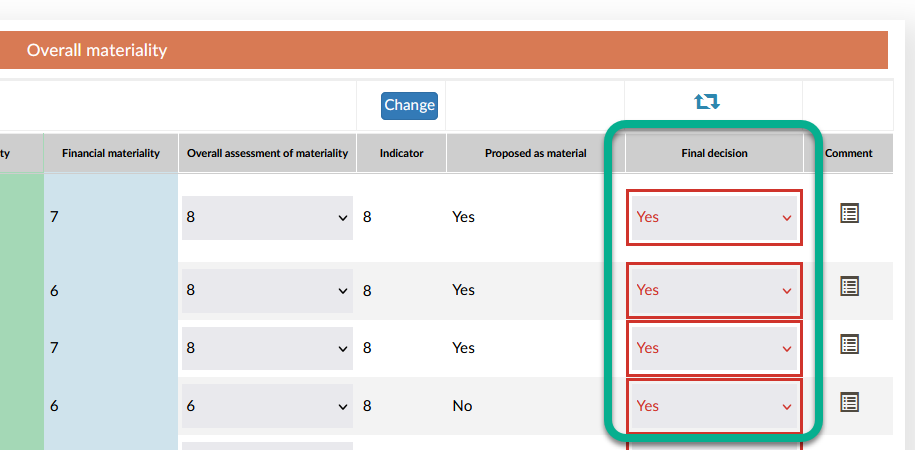
Then make the final decision as to whether a topic is material and therefore subject to reporting.
You have the option of using the Indicator. It is set to 8 by default. This means that all topics with a materiality score of at least 8 are proposed as material.
Note:
We recommend keeping the indicator set to 8. However, if necessary, you can adjust it using the Change button.
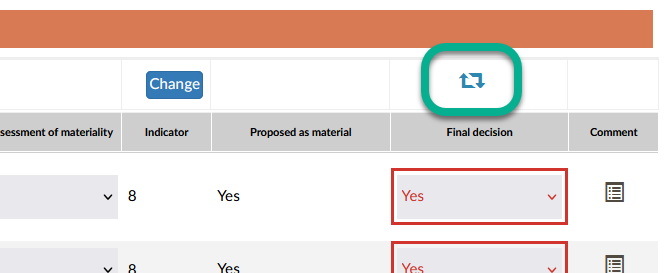
By clicking on the icon above the Final decision column you can accept all proposed decisions. Please note, however, that this will overwrite all previously made deviating decisions.
Note:
The selection of Yes or No in the Final decision column is essential for the automatic determination of the relevant disclosure requirements. If a topic is material, all associated disclosure requirements are marked as relevant. You can view whether certain disclosure requirements for a topic are marked as relevant or not relevant at any time in the details of a topic.
Once you have finalized the materiality, click on the Details icon in the Details column in the Overall materiality tab.
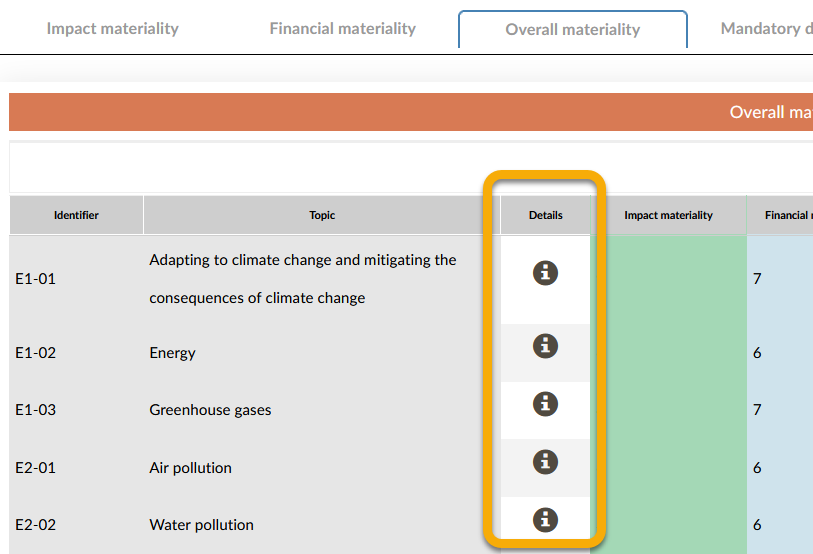
Open the Disclosure requirements tab and check the relevance of the disclosure requirements automatically defined according to your materiality determination. If necessary, make adjustments by deactivating the check boxes in the Relevant column.
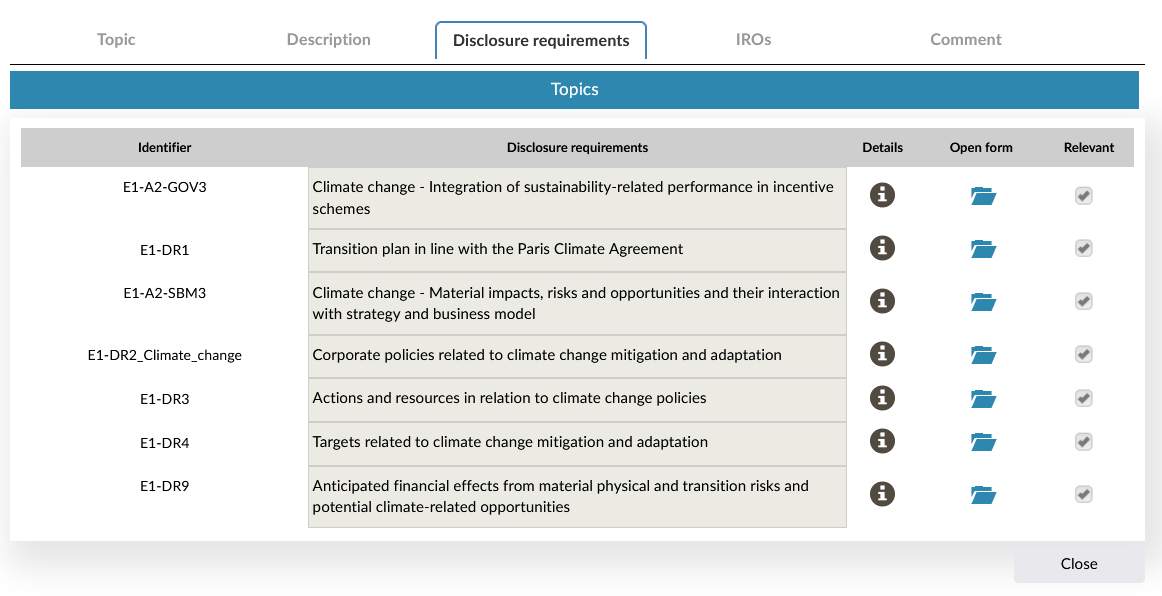
The details also provide you with more information on the respective sustainability topic, such as a detailed description in the Description tab and the assigned IROs in the IROs tab. You can also enter additional comments in the Comments tab. You can also enter a summary of the IROs and memos in the Topic tab.
If you made changes to the details, click on the Save button. If you did not edit the details, click on the Close button to close the dialog.
Note:
You have the option of marking disclosure requirements as relevant at any time in the Disclosure requirements tab. However, it makes more sense to wait until after the final decision on materiality, as depending on the decision and the associated automatic determination of the relevance of the disclosure requirements, the previous manual determination of relevance may be overwritten.
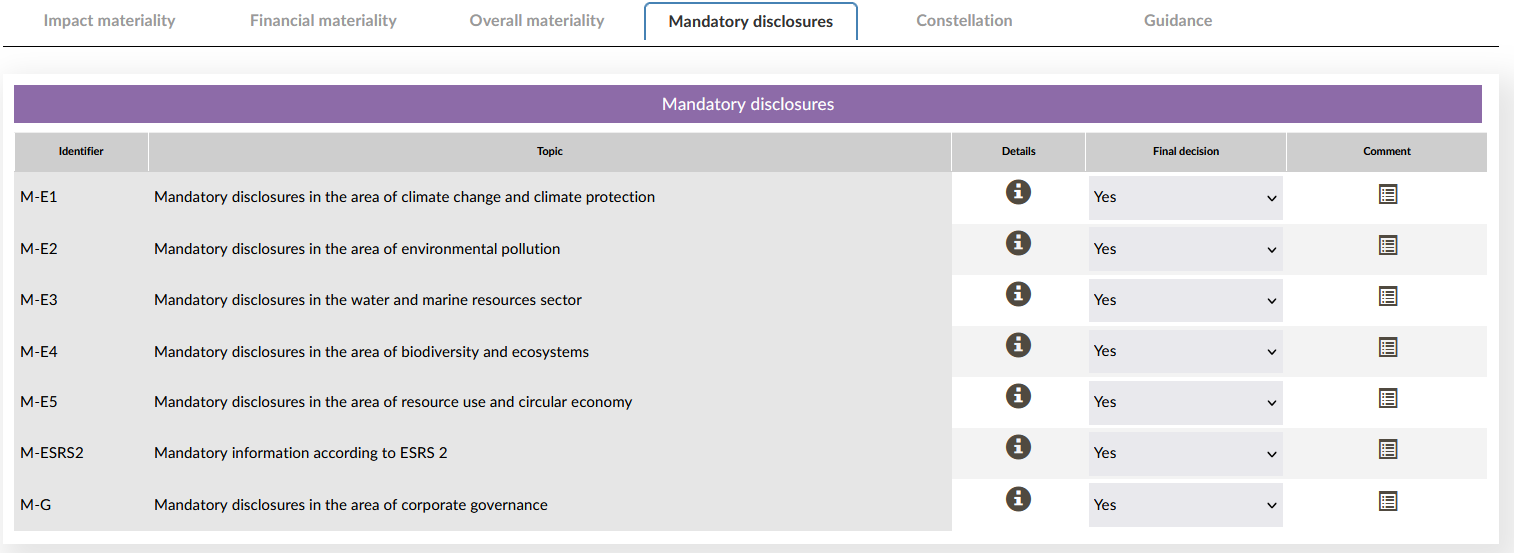
Mandatory disclosures tab
The mandatory disclosure requirements according to ESRS, which are subject to mandatory reporting, can be found in the Mandatory disclosures tab. They are not subject to the materiality assessment. Therefore, there is no materiality assessment scheme available for these topics and the decision to report on these topics is preset to Yes by the system. Should you decide in individual cases that you do not wish to report on one of these topics, you have the technical option to do so. However, it is advisable to adequately document the reasons for this procedure, which is generally not intended in the ESRS.