
Stakeholder Selection
In the Stakeholder Overview you can set the stakeholder groups which you would like to include as part of the materiality assessment.
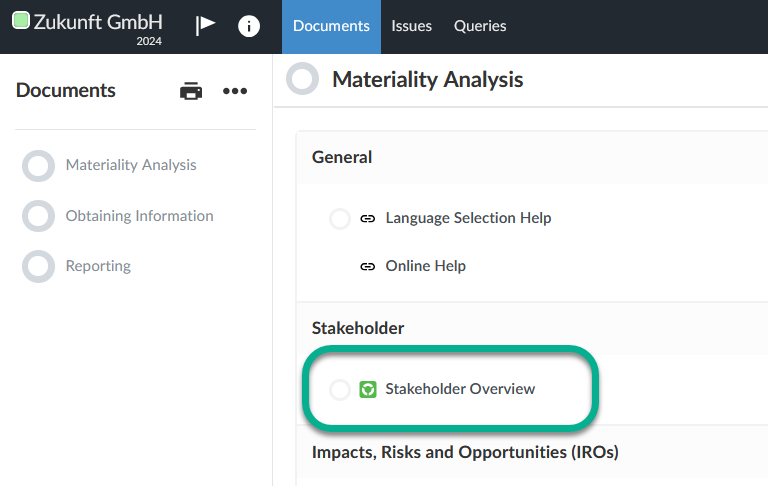
The Stakeholder Overview can be opened by clicking on the link of the same name in the Documents page.
If you are not already on the Documents page, click on Documents in the toolbar.
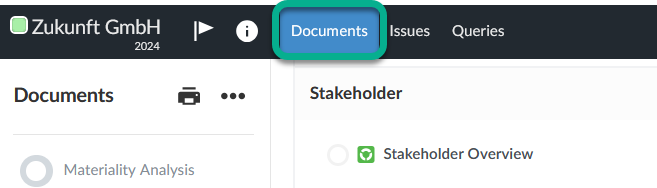
Click on the Stakeholder Overview entry.
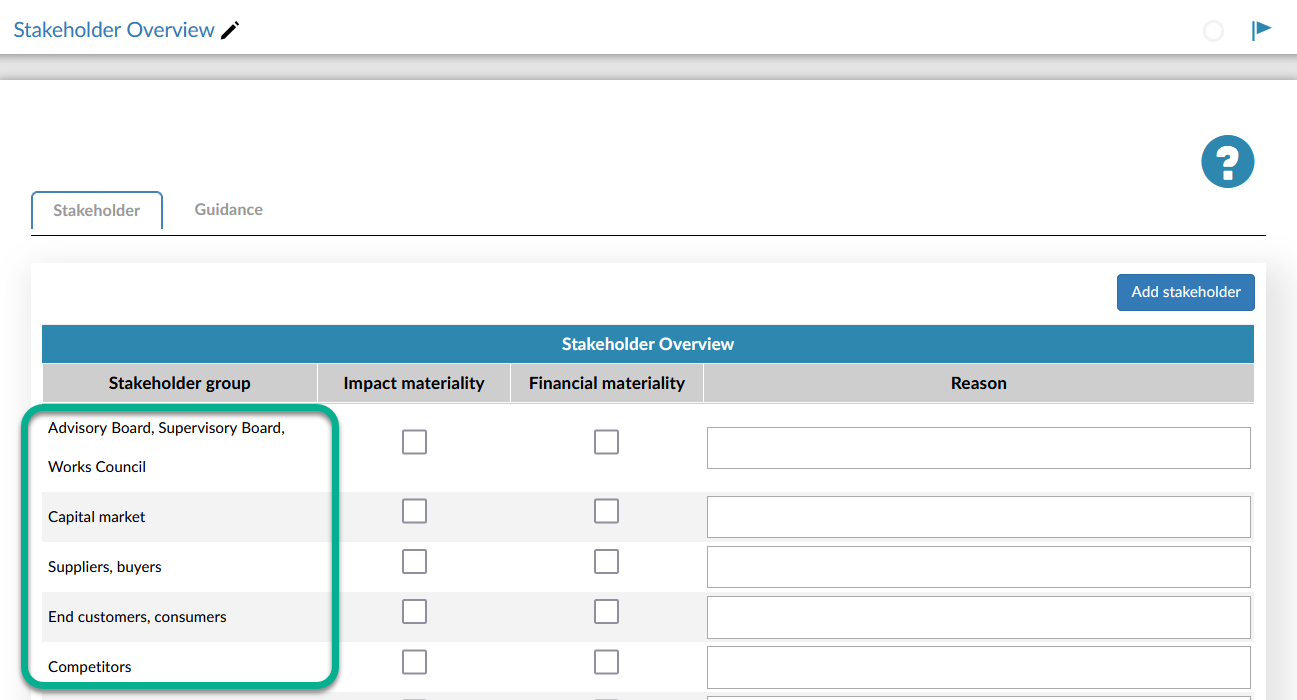
The Stakeholder Overview provides you with a list of predefined stakeholder groups.
Note:
These predefined stakeholders serve only as a suggestion. If any of the groups are not relevant, do not select them in the next step.
Now define the stakeholder groups by activating the checkboxes next to the respective stakeholder group.
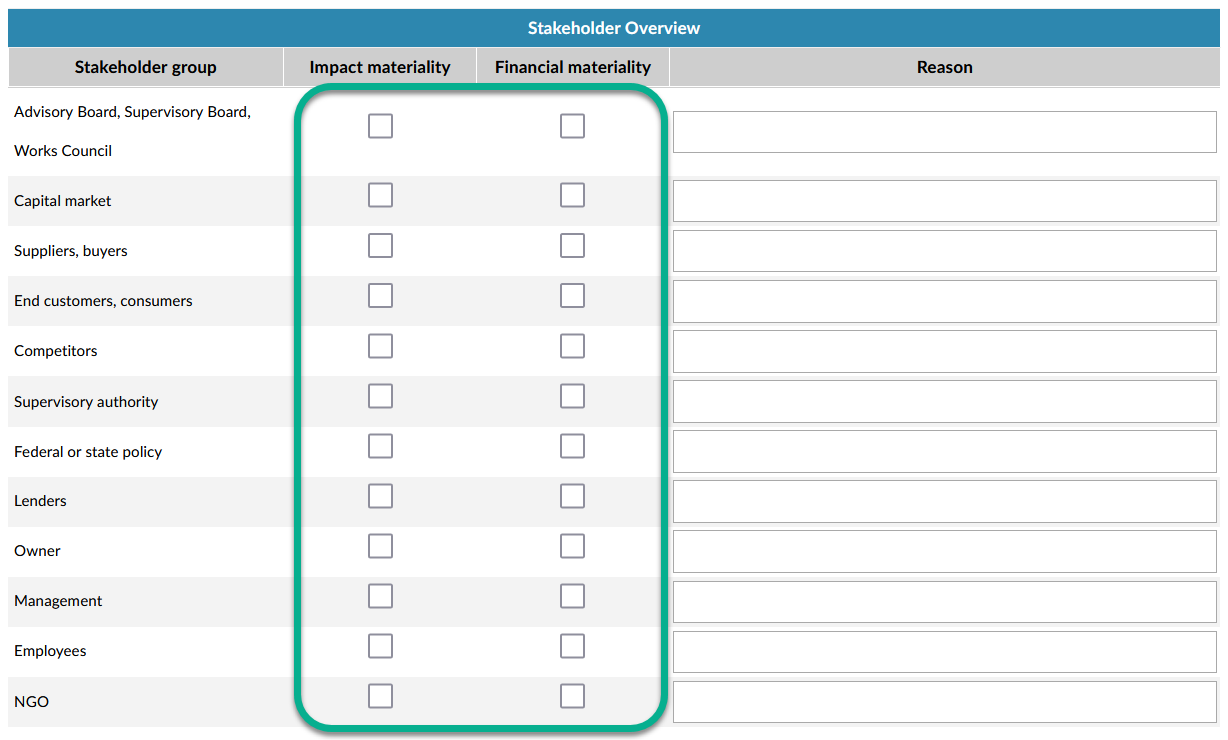
The definition must be made for the Impact Materiality and for the Financial Materiality.
You can also add user defined stakeholder groups. Read more about this in the next section.
Adding stakeholder groups
To add stakeholders, proceed as follows:
-
Click on the Add Stakeholder button.

-
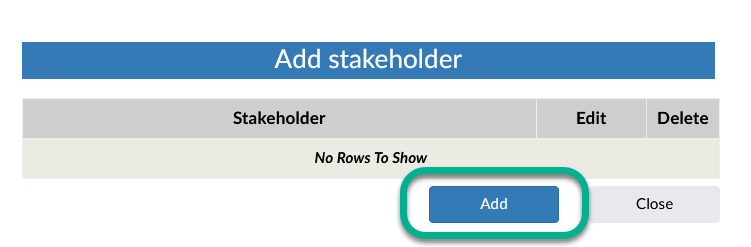
In the Add Stakeholder dialog click on the Add button.
-
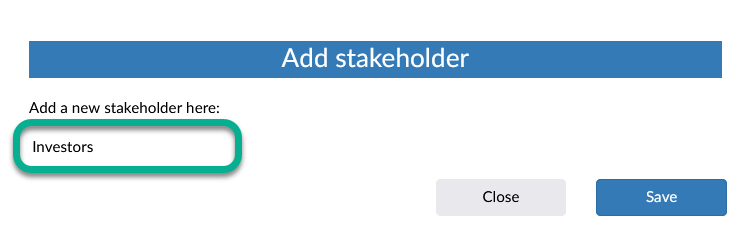
Enter the stakeholder into the text field and click on Save.
-
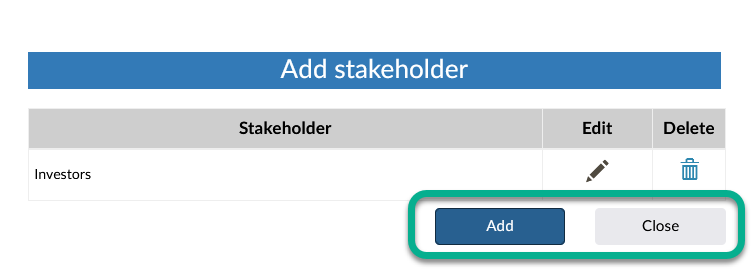
Either click on the Add button to add more stakeholders or close the dialog by clicking on the Close button.
Note:
By clicking on the header of the Stakeholder Group column you can display the stakeholders in alphabetical order.
Once you have finished defining the stakeholder groups, use the Documents button to switch to the Documents page and continue with the IROs.