Responding to a query
Clicking the link in the email you received will directly take you to the corresponding query.
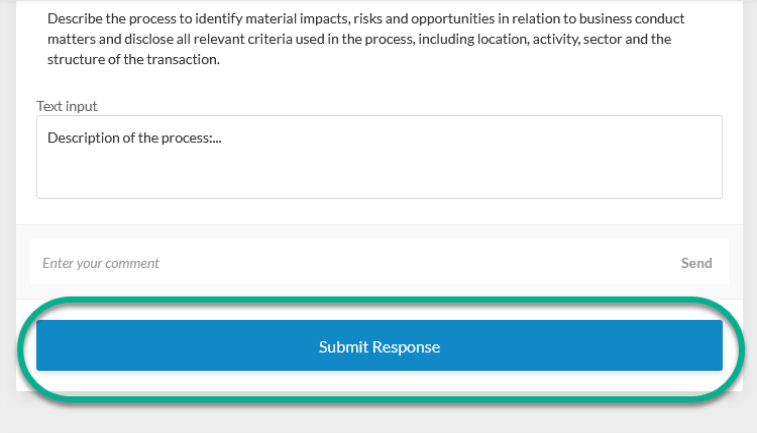
Enter your responses and upload any required documents.
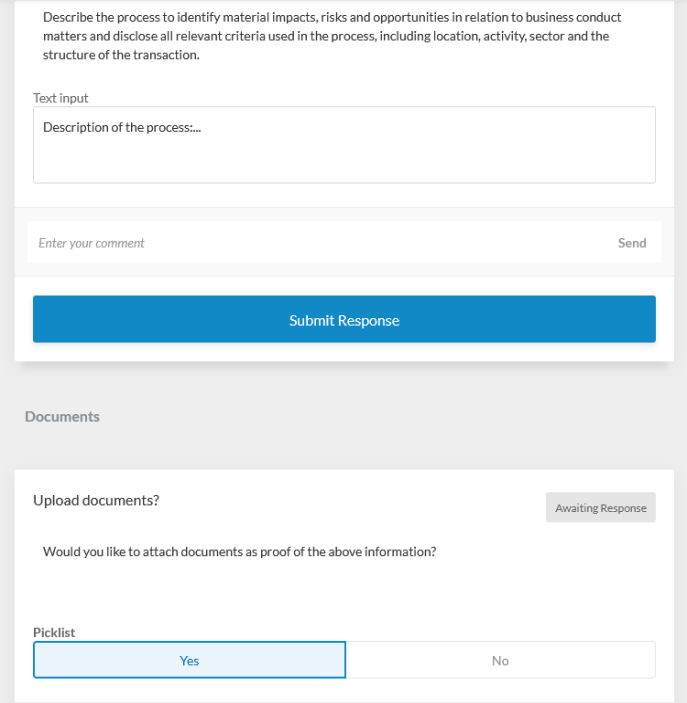
Then click on the Submit Response button below the respective query card to send your response to the ESG Manager.