Receiving a query
The responsible ESG Manager can send you queries via Caseware Cloud.
Note:
In order to be able to receive queries your ESG Manager will first create a Caseware Cloud account for you. You will receive an email with a link via which you can activate the account and set a password.
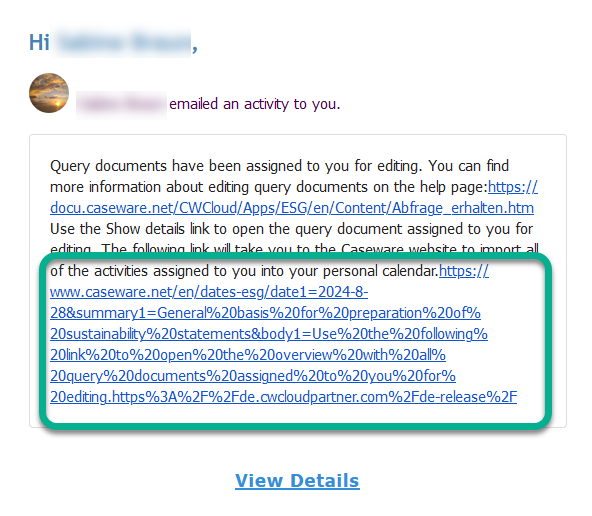
When you are sent a query you will receive an email with a link to open the query.
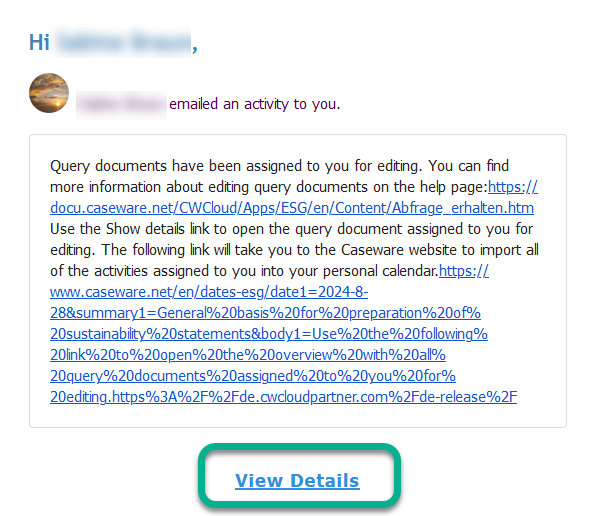
Click on View Details to open the query in Caseware Cloud and respond to it.
Click on the blue link at the bottom to generate a calendar entry for the set due date. (Please follow the further instructions on the calendar management page.)