
Get started with Caseware Cloud - Contact
As a contact, you can perform various actions depending on your assigned role. Contacts with the necessary access rights can:
To start, complete the following:
-
Sign in to the firm's site and activate your account.
Your login credentials are in the email you received from the accounting firm.
-
Access your assigned queries.
Once the accounting firm assigns you a request for information and documents, you'll receive another email notification.
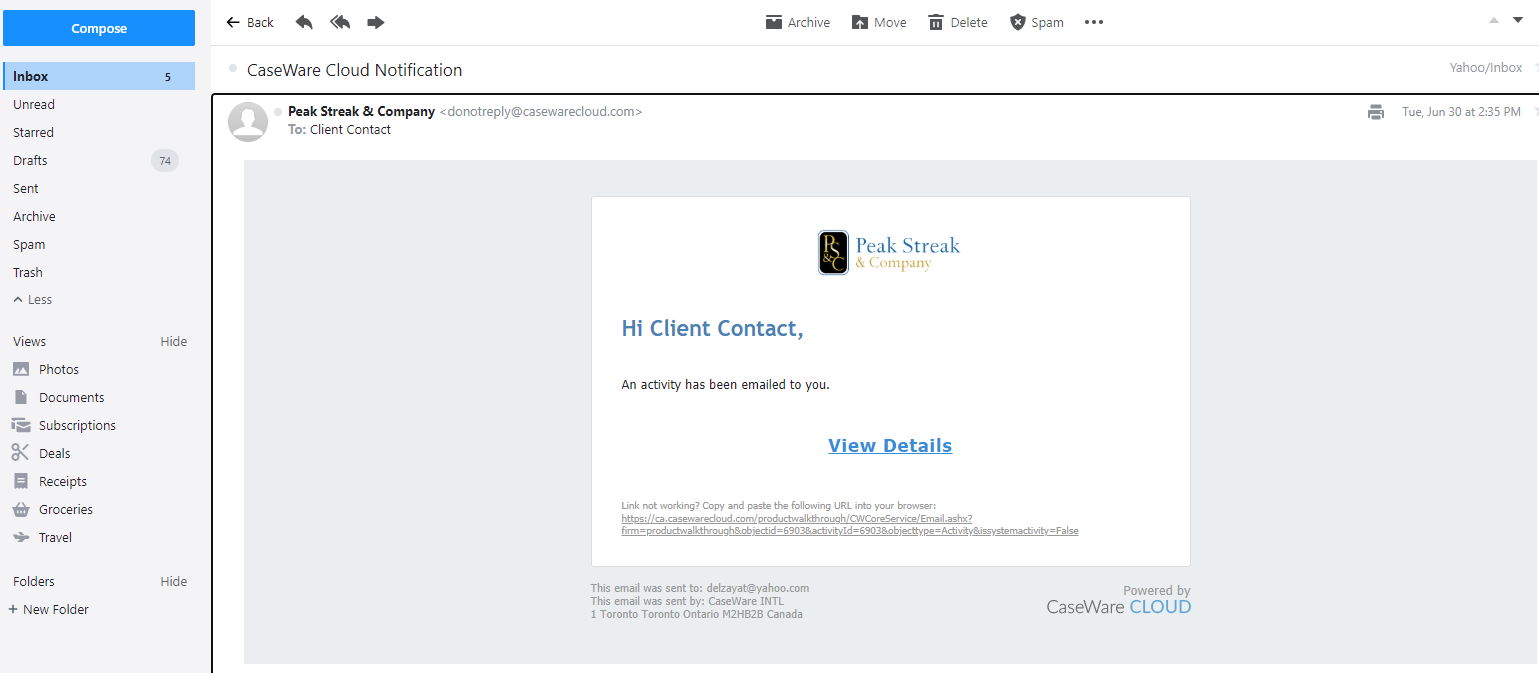
You can open the assigned query using one of the following methods:
-
In the notification email, select View Details.
-
Sign in to the firm site, then select the assigned query from the My Work list.
Note: The My Work list displays your assigned queries. If you have been assigned more than one query, they will be available in the My Work list.
-
-
Respond to the inquiries and document requests in the query.