
Add contact instructions
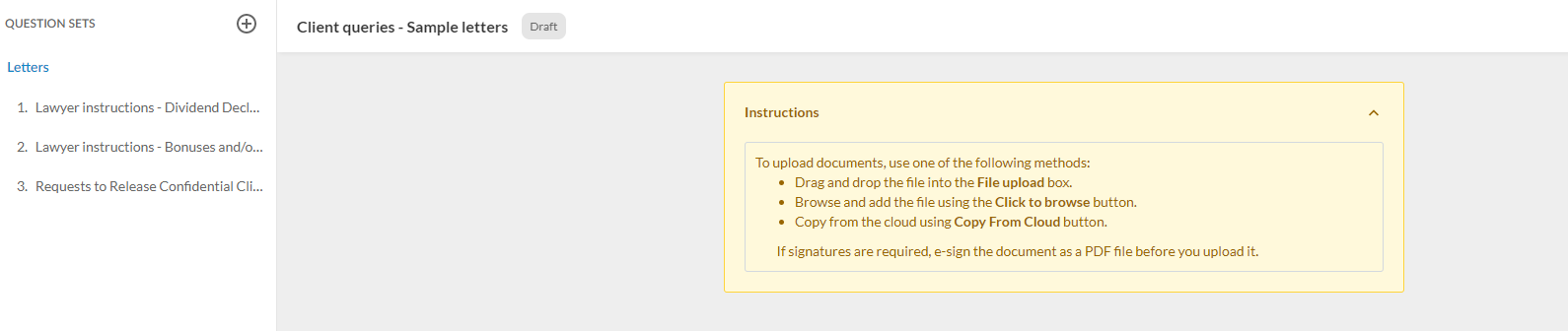
Each query document has an Instructions section at the top. You can use this section to include some guidance information for your contacts, providing instructions on how to fill out the query or further clarifications of the requests.
To add instructions in the query, select the yellow text box and enter the guidance information.
Note: If you leave the Instructions section empty, it does not display in the document when the assigned contacts access it.