
Deleting SubProject Templates
Deleting a subproject template will remove it permanently from the Time file.
Prerequisites
- All client subprojects for this template must be deleted first.
 With Protection activated, you require the following right in the file
- Project Template: Create/Delete under the Setup: Project category
 If Cloud Integration is enabled,
You must be Online to perform this operation. When you are Offline, this operation is disabled.
Procedure
- Access the Project Management dialog from the menu Setup | Project Management.
-
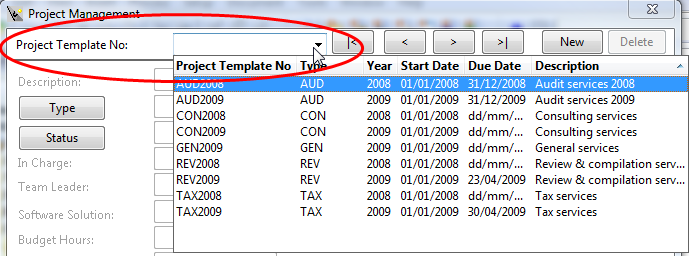
Specify the Project Template No. or select it using the drop-down list.
-
Click SubProj Template.

- Specify a SubProject Template No. or select it using the drop-down list.
- Click Delete and then confirm.