Password Encryption for SAP® connections
In SmartExporter 2026 R1, password encryption for SAP® connections has been revised to enhance security.
When SmartExporter 2026 R1 is launched for the first time, the stored passwords for all SAP® connections included in the connection list are automatically encrypted using the new, improved algorithm.
During installation, SmartExporter automatically creates two machine-level environment variables to store the encryption keys:
-
SE_ENC_KEY: Environment variable used to store the key for machine-specific password encryption
-
SE_ENC_KEY_GEN: Environment variable used to store the key for portable password encryption
Once a connection has been upgraded to the new encryption, it can no longer be used with previous versions of SmartExporter. However, to restore compatibility, you can save an SAP® connection password using the old algorithm if necessary by selecting the Save using backward compatible encryption option and then clicking the Set password button.
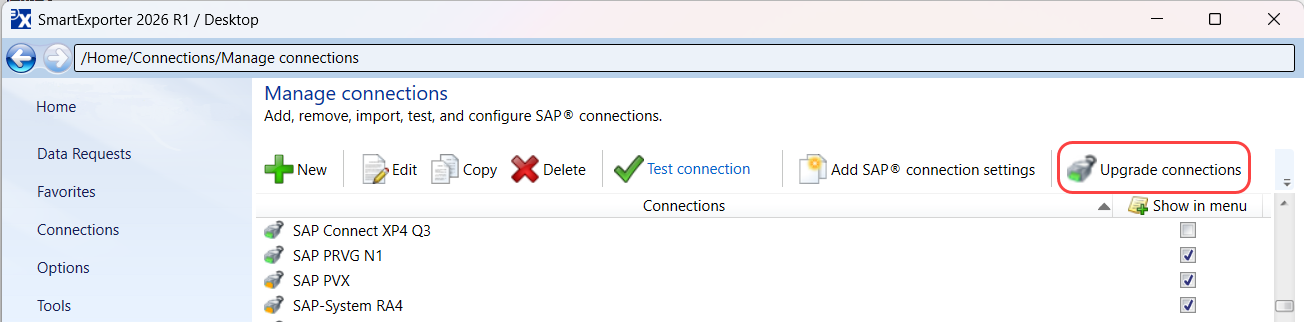
In the list of SAP® connections in SmartExporter, you can see if a connection uses the new encryption (green icon  ) or the old encryption (yellow icon
  ).
).
If you want to update all connections that still use the old password encryption at once, click the Upgrade connections option on the Manage connections page in SmartExporter.