Rounding in the 9 Column Income Statement
-
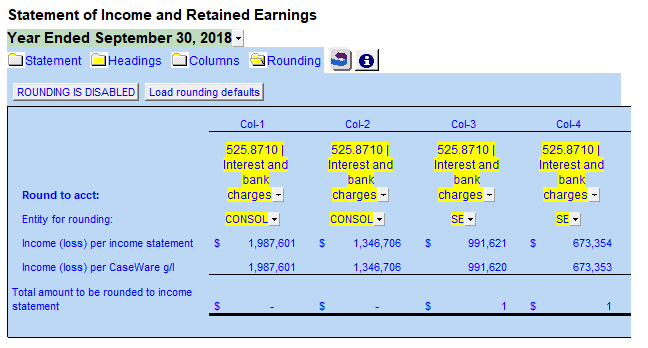
Click on the Show Rounding button to expand the rounding section at the top of the statement.
-
Make sure Rounding is set to disabled.
-
For each column, switch to the Entity that relates to where the balance per that column can be compared to in the Income (loss) per Working Papers.