
Step 3 - Connecting to the PEGRVUpdate Directory
After the download and installation is complete, the new PEGRVUpdate directory/folder will contain the latest Jazzit modules (CaseView (.cvw) files) and revision log files (PDF).
Note: The PEGRVUpdate is not a Working Papers file and does not replace the PEG Review KLIB.
-
Set the path to the newly installed PEGRVUpdate (as set up in Step 2). Skip step 3 if you see a
 next to it.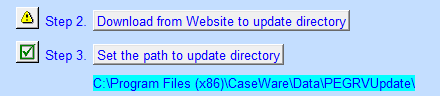
-
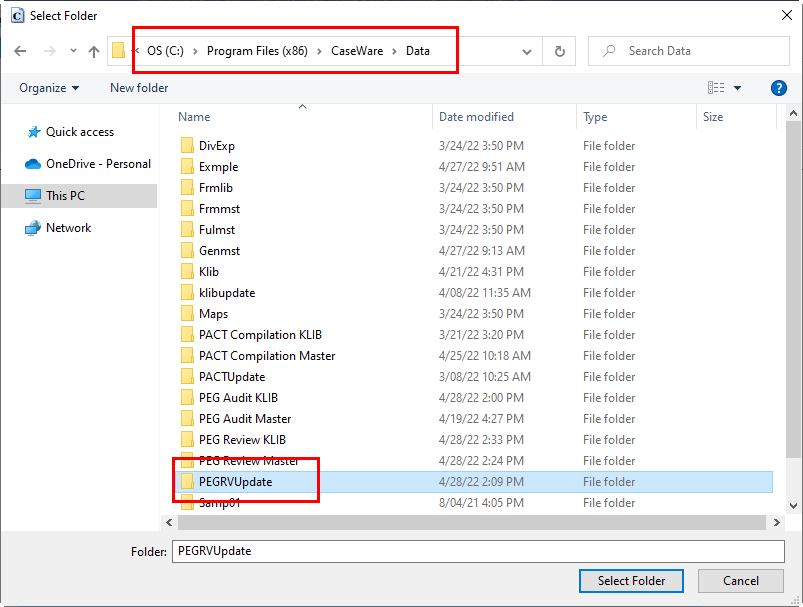
Click on the Set path to update directory button and browse to the location where PEGRVUpdate is located in Step 2. Highlight PEGRVUpdate and click on Select Folder to continue.
-
The PEG Review RC update control will indicate that you are connected to the update directory and will display the Snackbar version date.
