
Connect the Master file to the Resource Centre
-
Open the PACT Compilation Master in Caseware Working Papers.
-
Open the document control (PTKEY).
-
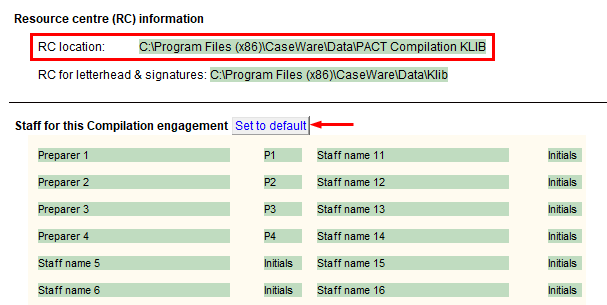
Double-click on the RC location to set the path to the new downloaded Resource Centre (PACT Compilation KLIB).
-
Click on the Set to default button to bring in the staff names entered in the Resource Centre.