Jazzit print package (JZPACK)
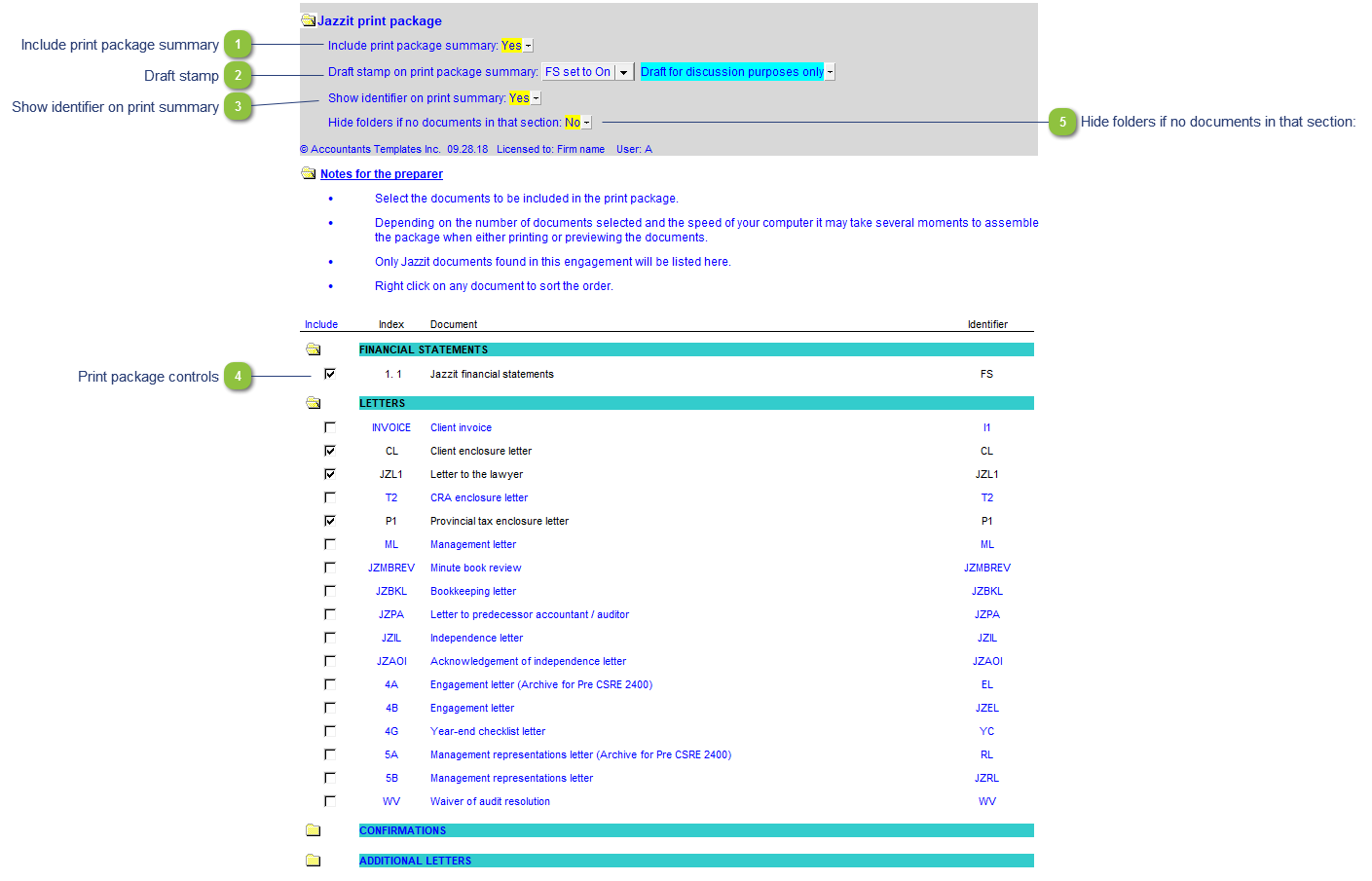
The Jazzit Print Package allows the preparer to batch print all Jazzit related documents in a Working Papers file. Use the checkboxes to select/deselect the Jazzit documents you wish to print.
Once you have selected the documents you wish to print, use File > Print to batch print the documents. You can also use print preview to preview what will print. It may take several moments for CaseView to assemble the package when printing or previewing the documents.
| Number | Name | Description |
|---|---|---|

|
Include print package summary |
Toggle to 'Yes' to include the contents of the Jazzit print package when printing or previewing the package. |

|
Draft stamp |
See Common Working Paper Features for more information on the Draft stamp. |

|
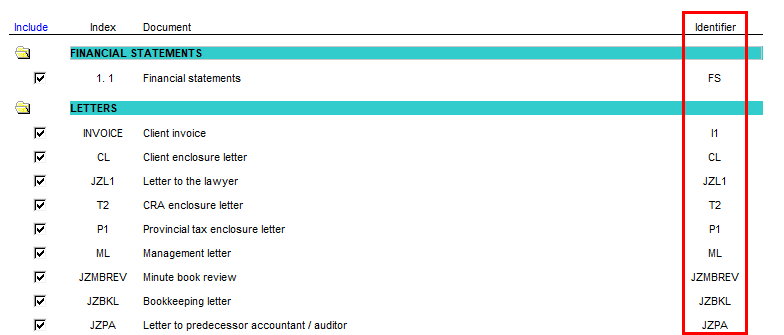
Show identifier on print summary |
Show or hide the identifier column of the Jazzit print package.
|

|
Print package controls |
Check off to select a document you wish to print or vice versa. Click on the folder icon to show/hide a section. Right-click to sort items within a section. |

|
Hide folders if no documents in that section: |
If none of the documents associated with a particular folder are in the Working Papers file, the folder is automatically hidden. This switch can toggle this feature. |