KPG - Right of Use Lease
| Number | Name | Description |
|---|---|---|

|
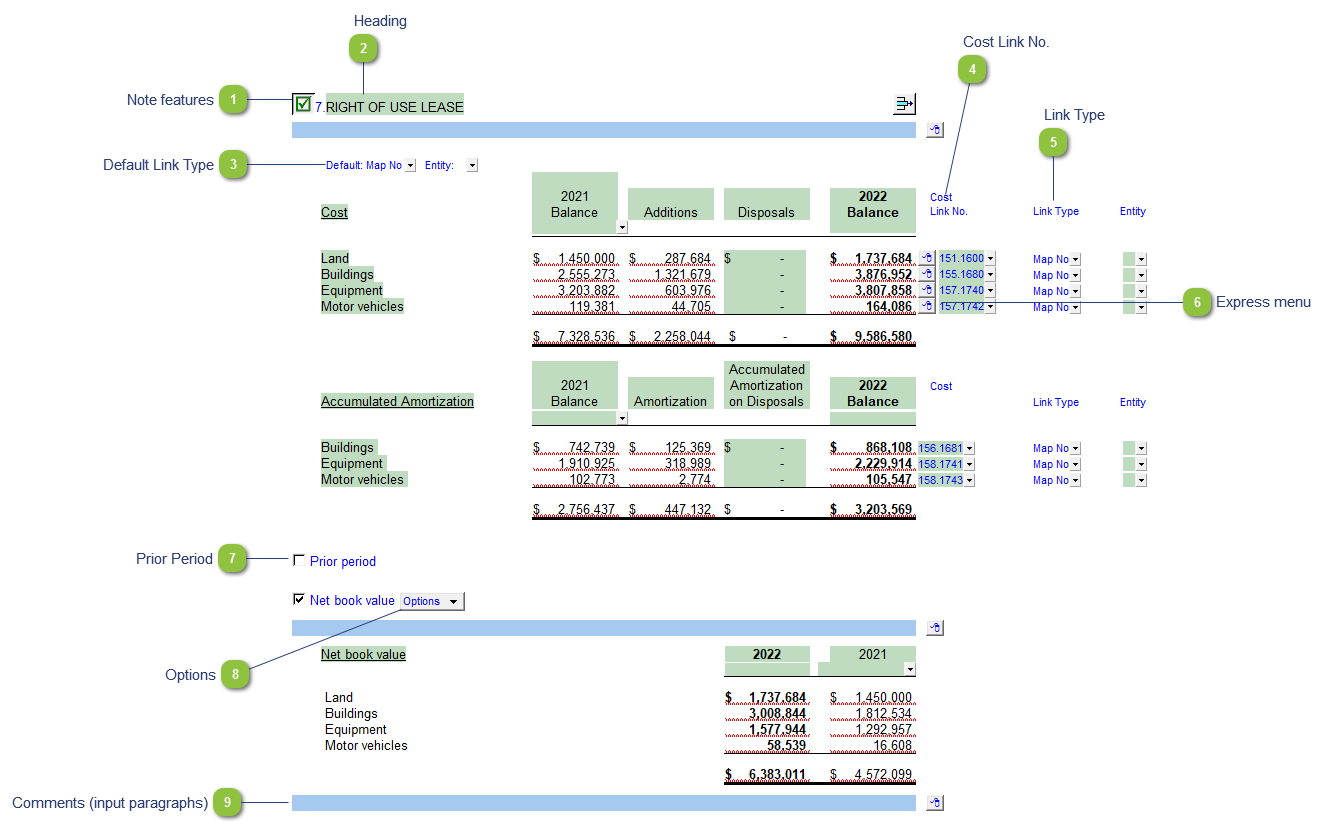
Note features |
Each note has a series of common features. Refer to Common Note Features for more information on each feature. |

|
Heading |
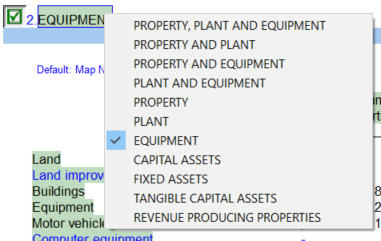
Right-click on the heading for title options. Title changes here will flow to both the corresponding policy and Balance sheet line item.
|

|
Default Link Type |
The link type is set from the default link type selected. You can change the link type for the individual row item if different from the default link type. |

|
Cost Link No. |
Use the popup menu to select a link number. This can be a map, account or group number depending on the link type selected. The PY balance is displayed in the 1st column while the Additions (2nd) column is calculated via a difference between Current Year and Prior Year. Disposals are entered manually and automatically added to Additions as an offset. |

|
Link Type |
The link type is set from the default link type selected. You can change the link type for the individual row item if different from the default link type. |

|
Express menu |
Use the express menu to insert more linked or manual lines, insert subtotals, sort and delete current lines where the options are available. |

|
Prior Period |
Click on the checkbox to enable a detailed table for the Prior Period. |

|
Options |
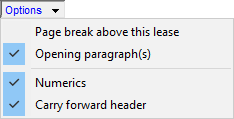
Please see the following link for more information on the rest of the options.
|

|
Comments (input paragraphs) |
You can edit existing input paragraphs or insert more paragraphs using the express menu. Refer to Input Paragraphs for more information on inserting paragraphs. |