Link GL Balances to Schedules
-
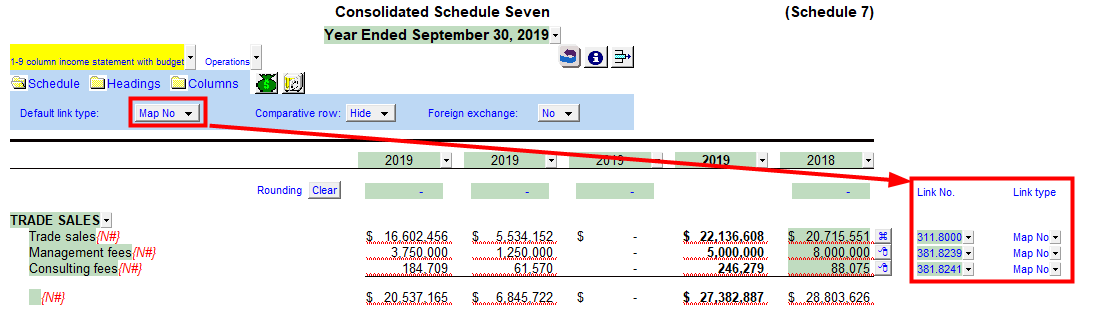
Set the default link as map numbers. This will allow you the link the map numbers to the schedule in the sections below.
-
Manually enter map number or select the map number from the popup browse menu.
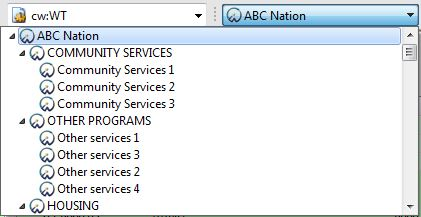
Note: If you switch the Working Papers consolidation context menu to present the same entity as your schedule, your map browse will only list map numbers with balances for that entity. Make sure you set the Working Papers context menu entity back to the parent company when you have completed the schedule.