Disabling Warning Page
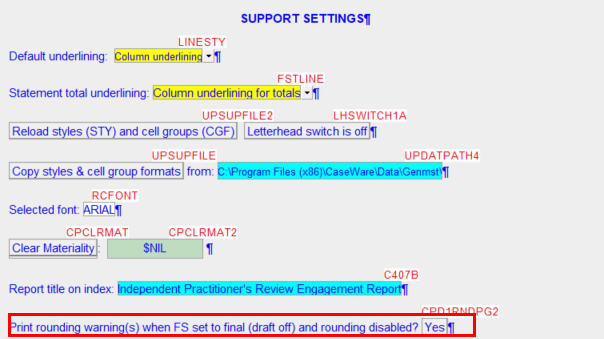
When the draft stamp is turned off and a warning difference or issue exists, a warning page will print as the first page of the Jazzit Financial Statement. This page can be disabled in a couple of ways if required.
Note: We strong recommend against disabling the warning page as this provides a crucial check that ensures the file is balanced before completion.
Disable Warning Firm Wide
A firm wide setting can be set in the Resource Centre. Please see the following page for more information.
Disable for individual file
Enter Enable Edit mode (View > Enable Editing) in the Jazzit Financial Statements. Then scroll below the statement menu to find the support settings panel.