1-2 Year Statements with % Format
| Number | Name | Description |
|---|---|---|

|
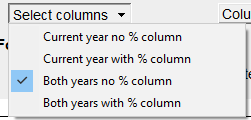
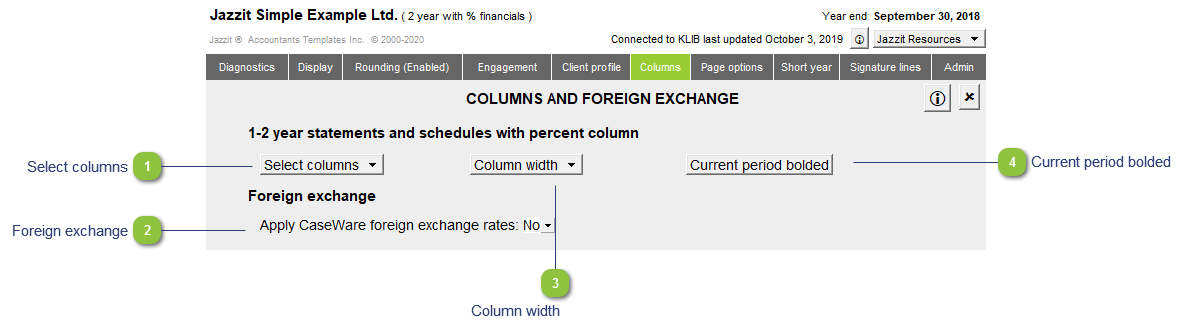
Select columns |
Click on the popup menu to select the desired column options. This menu allows you to show or hide comparative figures and percentage analysis.
|

|
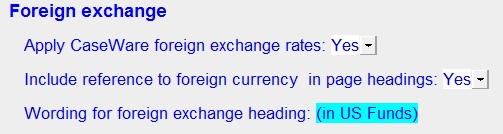
Foreign exchange |
When this option is set to Yes, the amounts linked to the trial balance can be adjusted by the rates entered into the foreign exchange area of the working trial balance in Caseware (does not adjust manual amounts or amounts brought in from supporting working papers).
|

|
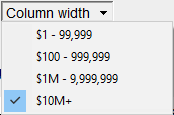
Column width |
Review your statements and locate the largest dollar amount. Click on the column width that is within that dollar range. Column widths can be changed at any time by clicking on the different dollar ranges.
|

|
Current period bolded |
Click on the button to bold or unbold the current year column throughout the financial statements. |