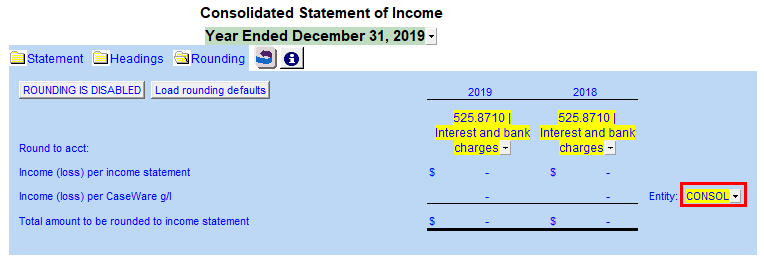
Rounding in the default 2 year income statement
-
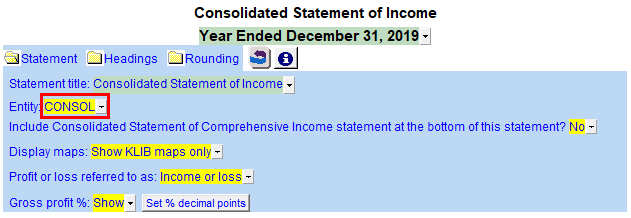
In the Statement options area select the Income Statement Entity to determine where the balances come from.
-
Click on the
 next to Rounding button to expand the rounding section at the top of the statement.
 -
Click on the Rounding is Enabled button to disable the rounding, if it is not already set to disabled.
-
For Income (loss) per Caseware, switch the Entity to the corresponding entity you have selected in Statement.