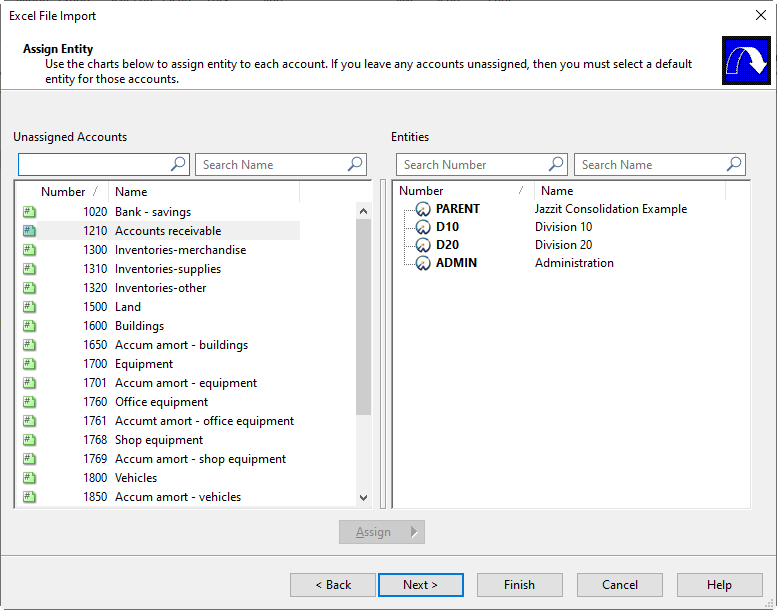
Dividing the existing trial balance into different worksheets
-
Add the entities to the consolidation structure in the Engagement > Consolidate dialog.
-
Import the client trial balance into a spreadsheet program (e.g. Excel).
-
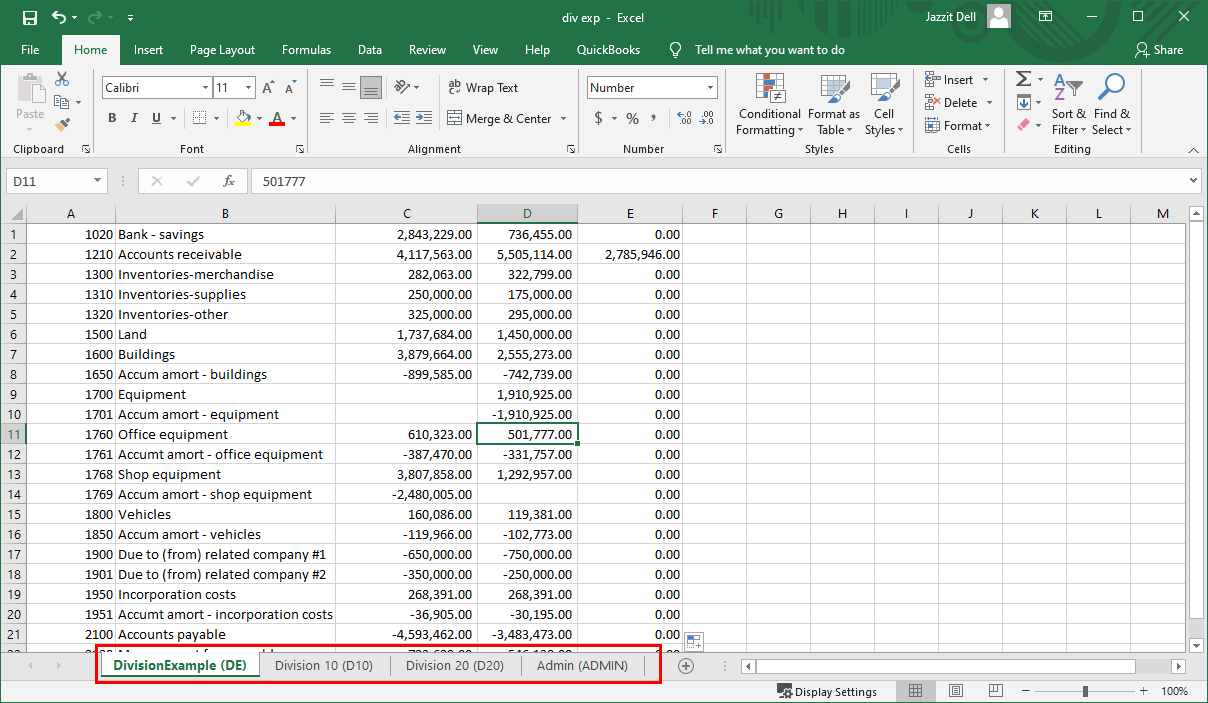
Break the trial balance into separate worksheets.
-
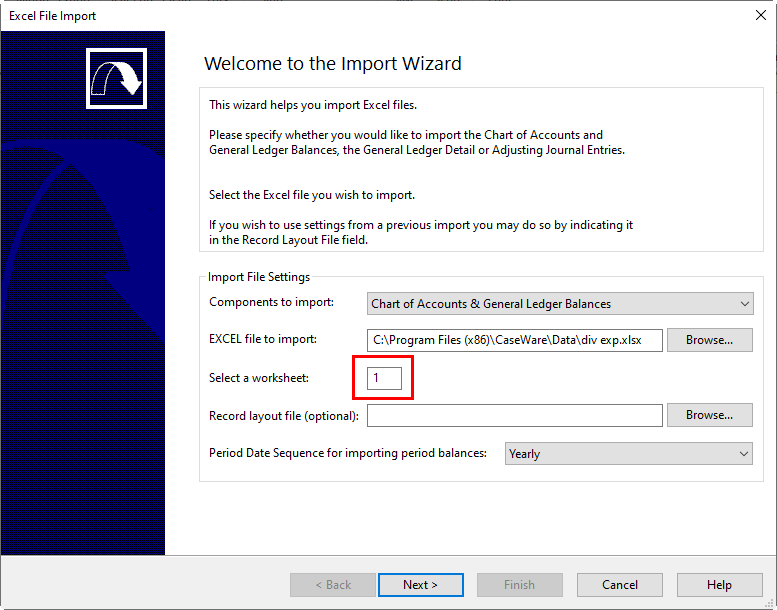
Import each worksheet individually to each entity in Caseware by selecting Engagement > Import > Excel File.
-
When you click Next on the Assign Entity screen, you will be prompted to assign the unassigned account numbers to an entity.