
Including currency-related text in statement area headings
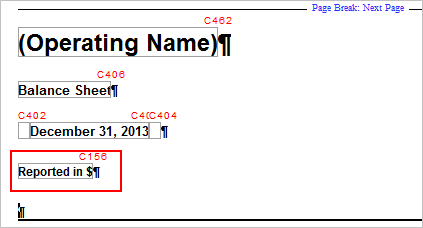
In the financial statements, you can specify that currency-related text, such as Reported in $ or Expressed in $, is to appear in the statement area headings.
Prerequisites
- The Currency symbol has been defined for Tables from the Display dialog after selecting the Display button.
Procedure
- Open the Financial statements document and select the Global Setup tab
- From the Heading drop-down, select or type the text to display.
Results
The text you have specified is displayed in the statement headings.
This online help system applies to all Financials products. Not all features are available in all products.