Firm - Onboarding
The Onboarding wizard was created for template authors to quickly set up the Organization Settings
Procedure
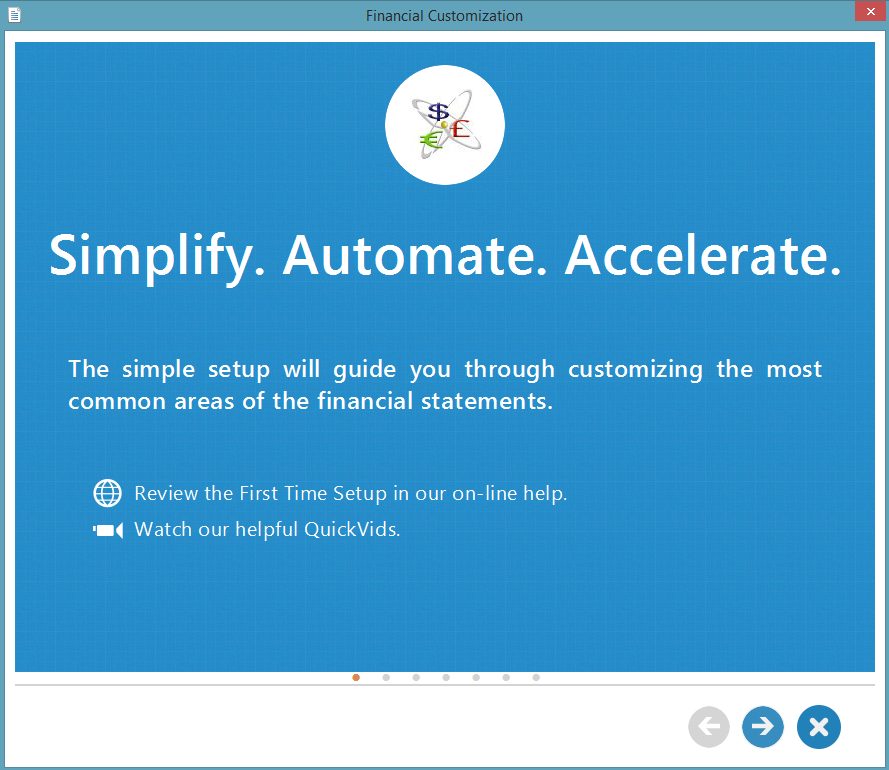
- Upon opening the template the first time, the Financial Customization dialog will appear.
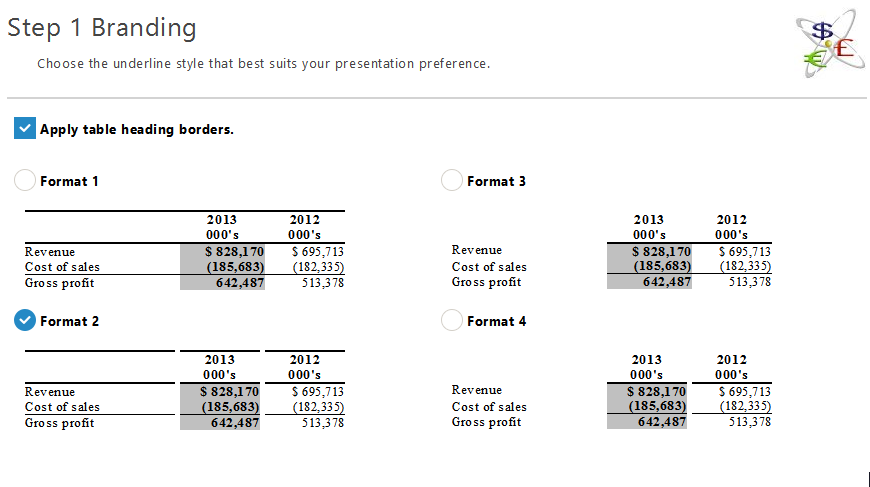
- Select a format as the underline style and proceed to the next screen.
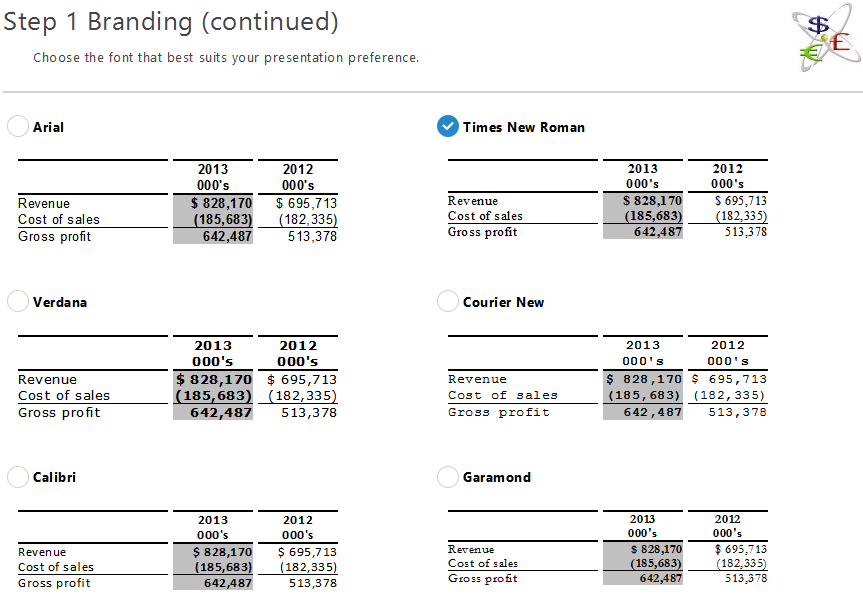
- Select a font style and proceed to the next screen.
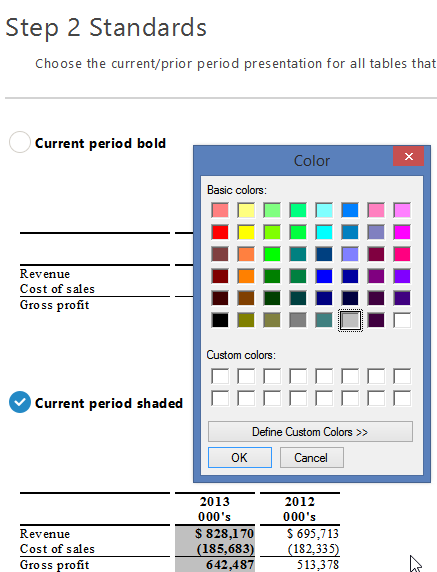
- Select a shading type and a colour picker will display. Select a colour from the and click OK. Proceed to the next screen.
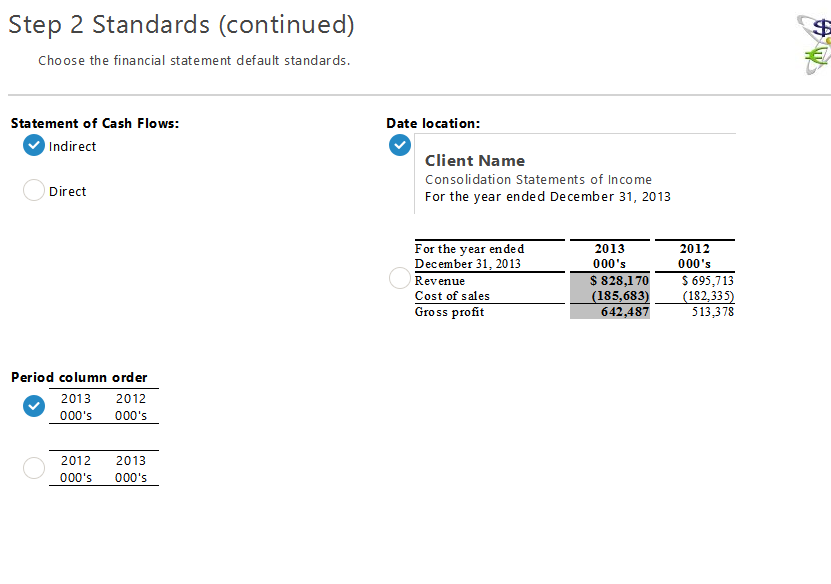
- Select the Financial statement default standards and proceed to the next screen.
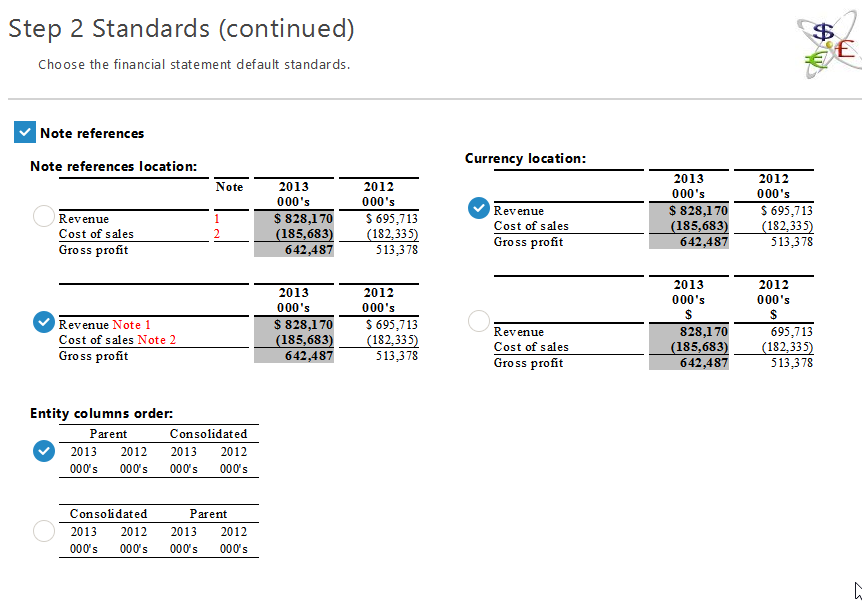
- Select the format for Note references, currency location and entity columns order as the default and proceed to the next screen.
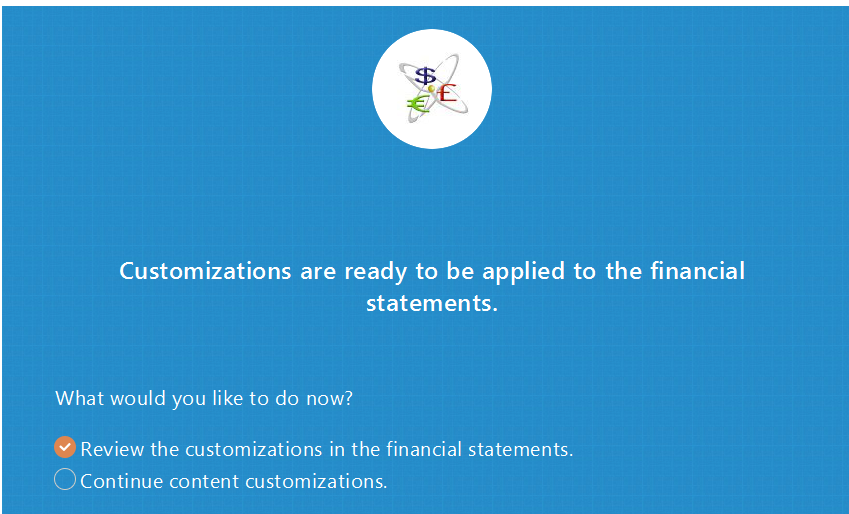
- Select Review the customization in the financial statements to review the applied customizations. Click YES to save the changes.