Allowing Merged Squares to Split in a Wide Table
If you are using merged table squares to act as a heading for the row after it and you have set the table to use Wide Table Printing, the merged squares have to be allowed to split when the page breaks between the table cells that they span.
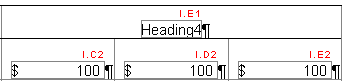
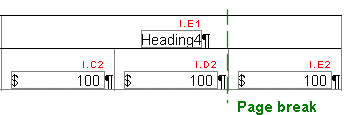
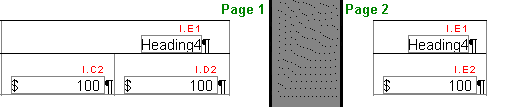
Access the Row Properties and check the box "Allow merged squares to split" to allow such table cells to "break" across the page break by appearing on both pages and repeating the first paragraph in each portion of the split. For the above table, the following results: