
Configuring the Optimiser
-- Firm Author --
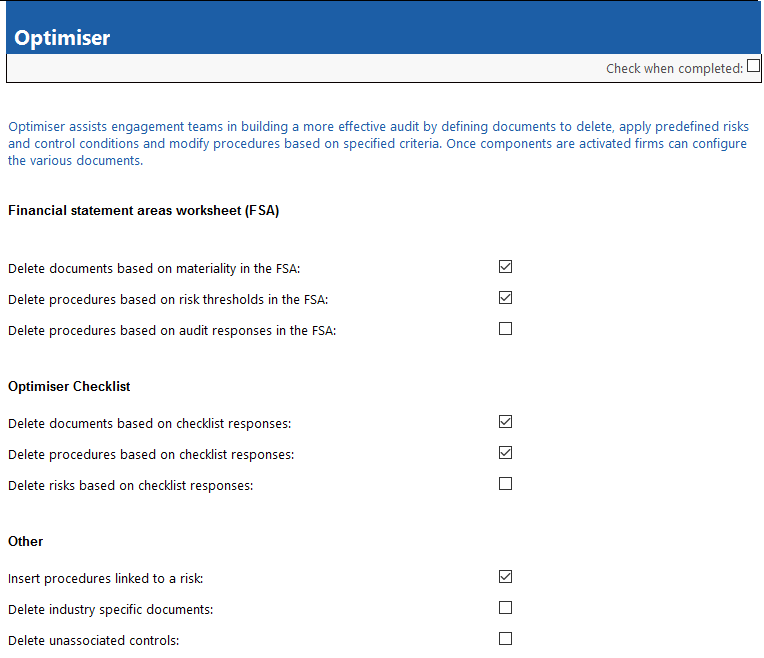
To configure the Optimiser:
- In the AO - General options document, in the General options pane, select Optimiser.
-
Select or clear the checkboxes as needed. For more information on the checkboxes in the Optimiser pane, see Optimiser.
- Select the Check when completed check box on the top right.
This online help system applies to all Caseware Audit, Review and Compilation products. Not all features are available in all products.