
Modify and review controls
The Risks & controls tab displays a list of the controls identified in your engagement, where you can view, add, modify and delete controls.
To modify a control:
-
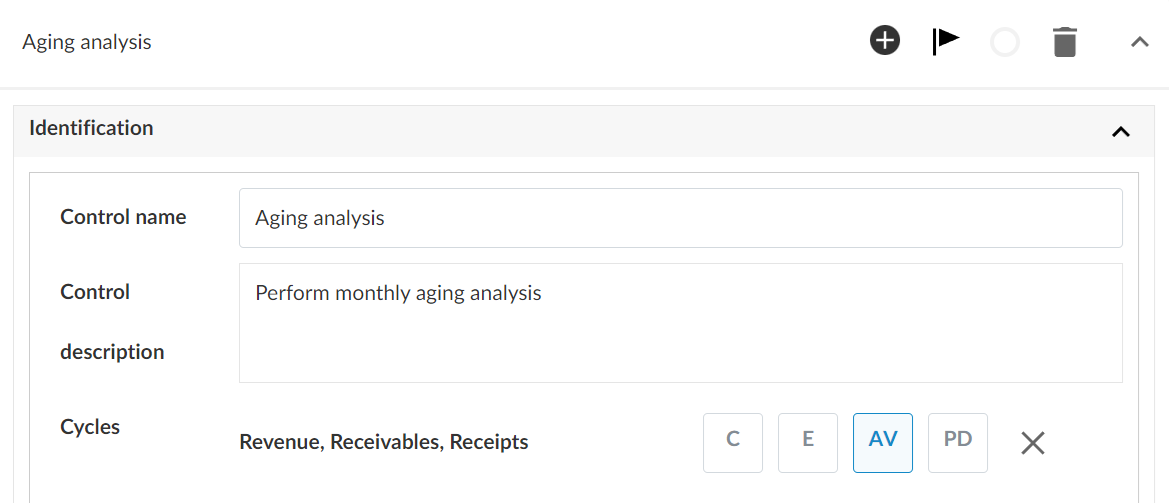
Select a control to open it.
-
Select the Control name and Control description text fields to edit them.
-
Select Add (
 ) to add cycles to the control.
 -
Select a control type from the drop down menu.
-
Select Add (
 ) to link risks to the control.
 -
Complete any other applicable options, such as assigned assertions, control frequency, whether to test the control and the result of its effectiveness.
If there are no changes to a control from the prior period, the control will automatically carry forward during a year-end close. To learn more, see Carry forward an engagement.
Unlike risks, controls are linked at the document level (via the Design Reference and Evaluation Reference fields) rather than at the procedure level. Procedure-level linkage for controls can be achieved through annotations.