
Define materiality
Use the A-400 Materiality document to determine and document materiality for the audit, including overall materiality, performance materiality, the threshold for clearly trivial misstatements, and where applicable, specific materiality and specific performance materiality for particular classes of transactions, account balances, or disclosures.
A-400 Materiality is organised into two tabs:
-
Materiality — engagement-level materiality determinations.
-
Guidance — guidance for completing the form.
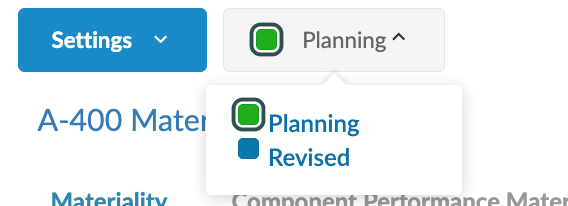
A view selector at the top of the document switches between the Planning and Revised views:
-
Planning view — used during the planning phase to determine the initial materiality amounts that will drive the planned nature, timing and extent of audit procedures.
-
Revised view — used during the audit to record any revisions to materiality. Switching to the Revised view locks the Planning amounts (indicated by a lock icon on the column headers), adds Revised columns and a revised performance materiality row alongside them, and exposes the Revised materiality assessments section at the bottom of the tab.
Where outputs are calculated, a Conclusions panel on the right summarises the amounts. In the Revised view, the Conclusions panel shows both Planning and Revised amounts.
Common section controls
Each section of the form includes:
-
A Comments field below the data inputs for additional notes (in most sections).
-
A Conclusions panel on the right where outputs are calculated. In the Revised view, the Conclusions panel shows both Planning and Revised amounts side by side.
To complete the materiality document:
-
From the Documents page, open A-400 Materiality. The document opens in the Planning view by default, on the Materiality tab.

-
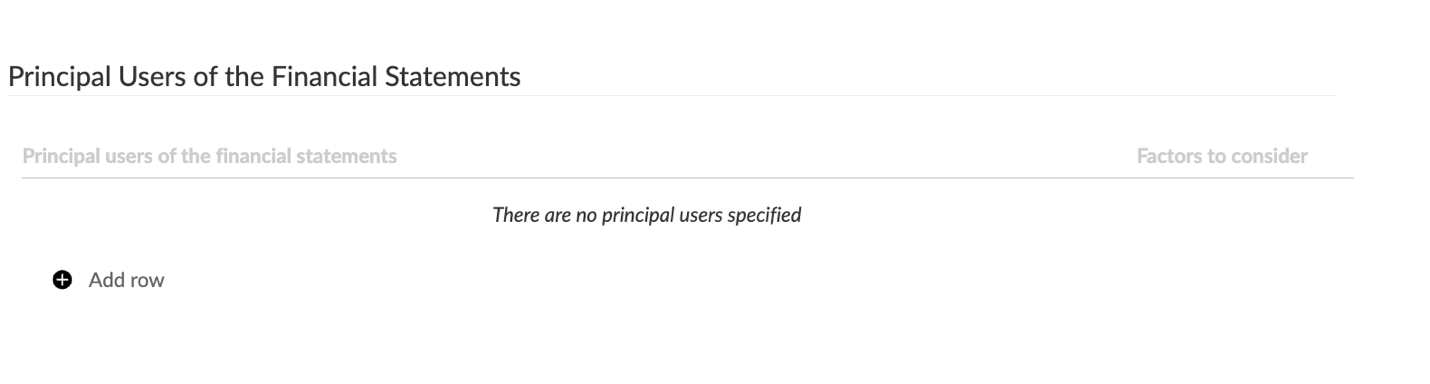
In the Principal Users of the Financial Statements section, document the principal users of the financial report and any factors the engagement team considered. For each entry, enter:
-
The principal user (or class of users)
-
Factors to consider
Select Add row to add additional principal users to the document.
-
-
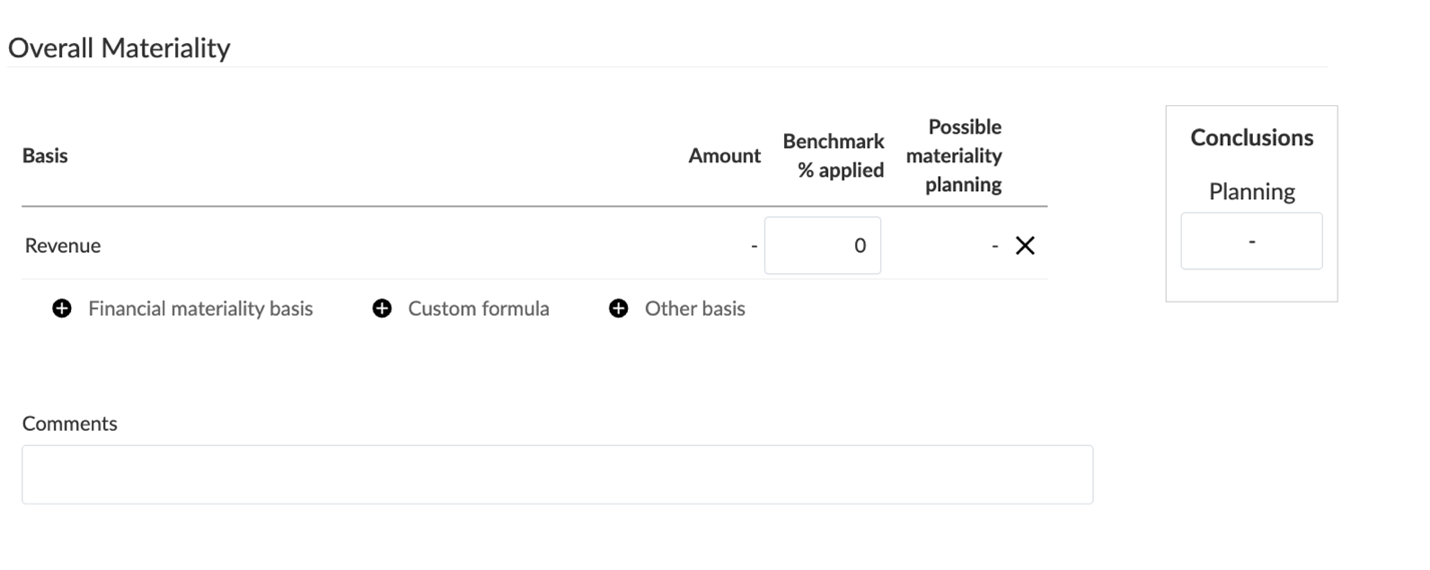
In the Overall Materiality section, document the basis (or bases) used to determine overall materiality. The basis table includes:
-
Basis — description of the basis
-
Amount — the planning balance, populated automatically when a financial group is used
-
Benchmark % applied — the percentage applied to the amount
-
Possible materiality planning — the calculated amount
Select Add row to add a basis line using one of three types:
-
Financial materiality basis — select a financial group from the trial balance. The Amount column is populated automatically.
-
Custom formula — define a custom calculation.
-
Other basis — enter a custom description and a manually entered amount.
Use the Comments field to document the rationale for the chosen basis or bases. The Conclusions panel on the right summarises the chosen Planning amount for overall materiality.
-
-
In the Qualitative Disclosures section, document any factors that could result in a material misstatement in qualitative disclosures. Select Add row to add additional entries.

-
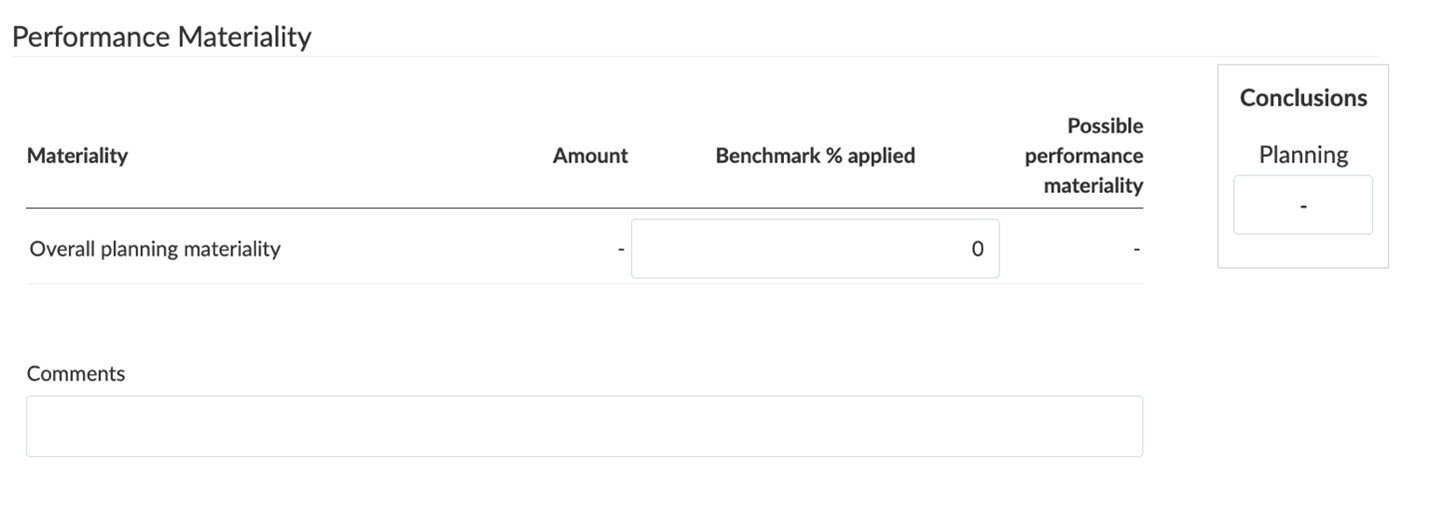
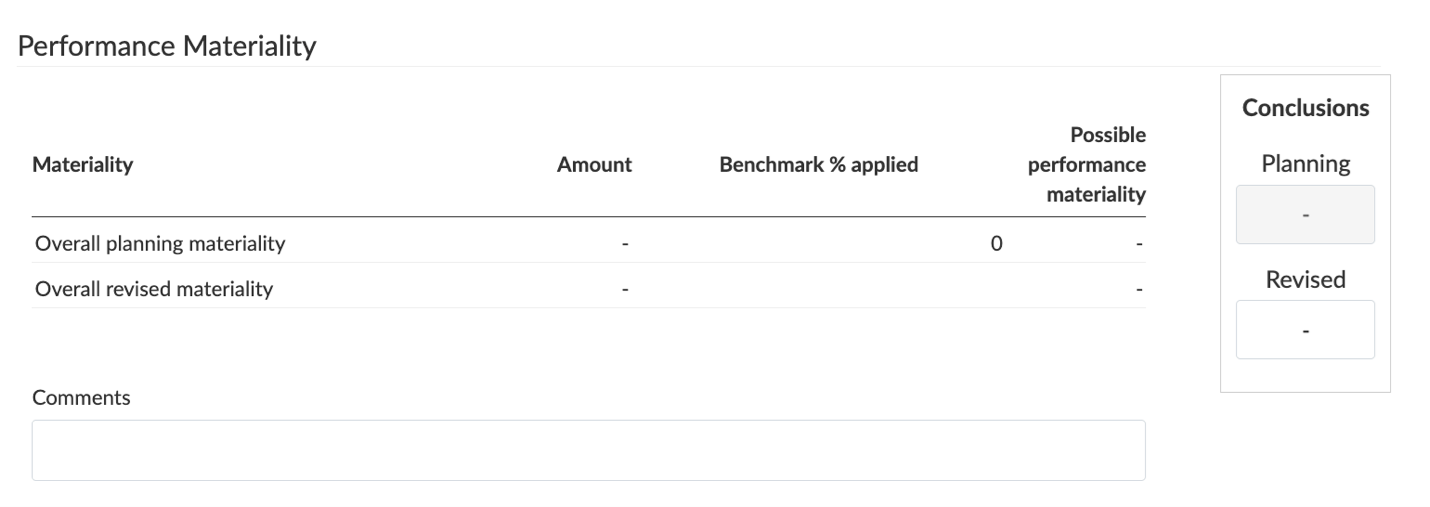
In the Performance Materiality section, document performance materiality. The table includes an Overall planning materiality row with the following columns:
-
Materiality — the materiality basis (Overall planning materiality)
-
Amount — populated automatically from Overall Materiality
-
Benchmark % applied — the percentage applied
-
Possible performance materiality — the calculated amount
Enter the Benchmark % applied; the Possible performance materiality is computed automatically. Use the Comments field to document the rationale.
-
-
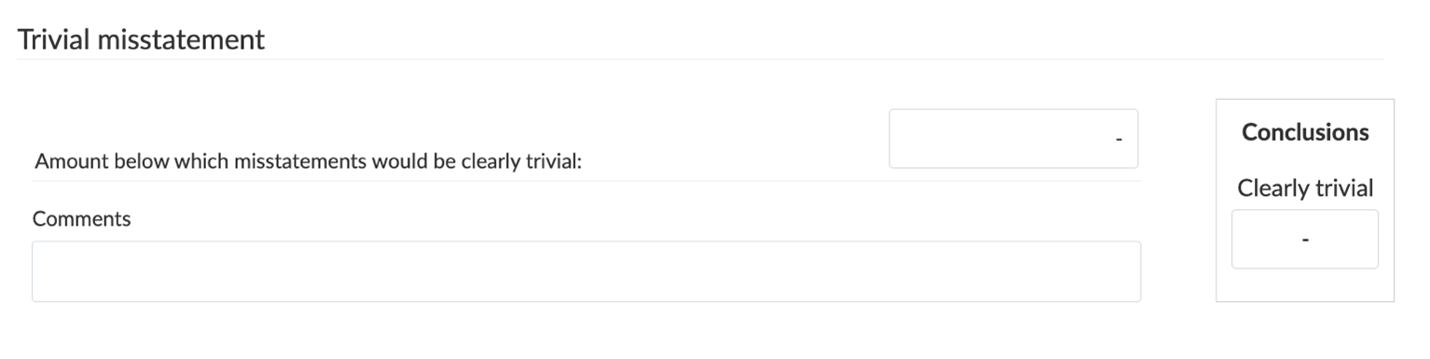
In the Trivial misstatement section, enter the Amount below which misstatements would be clearly trivial. Use the Comments field to document the rationale. The Conclusions panel on the right summarises the Clearly trivial amount.
-
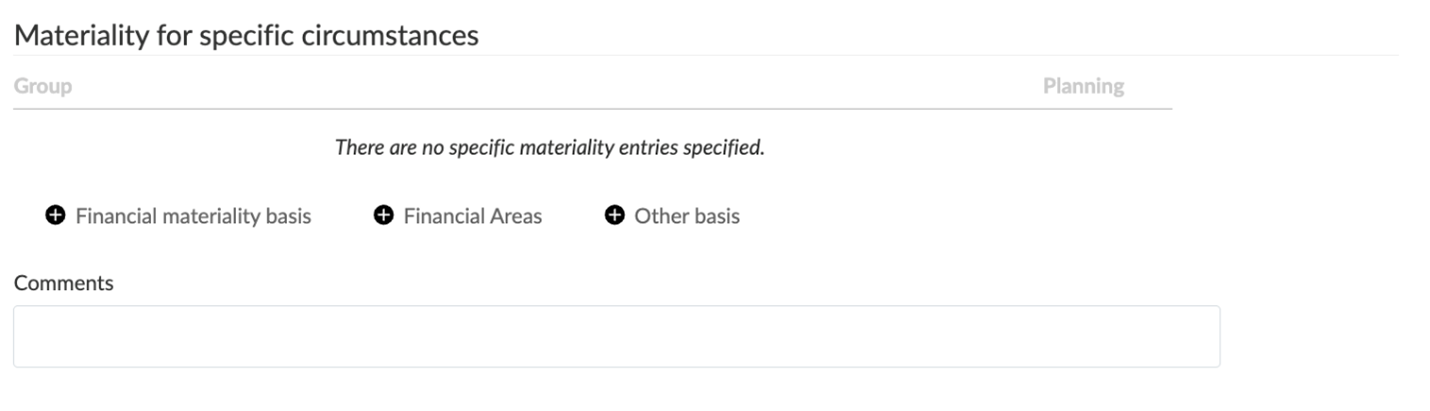
In the Materiality for specific circumstances section, document any specific materiality factors for classes of transactions, account balances or disclosures where misstatements of lesser amounts than overall materiality could reasonably be expected to influence the economic decisions of users.
Add entries using one of three types:
-
Financial materiality basis — select a financial group from the trial balance.
-
Financial Areas — select from the financial areas defined in the engagement.
-
Other basis — enter a custom description and amount.
Use the Comments field to document the rationale.
-
-
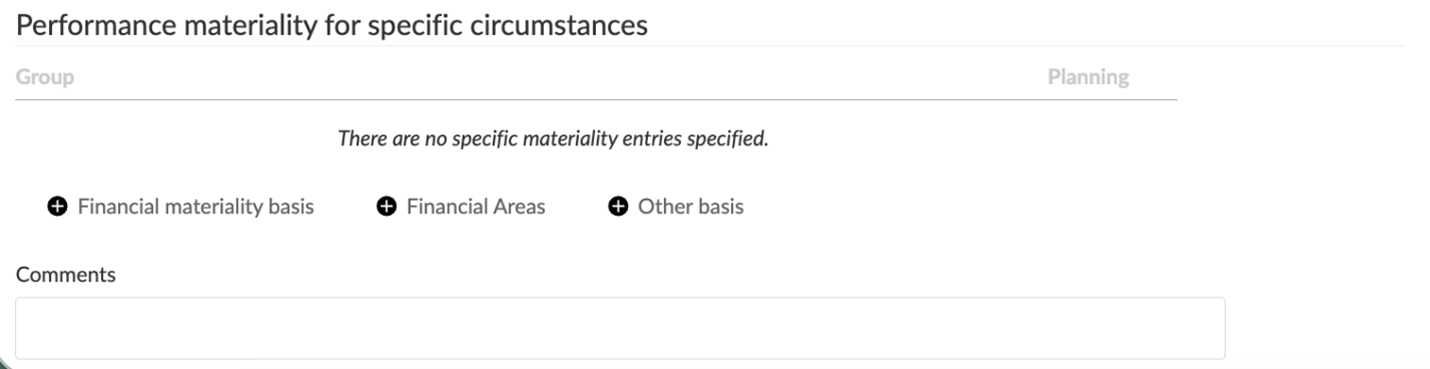
In the Performance materiality for specific circumstances section, document the related performance materiality for any specific circumstances identified above. The section uses the same three entry types (Financial materiality basis, Financial Areas, Other basis) and includes its own Comments field.
To revise materiality during the audit
Revise materiality where the engagement team becomes aware of information during the audit that would have caused different amounts to be determined initially — for example, changes in circumstances, new information obtained, or misstatements identified through procedures performed.
To begin, switch the view selector at the top of the document from Planning to Revised.
In the Revised view:
-
Planning amounts are locked — the amounts entered during planning remain visible (with a lock icon on the column headers) so the engagement team can compare planning and revised amounts directly.
-
Revised columns and rows appear alongside the Planning amounts in the affected sections.
-
The Conclusions panels split to show both Planning and Revised outputs.
-
The Revised materiality assessments section appears at the bottom of the tab.
-
Update the revised amounts
In the sections where a Revised column or row appears, enter the revised amounts. The planning amounts remain visible for comparison.
-
Overall Materiality: a Possible materiality revised column is added alongside Possible materiality planning. The Conclusions panel shows both Planning and Revised outputs.
-
Performance Materiality: a new Overall revised materiality row appears below the Overall planning materiality row. Complete the revised performance materiality basis. The Conclusions panel shows both Planning and Revised outputs.
-
Materiality for specific circumstances and Performance materiality for specific circumstances: a Revised column is added alongside the Planning column for each entry.
-
-
Complete the Revised materiality assessments section
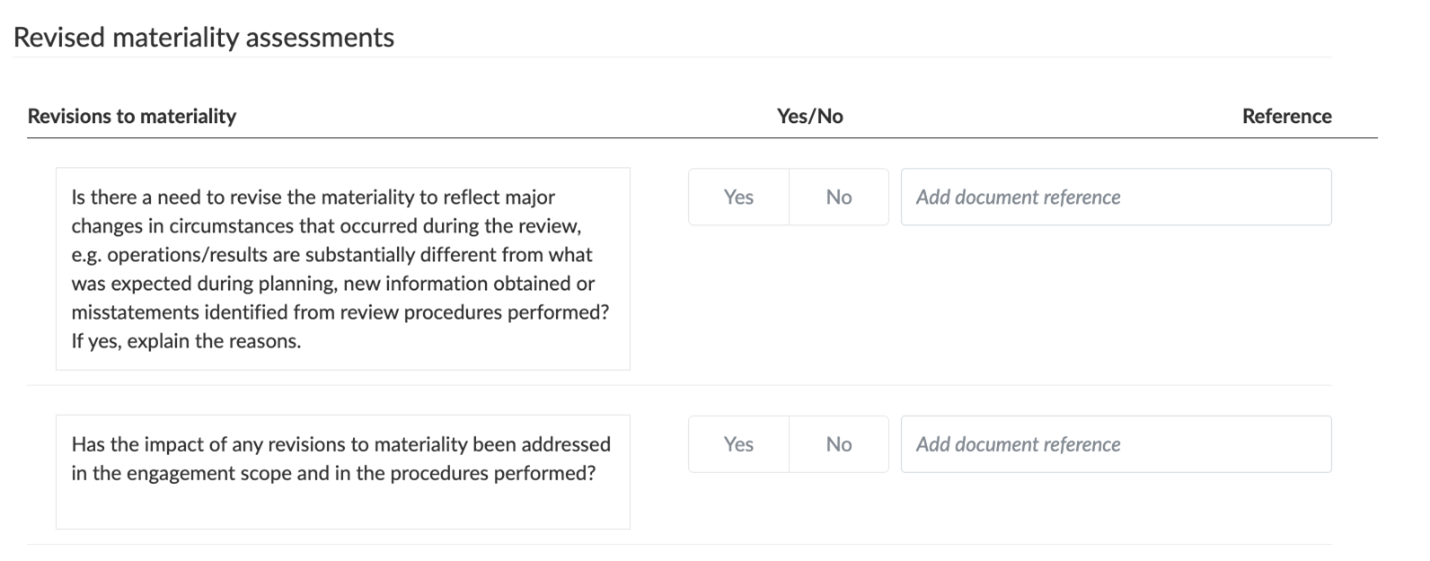
At the bottom of the Materiality tab, the Revised materiality assessments section captures the engagement team's documentation of the revision decisions. Answer the following questions using the Yes or No buttons, and use the Reference field to add a document reference where relevant:
-
Is there a need to revise the materiality to reflect major changes in circumstances that occurred during the review (for example, operations or results substantially different from what was expected during planning, new information obtained, or misstatements identified from review procedures performed)? If yes, explain the reasons.
-
Has the impact of any revisions to materiality been addressed in the engagement scope and in the procedures performed?
-
Customize the materiality document display
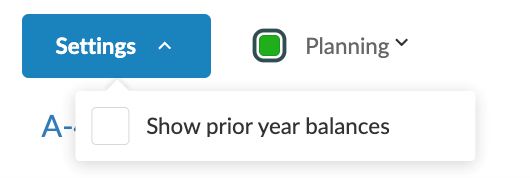
Select the Settings button at the top of the document to control how amounts are displayed and which data source is used:
-
Show prior year balances — adds a prior-year column to the relevant tables, useful where prior-year amounts inform the current-year determination.
Materiality across the engagement
The amounts determined in A-400 Materiality drive content elsewhere in the engagement:
-
A-310 Planning Analytical Review — overall planning materiality is displayed as a reference line on the analytical charts.
-
D-series work programs (Risk Response phase) — performance materiality and specific performance materiality inform the planned nature, timing and extent of audit procedures, including sampling parameters in the A-610 Audit Evidence Planner.
-
E-200 Summary of Misstatements — the clearly trivial threshold is used to filter accumulated misstatements; identified misstatements above the threshold are evaluated for their effect on the financial statements.