
Add identified controls
If you have identified potential controls, add them to the engagement file. Controls cannot be added at the template level — the New control action is only available within a live engagement. Within a live engagement, users add a control by navigating to the Controls tab in Risk & Controls and selecting New control. Each control must be linked to an existing risk. Controls are surfaced in the Risks & controls tab and in the AC-115 Risk & Controls Matrix.
To add a control:
-
On the Risk & Controls page, select Controls, then select New Control.

Or, on the engagement toolbar, select New engagement item (
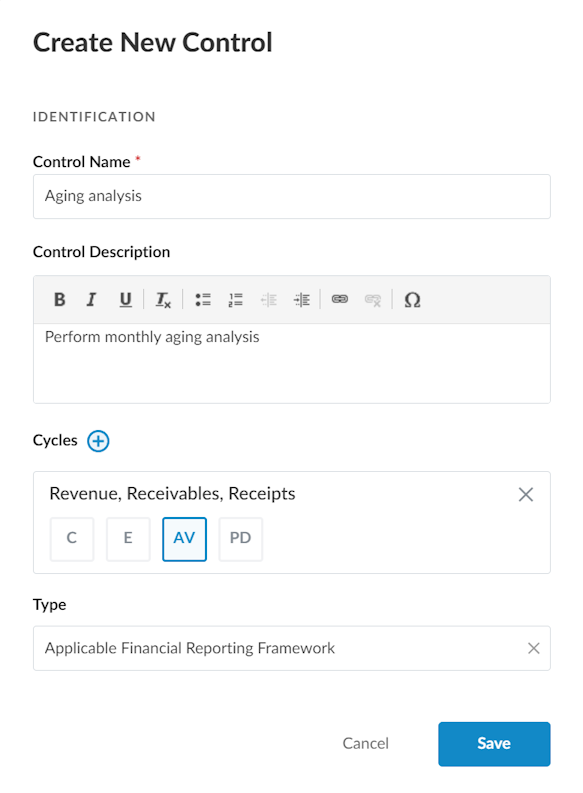
 ) | Control. The Create New Control dialog displays.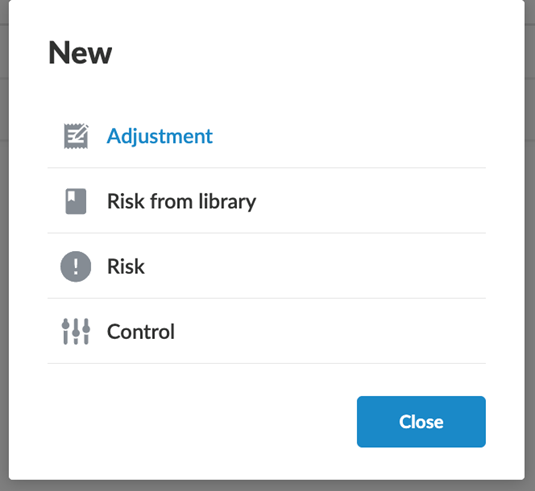
-
Enter a name and description for the control.
-
Complete any other applicable options.
-
Select Save.