Viewing Responses
Once you have received the query back from your contact, you can view it and take various actions.
-
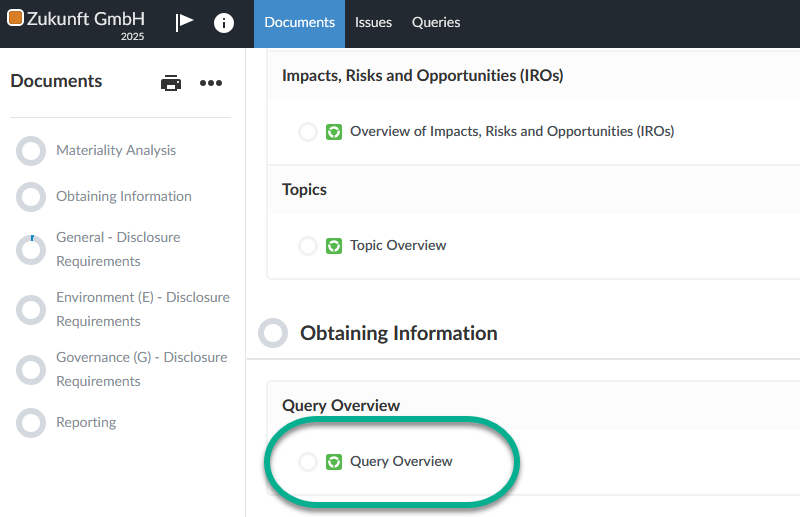
Open the Query Overview.
-
Open the query by clicking on the Open symbol next to the query title.

-
Now check the contact's responses and use the Return and Accept buttons at the bottom of the query card to decide whether to accept the query or send it back to the contact.
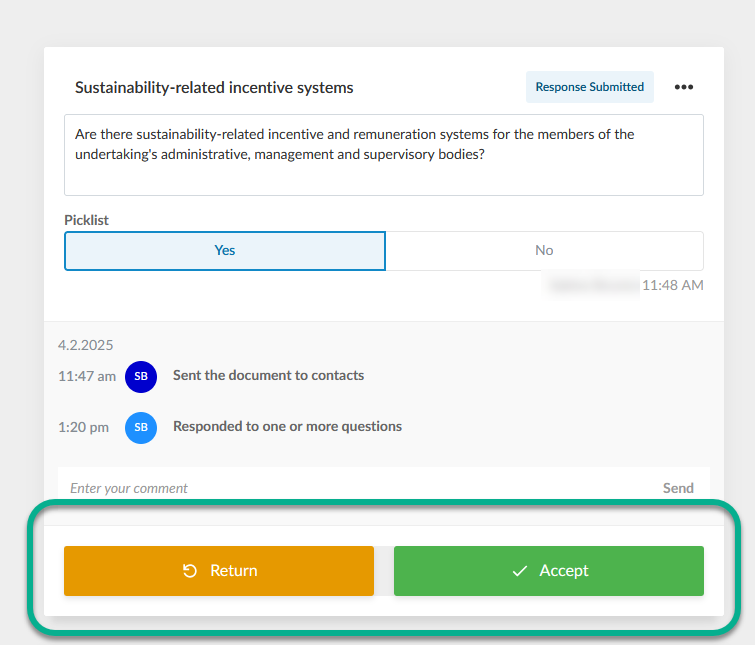
When you return a query the contact will receive an email notification.
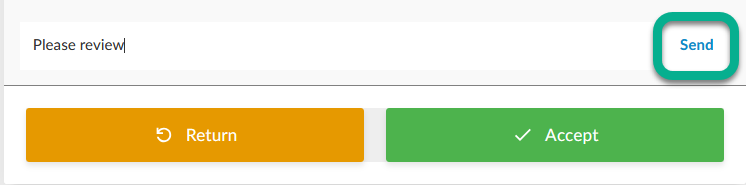
Alternatively, you can also enter a comment and click on the Send button. This way, the query and the comment are sent to your contact.