
Language Selection
You can now select English for all engagements created after the time of the update to version 2.1360 as follows:
-
Open your engagement.
-
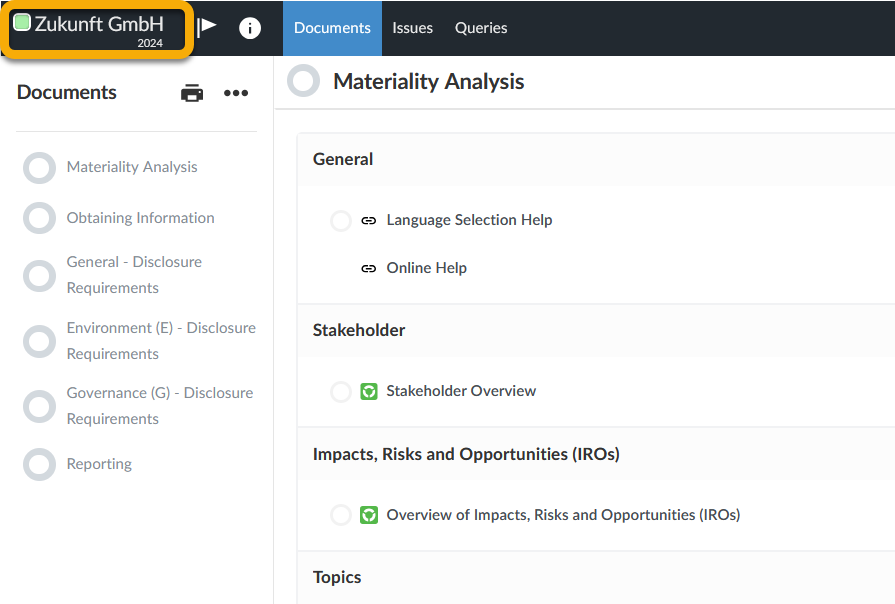
In the upper left corner click on the name of the entity.
-
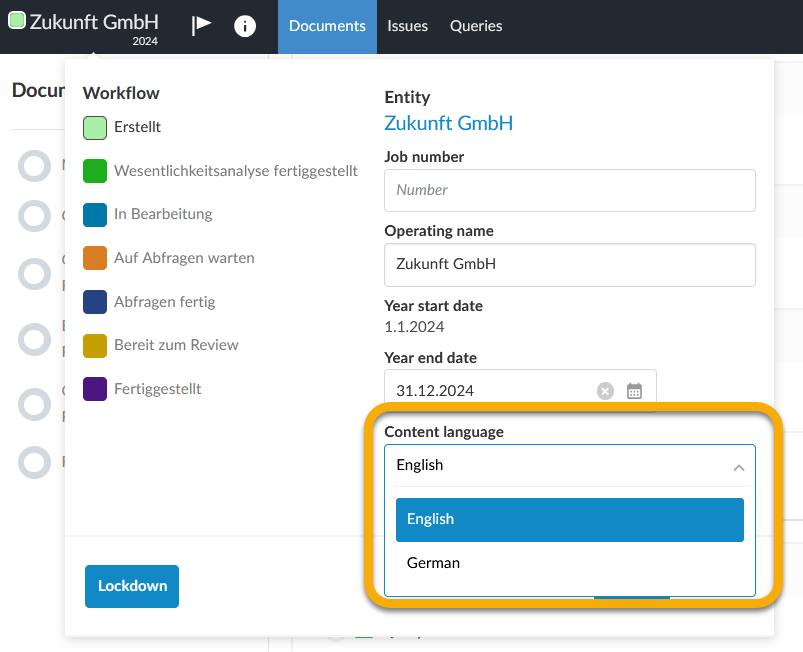
Change the language via the Content language drop-down list.
Note:
If the language is changed while there are multiple users working on the same engagement, the language is changed for all of them.