
Use the Risk Suggestion Agent
Caseware Verity can propose risks directly in your engagement using the Risk Suggestion Agent. It doesn't add suggestions automatically; you review each one and accept or reject it.
For prerequisites and best practices, see What is the Risk Suggestion Agent?
For additional support, see Risk Suggestion Agent FAQ.
To propose risks using the Risk Suggestion Agent:
-
In your engagement, select the Risk & controls tab.
-
Under RISK, select Suggest Risks.

Caseware Verity reviews the evidence in your engagement and launches a new conversation with clarifying questions.
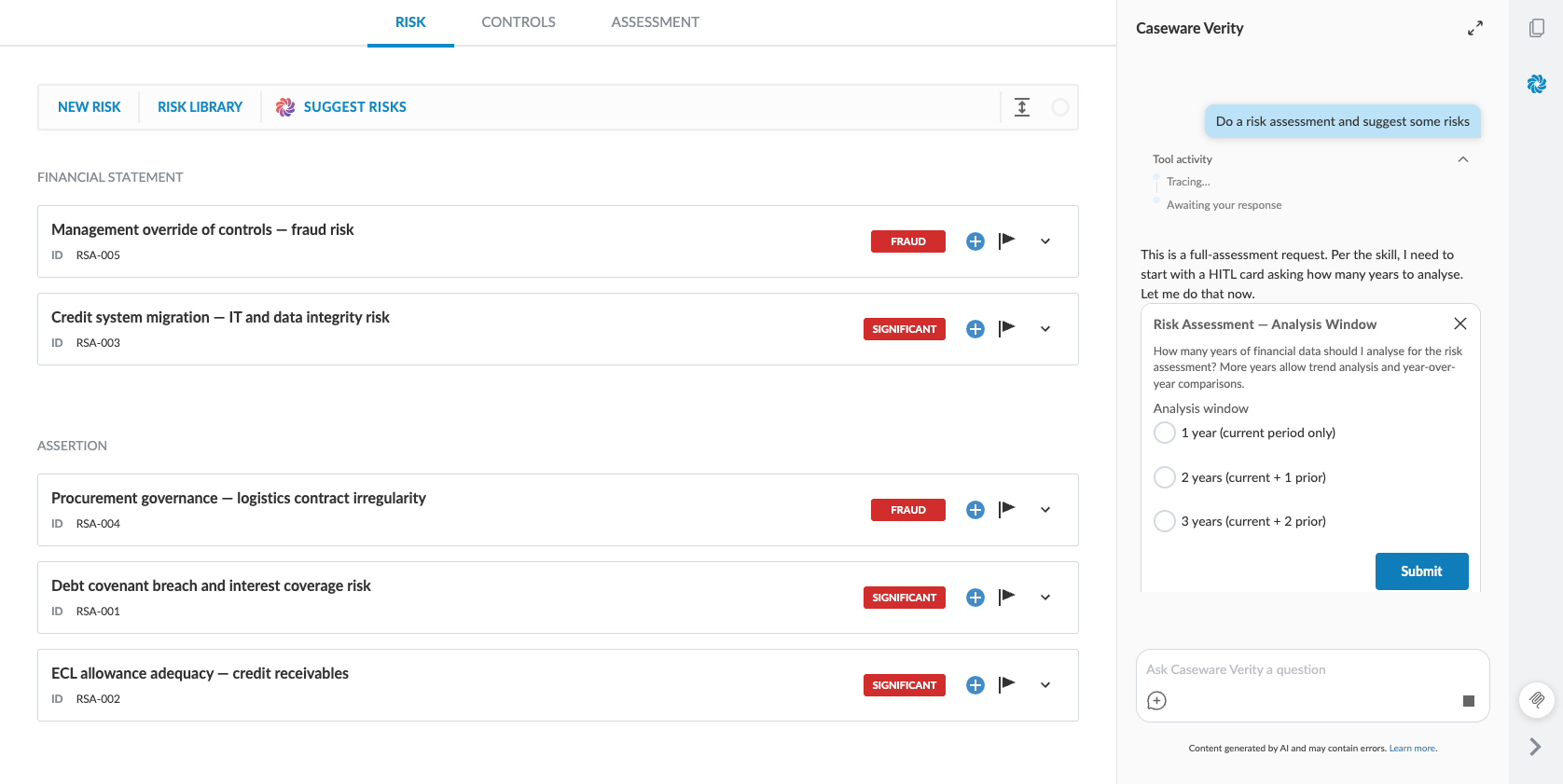
-
Answer the clarifying questions. Caseware Verity will propose risks directly in the Risks & controls tab. Select Pending suggestions to review each proposed risk.
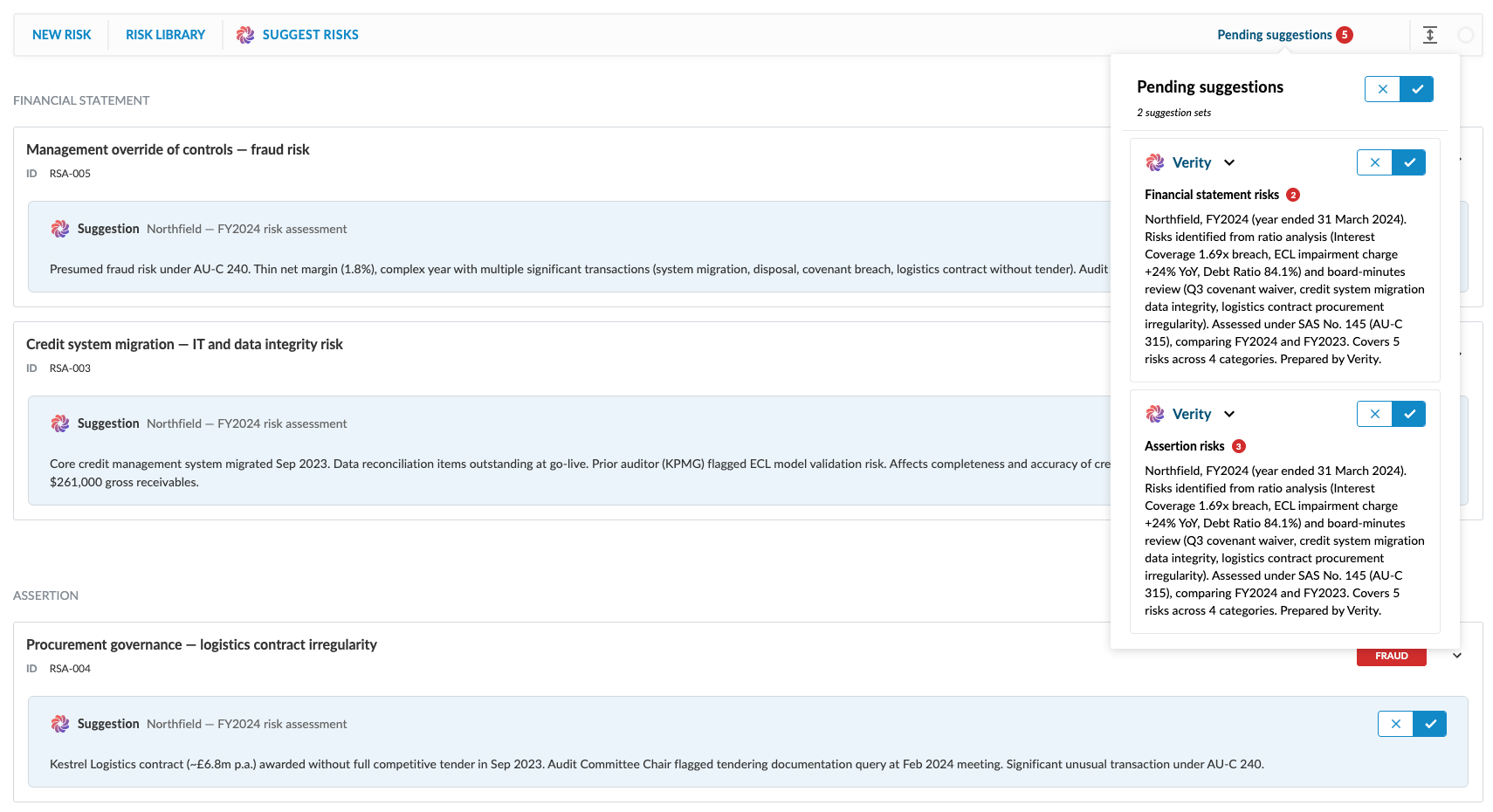
-
Accept or reject each risk. You can accept a risk and edit its description or risk level afterward. Accepted risks appear in the engagement. Rejected risks are discarded.