
Review the PBC Request document

Content in this topic requires Caseware PBC.
A query is an interactive smart document that consists of the following components:
-
Query questions - The requests and inquiries that clients need to respond to.
-
Question sets - To group related query questions.
-
Response types - To specify the expected user response. The following table describes the available response types:
Response type
Expected user response
Text
Enter the requested information.
Picklist
Select one item from the drop-down list.
Multi Picklist
Select one or more items from the drop-down list.
File Upload
Browse and add a requested file (or drag the file).
Note: The maximum upload size is 500 MB per file. For a secure file exchange, the system prevents upload of suspicious files, such as: .com, .bat, .exe, .cmd, .sh, .dll, .so, .o, .deb, .msi, .rpm, .ko, .sys, .php, .py, .vbs, .js, .app.Date
Select a date from the calendar.
Simple Electronic Signature Choose whether to sign the document manually or accept it electronically.
Note that:
-
If clients accept the document electronically, a signature log is generated and available for download.
-
If necessary, users can delete and replace the document before they accept the client's response.
-
When the document is replaced, the signature log is deleted. A new log is generated when clients accept the new document.
-
The log includes the following information:
-
Query question details
-
Signer name and email
-
Signer location (if the clients have chosen to enable location access)
-
Signer IP Address
-
Signature date
-
Document name
-
Document MD5 hash
-
-
-
Instructions - To provide guidance information for the clients. For example, add the supported file types for a document request.
Once you complete the Client Optimization checklist, the Documents page includes one of the following query documents:
- 100-10 PBC Request - Interim Fieldwork
- 101 PBC Request - General Information
- 102 PBC Request - Tax
- 103 PBC Request - EBP
Your next step is to review the document before you send it to the client contacts. As you review, you can make modifications to the document, such as:
-
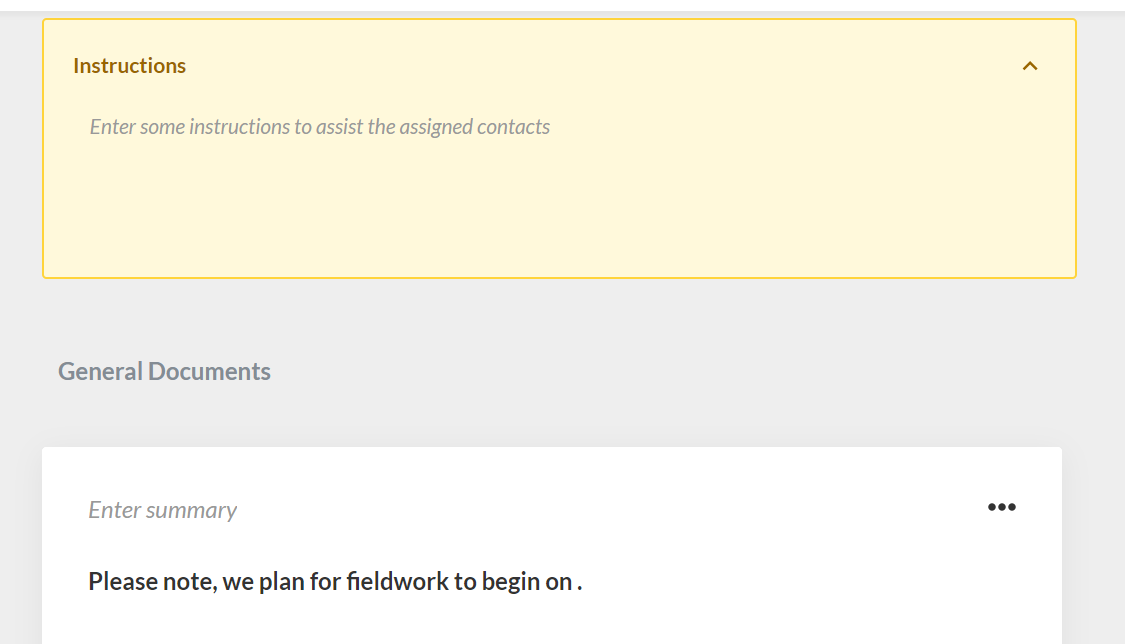
Add instructions to guide your clients on how to respond to the document.
-
Add dates for some of the questions.
-
Change the order of the questions.
-
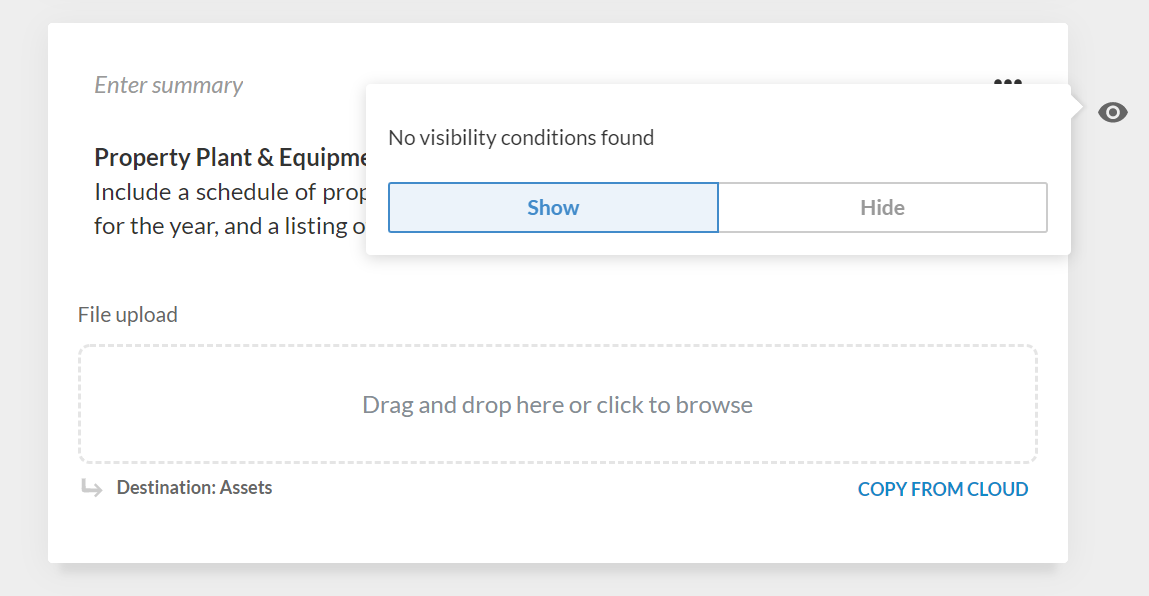
Hide an existing question.
-
Add a question set and add one or more questions to it.
-
Modify the settings for a specific question. For example, change the existing response type from File Upload to Text.
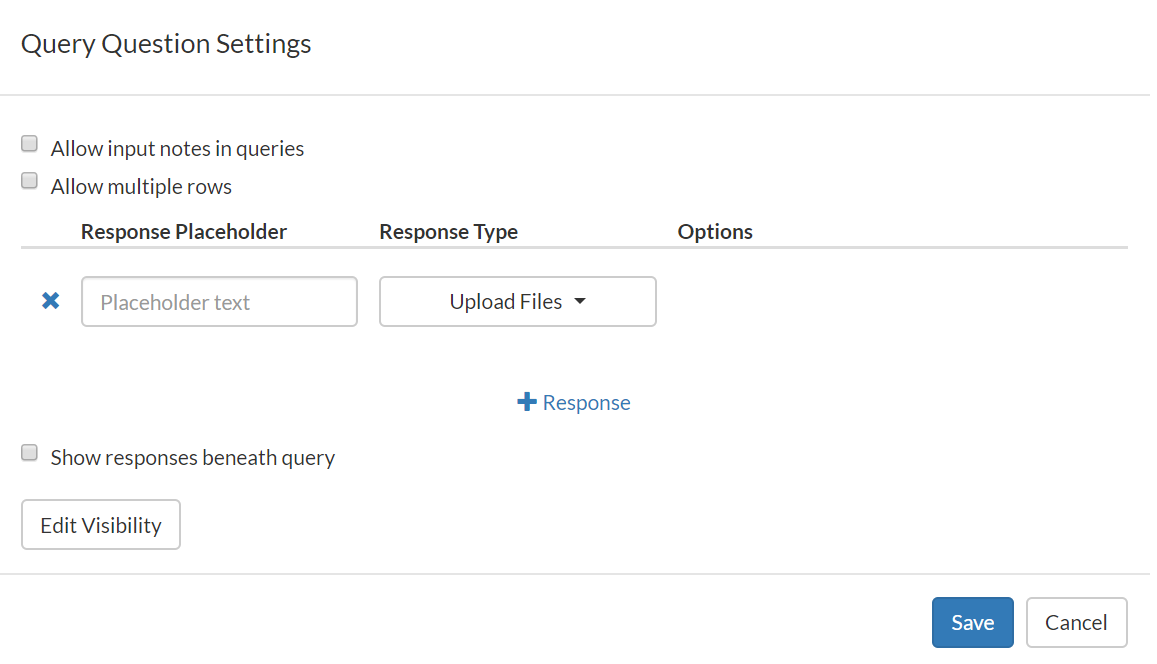
To learn more, see Review and customize query question settings.