Use the Engagement Review Agent
Caseware Verity can perform a thorough review of your workpapers using the Engagement Review Agent. The agent doesn't edit the engagement directly. It delivers a consolidated report, and you decide how to act on each item.
For prerequisites, see What is the Engagement Review Agent?
For additional support, see Engagement Review Agent FAQ.
To perform a review using the Engagement Review Agent:
-
From the Documents page of your engagement, select Review phase next to the phase you want to review.

Alternatively, expand the Caseware Verity pane and enter a request such as "Review this engagement" or "Review the Controls environment phase."
-
If your initial request doesn't include a scope, the Engagement Review Agent will prompt you to specify one. The scope can be a single phase, multiple phases, or the entire engagement.
-
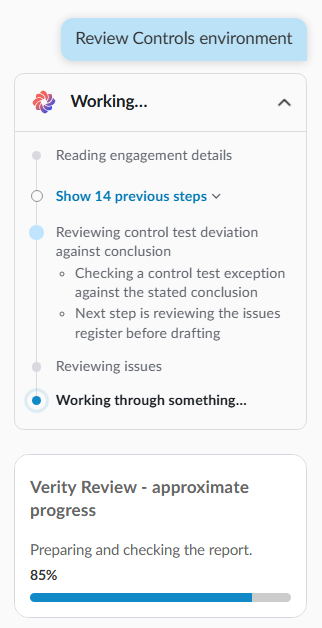
The review begins for the scoped area. You can follow its progress in the Verity pane and perform other tasks without interrupting the review process.
-
Once the review is complete, a report appears in the Verity pane. The report summarizes observations, lists each matter in detail, and describes what the review didn't cover.
-
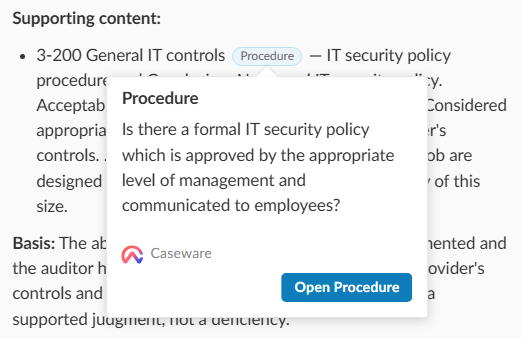
To check the evidence for a finding, select a workpaper link, then select Open Document.